Slide 1 of 4 from Checklist Tables for PowerPoint
6075-01-checklist-table-1
Checklist Comparison Slide for Presentations
- Table
- Comparison Table
- Comparison Slide
- 16:9
- 100% Editable
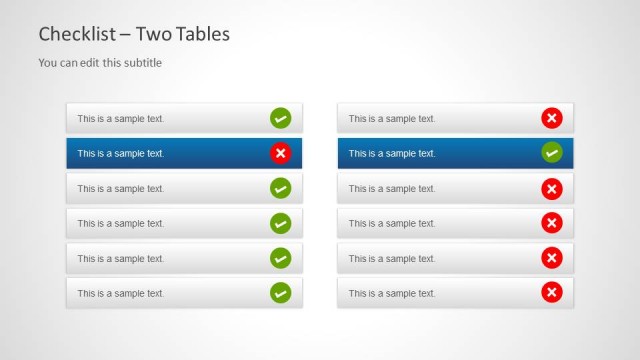
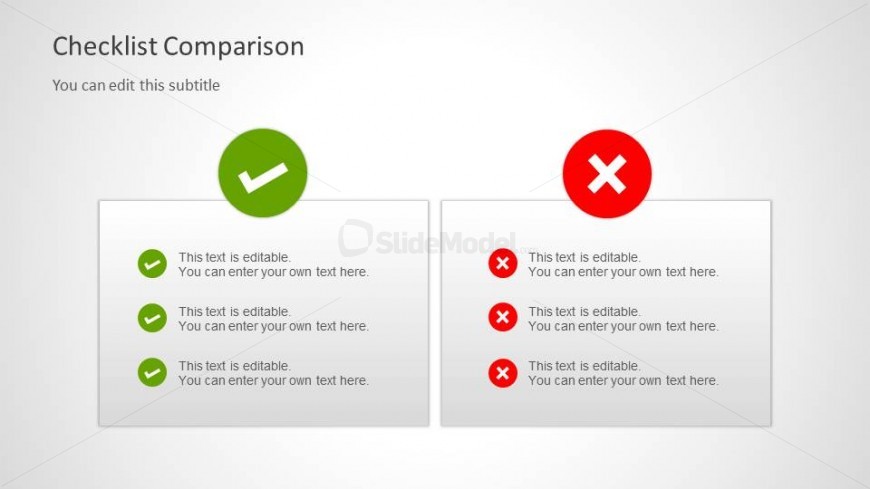
The Checklist Comparison slide from the Checklist Tables for PowerPoint template offers a clear layout for contrasting project options or product features. Designed with editable shapes and vector icons, this slide facilitates straightforward evaluation of task completion in business presentations or pitch decks, enhancing decision-making through a balanced visual comparison.
What’s on This Slide
The layout features a title at the top, stating 'Checklist Comparison,' with a subtitle below. On the left, a green checkmark icon is positioned above three editable text placeholders, each aligned vertically. The right side displays a red cross icon above three corresponding editable text placeholders, also arranged vertically. The icons are circular, with the checkmark in green and the cross in red, creating a clear visual distinction. The background is light, enhancing readability and focus on the icons and text. Overall, the slide is symmetrically balanced.
How to Use It
This layout serves as a comparison tool, ideal for contrasting two sets of criteria or tasks. It fits well in a presentation sequence after introducing a topic and before discussing solutions or recommendations. Business scenarios include evaluating project options, comparing product features, or assessing task completion statuses. The structure allows for straightforward communication of pros and cons, making it effective for decision-making discussions.
Text Placeholders & Capacity
Keep your copy within these limits so it fits without resizing. Node slots can accommodate roughly 6-8 words each.
| Placeholder | Count | Max characters (approx.) |
|---|---|---|
| Slide title | 1 | 30 |
| Subtitle | 1 | 50 |
| Item body | 6 | 40 |
Slide Keywords
Download unlimited PowerPoint templates, charts and graphics for your presentations with our annual plan.
DOWNLOADReturn to Checklist Tables for PowerPoint.