Slide 4 of 4 from Checklist Tables for PowerPoint
6075-01-checklist-table-4
Checklist Table for PowerPoint
- Table
- Comparison Table
- Comparison Slide
- 16:9
- 100% Editable
The Checklist Table for PowerPoint slide from the Checklist Tables for PowerPoint template offers a structured layout ideal for task tracking and option comparison. Featuring editable slides with check and cross icons, this slide supports clear status updates and decision-making in business presentations or corporate slide decks.
What’s on This Slide
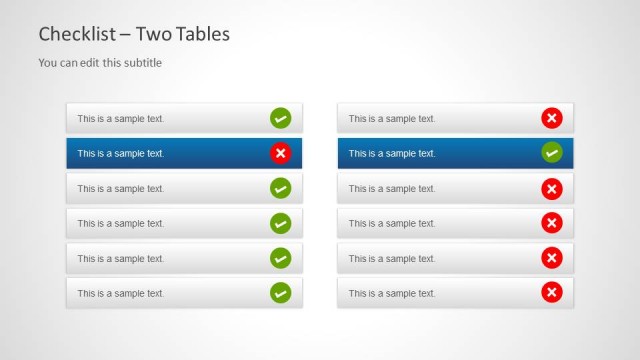
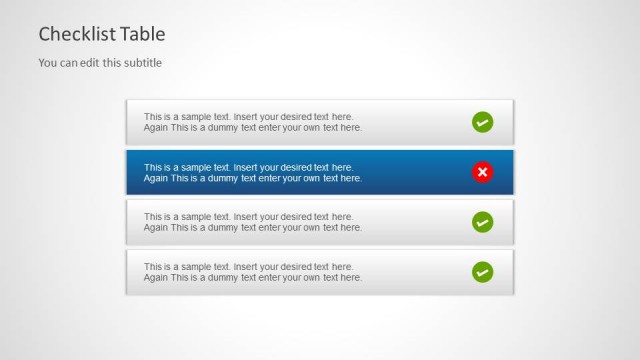
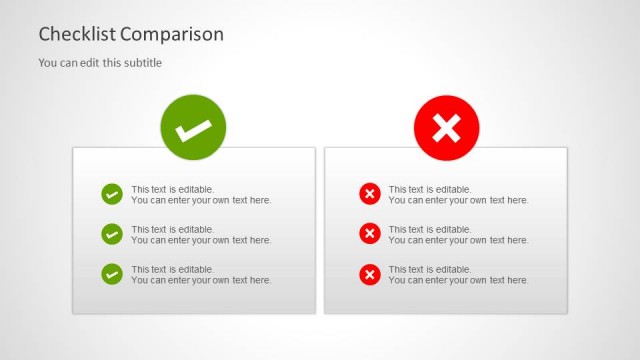
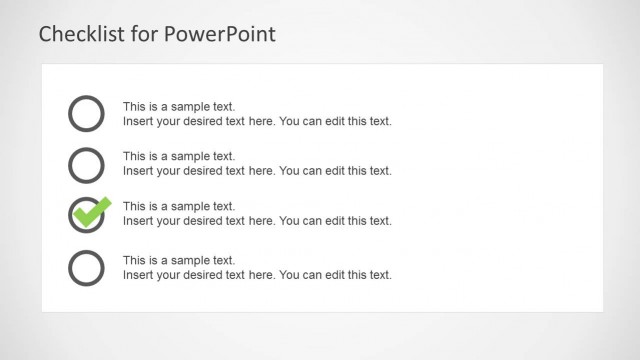
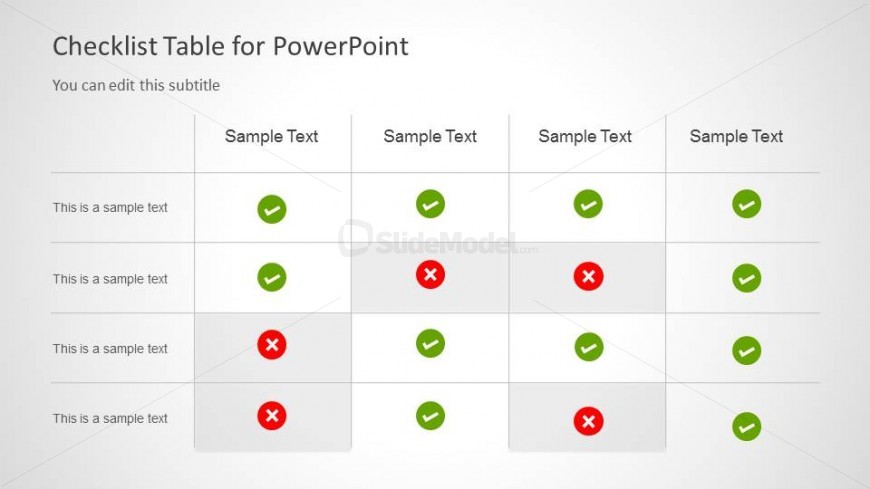
The layout features a four-column table with check and cross icons. The first column contains text placeholders aligned vertically, while the remaining columns hold sample text placeholders. Each row has a consistent structure, with check marks in green circles and cross marks in red circles. The table is centered on a light background, providing clear visibility. The header includes a title and subtitle, with the title positioned at the top left. The overall composition emphasizes the checklist format, allowing for easy comparison across options.
How to Use It
This layout serves as a checklist table, ideal for comparing multiple options or tracking tasks. It fits well in presentations that require decision-making or task management. This structure is useful for project updates, team assignments, or feature comparisons. It allows users to visually assess the status of various items quickly. The checklist format is particularly effective for managers and teams needing to organize tasks or evaluate options systematically.
Text Placeholders & Capacity
Keep your copy within these limits so it fits without resizing. Node body slots can hold about 5-6 words each.
| Placeholder | Count | Max characters (approx.) |
|---|---|---|
| Slide title | 1 | 30 |
| Subtitle | 1 | 50 |
| Item body | 4 | 30 |
| Item heading | 4 | 30 |
Slide Keywords
Download unlimited PowerPoint templates, charts and graphics for your presentations with our annual plan.
DOWNLOADReturn to Checklist Tables for PowerPoint.