Slide 5 of 8 from Checklist Slide Template for PowerPoint
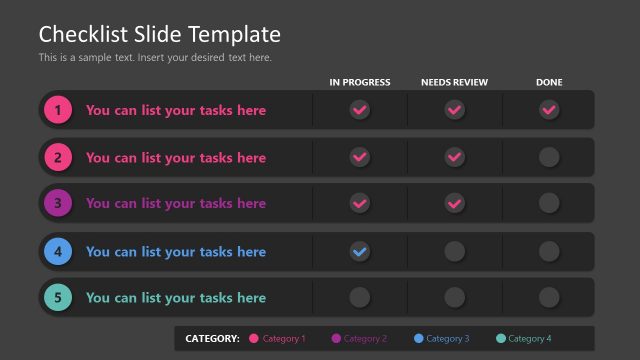
Checklist Slide Template with Five Rows – Dark Background
Checklist Slide with Task Status Indicators
- Table
- Checklist
- Process Slide
- 16:9
- 100% Editable
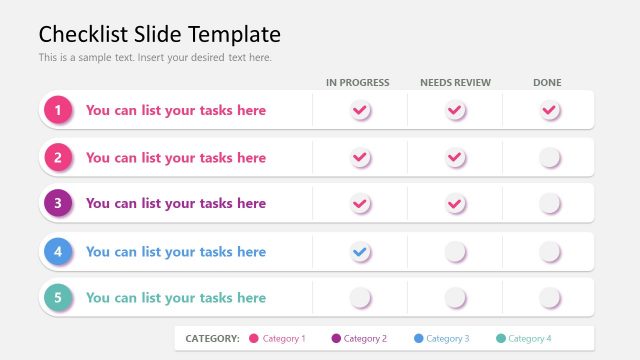
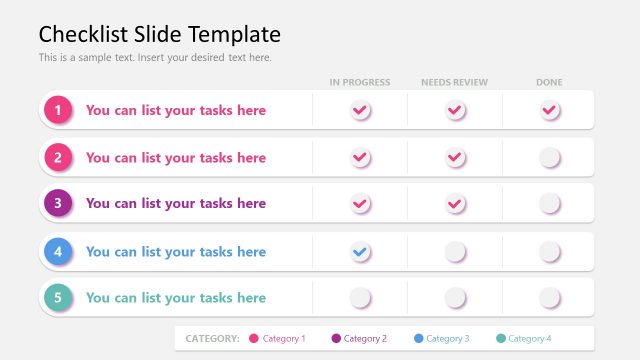
The Checklist with Status Indicators slide from the Checklist Slide Template for PowerPoint offers a structured layout for task tracking and project management. This slide template features editable shapes and clear status markers to enhance team collaboration within business presentations or corporate slide decks.
What’s on This Slide
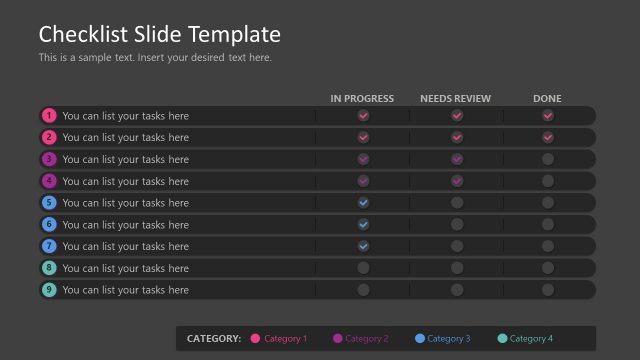
The layout features a vertical checklist with five rows, each containing a task description. Each row has a circular status indicator on the left, followed by the task text aligned to the left. There are four columns to the right for status indicators labeled 'In Progress', 'Needs Review', and 'Done', with checkmarks or empty circles representing status. The background is dark gray, and each task row has alternating colors for visual separation. Text placeholders are present for task descriptions and are centrally placed within each row.
How to Use It
This layout serves as a task management checklist, ideal for tracking project progress. It fits within a presentation sequence that addresses project planning or status updates. This slide is useful for business meetings, personal management, or team task assignments. It can be used to visually communicate task statuses and responsibilities in a clear manner, enhancing team collaboration and accountability.
Text Placeholders & Capacity
Keep your copy within these limits so it fits without resizing. Node body slots can hold about 30 characters each.
| Placeholder | Count | Max characters (approx.) |
|---|---|---|
| Item body | 5 | 30 |
| Item heading | 5 | 2 |
| Callout | 4 | 15 |
Slide Keywords
Download unlimited PowerPoint templates, charts and graphics for your presentations with our annual plan.
DOWNLOADReturn to Checklist Slide Template for PowerPoint.