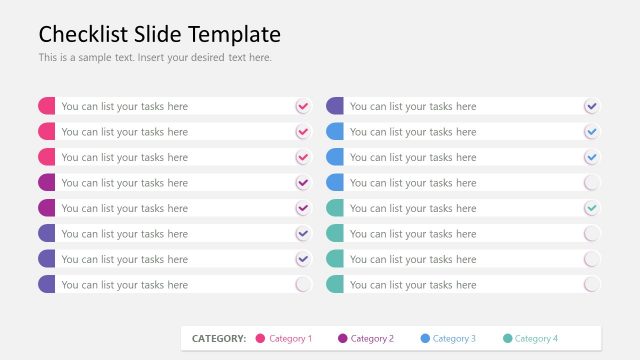
Slide 8 of 8 from Checklist Slide Template for PowerPoint
Editable Two Columns Slide for PowerPoint Checklist Presentation
Checklist Slide with Categories for Tasks
- Text Layout
- List Blocks
- Process Slide
- 16:9
- 100% Editable
What’s on This Slide
The layout features a checklist format with eight rows, each containing a task description aligned to the left. Each row has a colored circular icon on the left, indicating the category, and a checkbox on the right for task completion. The background is dark gray, providing contrast to the colorful icons. The text placeholders are centered vertically within each row, and the overall composition is structured and organized. The visual hierarchy emphasizes the task descriptions, with the icons serving as category indicators.
How to Use It
This layout serves as a task management checklist, suitable for tracking progress on multiple tasks categorized into four distinct groups. It fits well in a presentation sequence after problem identification, allowing for clear action steps. Ideal for business meetings, project management updates, or personal planning sessions, this format helps maintain focus on task completion and organization.
Text Placeholders & Capacity
Keep your copy within these limits so it fits without resizing. List items can accommodate roughly 30 characters each without overflow.
| Placeholder | Count | Max characters (approx.) |
|---|---|---|
| List item | 8 | 30 |
Slide Keywords
Download unlimited PowerPoint templates, charts and graphics for your presentations with our annual plan.
DOWNLOADReturn to Checklist Slide Template for PowerPoint.