Center of Excellence Circular Diagram PowerPoint Template
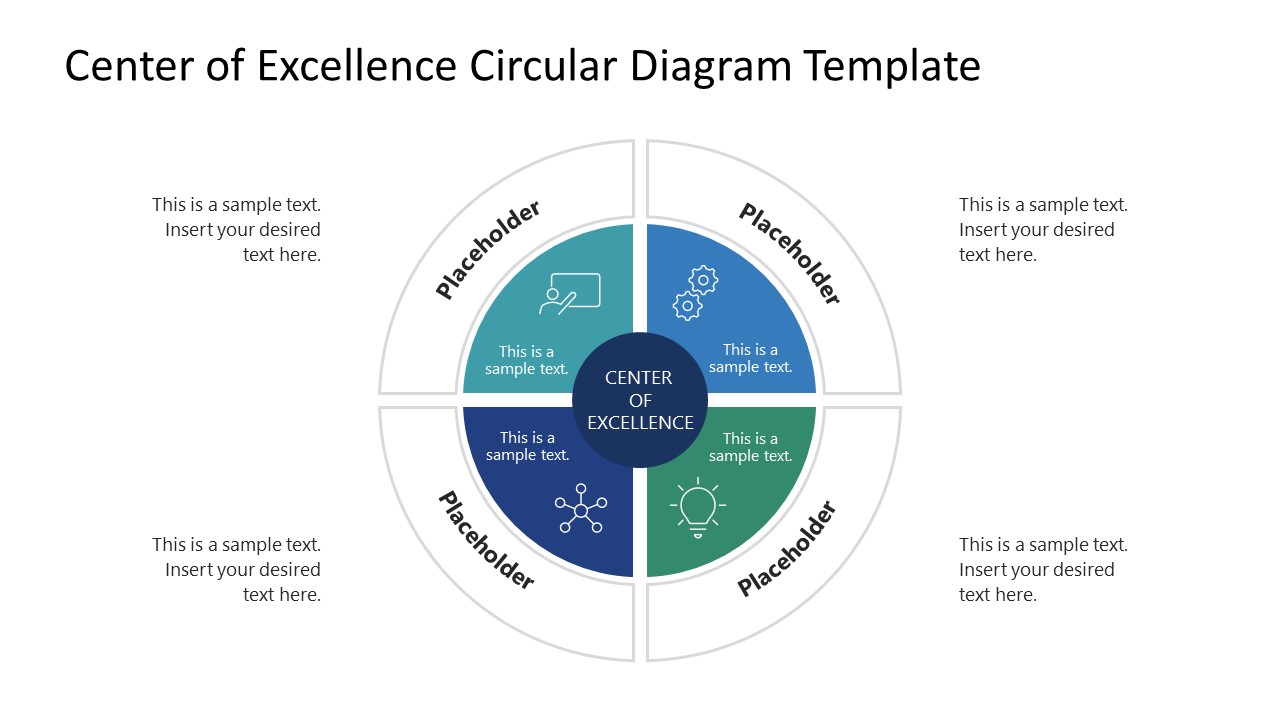
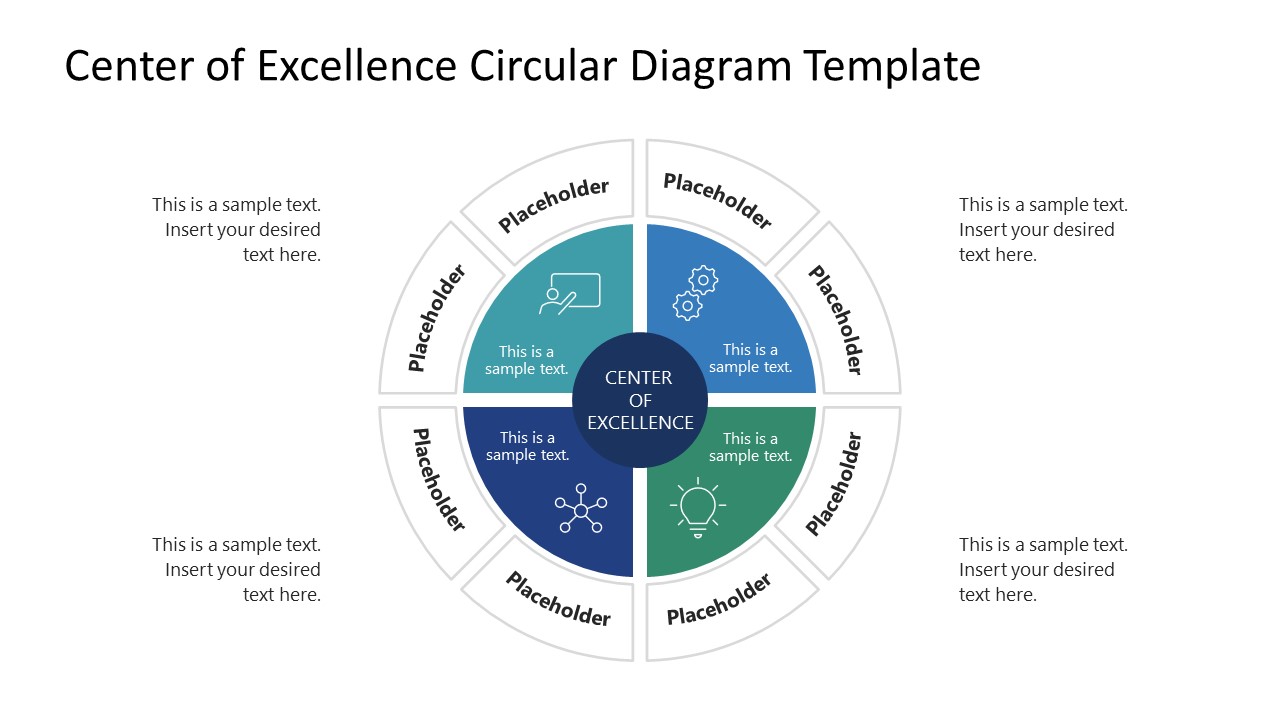
Download and create your professional presentation with our Center of Excellence Circular Diagram PowerPoint Template. This PPT template features a creative circular diagram to showcase four & eight factors/aspects of the CoE concept, i.e., a concept of continuous improvement that describes it as a multi-step, evolving process rather than a single-step mechanism. This CoE diagram can be used in business and enterprise presentations to discuss their continuous improvement strategies. For example, it can help discuss the phases of technology implementation or AI transformation in the organization. Likewise, it can help showcase various areas of improvement required to train a team in the organization. Other than these instances, professionals can re-purpose this diagram according to their subject of presentation.
This Center of Excellence Circular Diagram PowerPoint Template includes two editable slides, each with a different number of divisions around the central core element. The core element of the diagram is labeled ‘Center of Excellence’. The first layer surrounding this circular part has four divisions (common to both slides). These sections carry infographic icons and text boxes and can be color-coded. The outer layer of sections around the circle has four divisions on the first slide and eight on the second one. Users can add text to the provided text boxes based on their presentation data. This stepwise division can help showcase two layers of processes or phases. The text boxes are easy to edit and can be customized in easy steps. For both slides, users can change the background color or add watermarks to match their brand colors and preferences. Likewise, the text font and colors can also be adjusted. Try it today!
You must have an active subscription to download this file.
- Category
- Diagrams
- Rating
-

 Loading...
 - Size
- 16x9
- Item ID
- 23432-01
- Colors
Subscribe today and get immediate
access to download our PowerPoint templates.