Slide 7 of 7 from Business Target Shapes for PowerPoint
6022-business-target-wide-7
Business Target with Arrows for Presentations
- Diagram
- Arrow Sequence
- Strategy Slide
- 16:9
- 100% Editable
What’s on This Slide
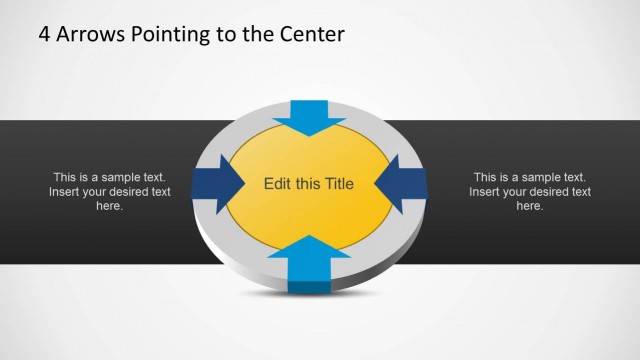
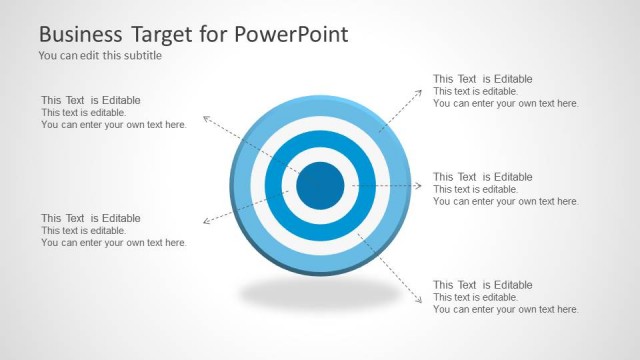
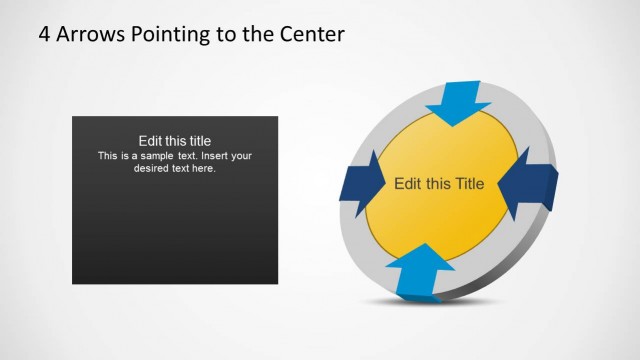
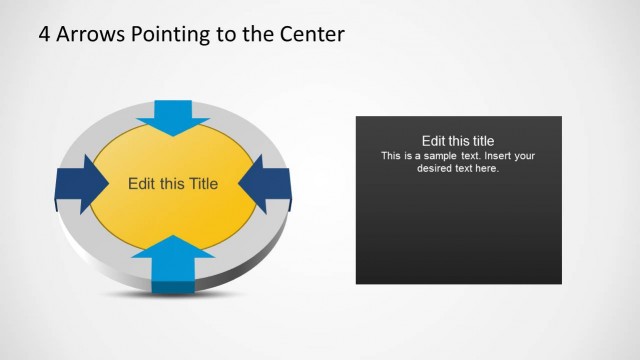
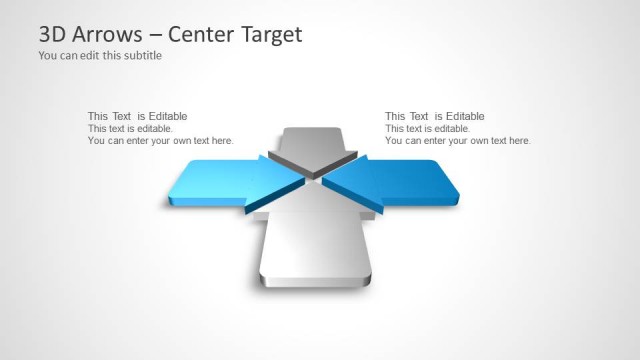
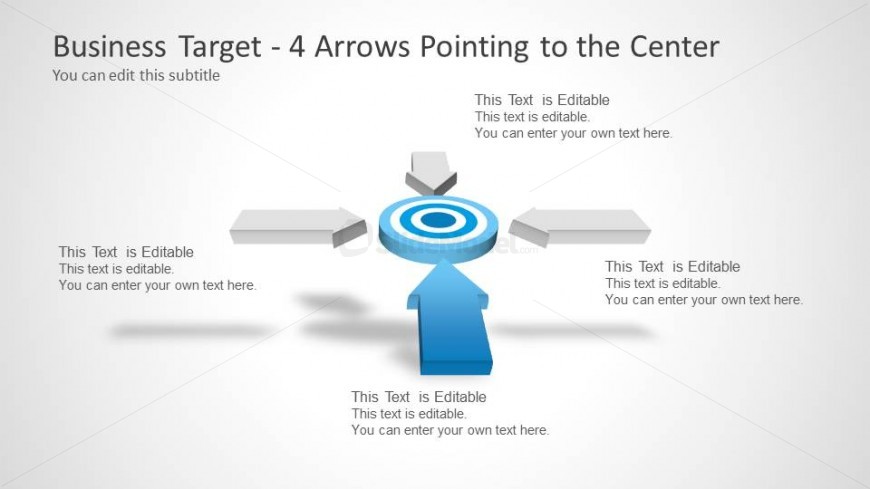
The layout features a central circular target shape with four arrows pointing towards it from the left, right, top, and bottom. Each arrow is a solid shape, with the central target being larger and circular. Text placeholders are positioned near each arrow, aligned horizontally and vertically, allowing for editable content. The background is light, enhancing the visibility of the shapes. The overall composition is symmetrical, emphasizing the central target. The arrows are of equal size and visually connect to the target, creating a clear focal point.
How to Use It
This layout serves as a visual representation of goals or objectives, suitable for presentations discussing target markets or strategic objectives. It fits well in a sequence following a problem statement, illustrating solutions or focus areas. Real-world applications include marketing strategies, project goals, or performance targets. The design allows for clear communication of multiple inputs converging on a central theme, making it effective for team discussions or stakeholder presentations.
Text Placeholders & Capacity
Keep your copy within these limits so it fits without resizing. Node body slots can hold roughly 10 words each.
| Placeholder | Count | Max characters (approx.) |
|---|---|---|
| Slide title | 1 | 40 |
| Subtitle | 1 | 40 |
| Item body | 4 | 50 |
Slide Keywords
Download unlimited PowerPoint templates, charts and graphics for your presentations with our annual plan.
DOWNLOADReturn to Business Target Shapes for PowerPoint.