Slide 1 of 3 from Free Blue Target Shapes for PowerPoint
FF0018-01-target-shapes-1
Business Target Diagram for Presentations
- Diagram
- Other
- Strategic Analysis Slide
- 16:9
- 100% Editable
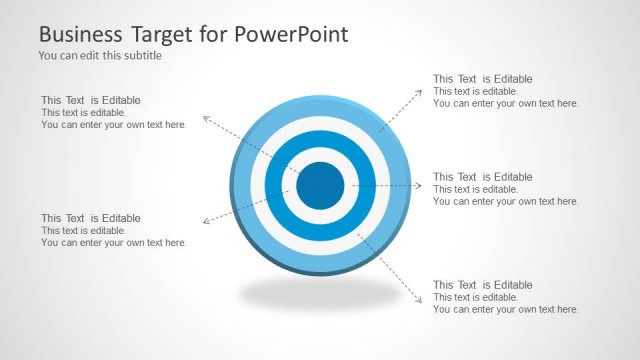
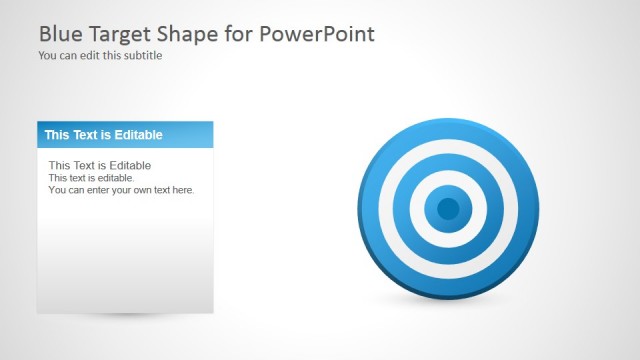
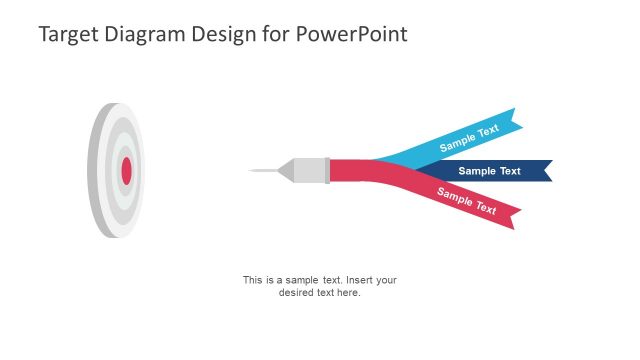
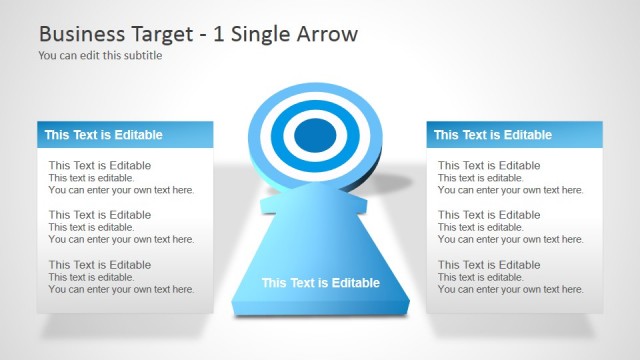
The Business Target Diagram slide from the Free Blue Target Shapes for PowerPoint template offers a clear visual tool for strategic analysis, goal setting, and performance tracking. This slide layout integrates editable shapes and text placeholders with a central target diagram, making it suitable for corporate presentations and business presentation templates focused on strategic planning and objective communication.
What’s on This Slide
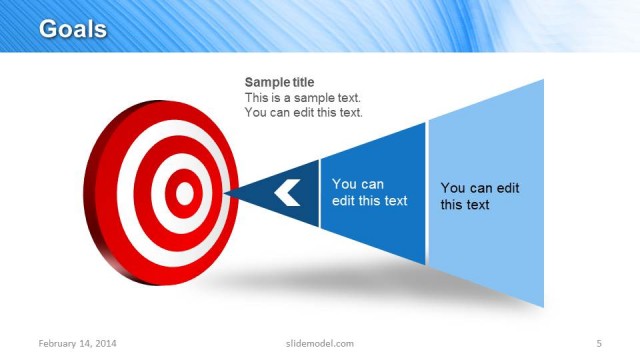
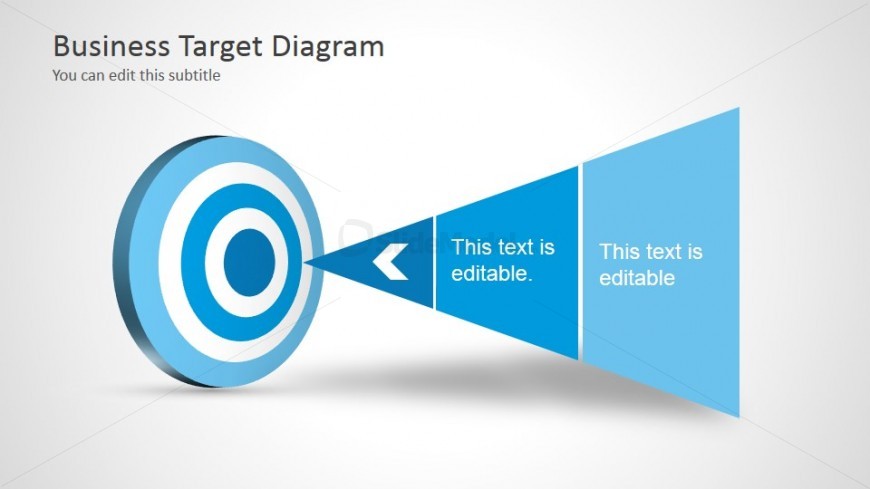
The slide features a central blue target diagram positioned on the left. It consists of concentric circles in varying shades of blue. A directional beam extends from the target to the right, forming a triangle with two editable text placeholders. The placeholders are aligned vertically, with the first positioned above the second. The background is light gray, providing contrast to the blue elements. The title is located at the top left, while a subtitle placeholder is just below it, both in a prominent font. Overall, the layout emphasizes the target and accompanying text areas.
How to Use It
This layout serves as a business target diagram, ideal for illustrating goals or objectives in a presentation. It fits well at the beginning of a presentation to set the stage for strategic discussions. This structure can be used in various business contexts, such as marketing strategies, project goals, or performance targets. The clear visual hierarchy aids in conveying focus areas effectively, making it suitable for team meetings or stakeholder updates.
Text Placeholders & Capacity
Keep your copy within these limits so it fits without resizing. Text slots are moderate, roughly 5-10 words each.
| Placeholder | Count | Max characters (approx.) |
|---|---|---|
| Slide title | 1 | 30 |
| Subtitle | 1 | 50 |
| Item body | 2 | 40 |
Slide Keywords
Download unlimited PowerPoint templates, charts and graphics for your presentations with our annual plan.
DOWNLOADReturn to Free Blue Target Shapes for PowerPoint.