Slide 8 of 8 from Animated 3D Target PowerPoint Template
4 Step Target and Darts Diagram PPT
3D Target PowerPoint Slide for Presentations
- Diagram
- Target Diagram
- Goal Setting Slide
- 16:9
- 100% Editable
What’s on This Slide
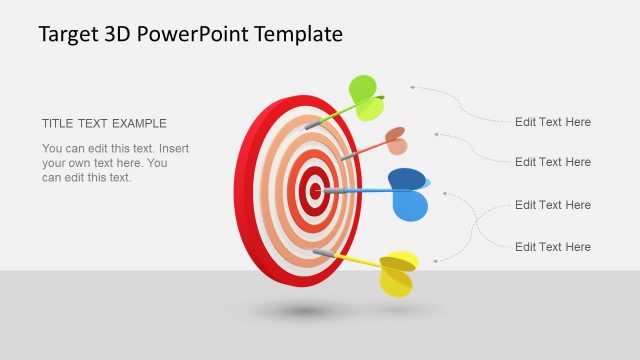
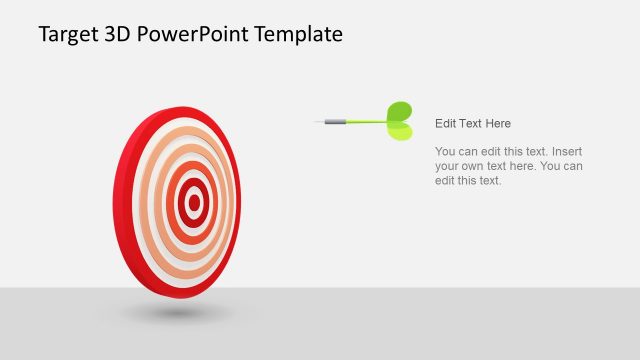
The slide features a 3D target design centered in the layout. Darts in various colors are positioned around the target, with curved lines indicating their trajectory. Text placeholders are located at the top and around the target, allowing for customizable content. The target consists of concentric circles in red and white, creating a layered effect. The background is light gray, enhancing the visibility of the target and darts. The overall composition is balanced, with a clear focus on the central target element.
How to Use It
This layout serves as a visual representation of goals or objectives, suitable for presentations discussing target audiences or performance metrics. It fits well in a sequence following problem identification, illustrating solutions or outcomes. This slide can be used in business contexts such as marketing strategies, project goals, or performance evaluations, effectively conveying focus areas and priorities.
Text Placeholders & Capacity
Keep your copy within these limits so it fits without resizing. Text slots are moderate, roughly 5-7 words each.
| Placeholder | Count | Max characters (approx.) |
|---|---|---|
| Slide title | 1 | 30 |
| Item body | 4 | 40 |
Slide Keywords
Download unlimited PowerPoint templates, charts and graphics for your presentations with our annual plan.
DOWNLOADReturn to Animated 3D Target PowerPoint Template.