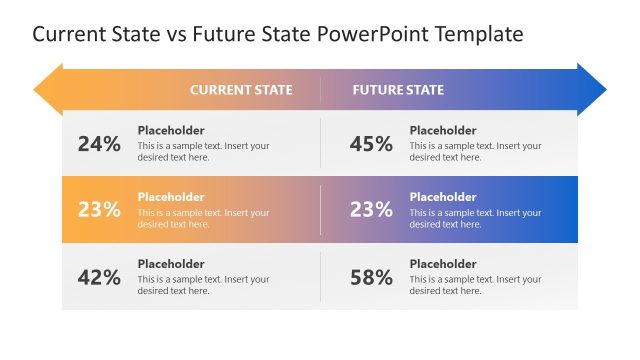
Slide 3 of 4 from Current State vs Future State Slide Template for PowerPoint
Current State vs Future State Presentation Slide Template
Current State vs Future State Slide Template
- Diagram
- Comparison Split
- Process Slide
- 16:9
- 100% Editable
What’s on This Slide
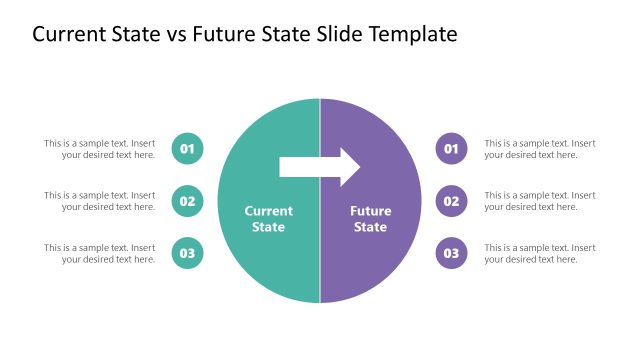
The layout features two overlapping circles positioned on the left and right sides, labeled 'Current State' and 'Future State.' A central arrow connects the two circles, indicating a transition. Each circle contains a text placeholder aligned centrally for content insertion. The circles are visually distinct, with the left circle in teal and the right circle in purple. The background is white, providing contrast. The overall composition emphasizes the relationship between the two states, with clear visual separation and alignment.
How to Use It
This layout serves to compare and contrast the current and future states of a project or initiative. It is effective in presentations that require illustrating progress or transformation. This slide fits well in a sequence that discusses challenges and solutions, making it suitable for business development, strategic planning, or performance improvement discussions. It can be used to highlight goals and the steps needed to achieve them.
Text Placeholders & Capacity
Keep your copy within these limits so it fits without resizing. Node body slots can hold about 10 words each.
| Placeholder | Count | Max characters (approx.) |
|---|---|---|
| Item heading | 2 | 30 |
| Item body | 2 | 50 |
Slide Keywords
Download unlimited PowerPoint templates, charts and graphics for your presentations with our annual plan.
DOWNLOADReturn to Current State vs Future State Slide Template for PowerPoint.