Slide 4 of 4 from Current State vs Future State Slide Template for PowerPoint
Current State vs Future State Template for PowerPoint
Current State vs Future State Slide Template
- Diagram
- Comparison Split
- Strategy Slide
- 16:9
- 100% Editable
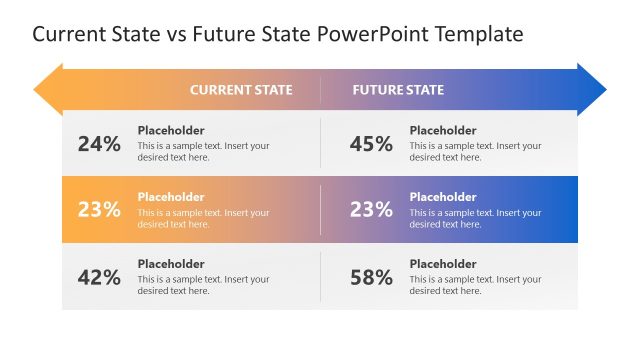
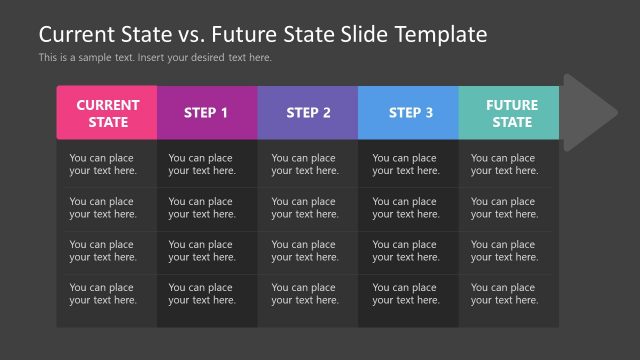
The Current vs Future State Comparison slide from the Current State vs Future State Slide Template for PowerPoint offers a clear visual tool for strategic planning and business development. This slide uses editable shapes and vector icons to illustrate progression between current and future conditions, making it ideal for performance improvement discussions within corporate presentations or pitch deck templates.
What’s on This Slide
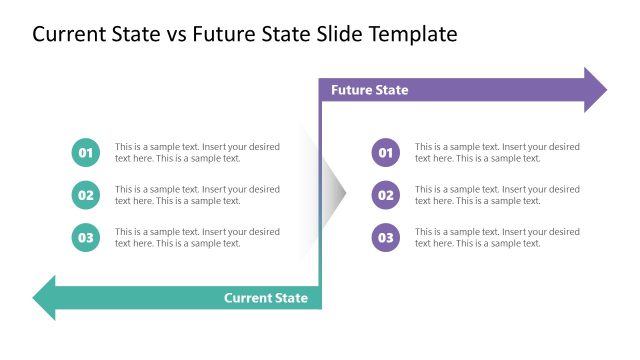
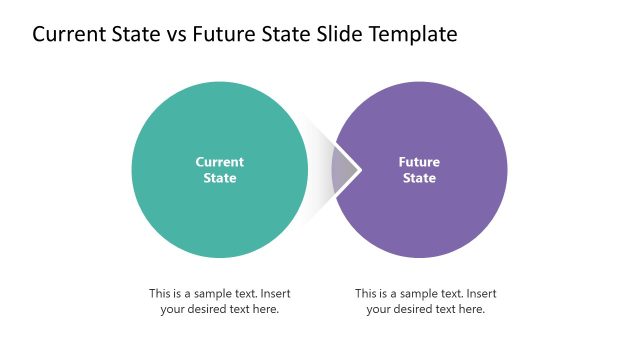
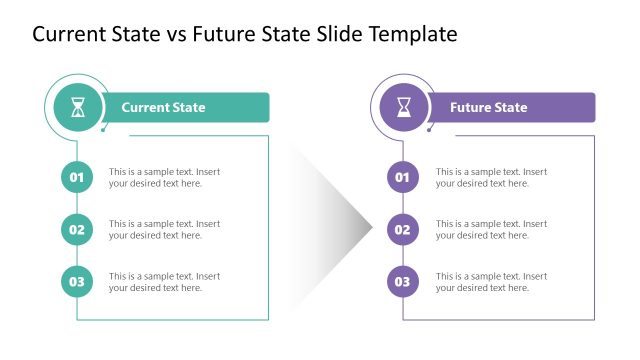
The layout features a circular diagram divided into two halves, representing 'Current State' and 'Future State'. The left half is colored teal, while the right half is purple. An arrow flows from the Current State to the Future State, indicating progression. Three circular nodes are positioned vertically on each side, aligned with text placeholders for descriptions. Each node is labeled with numbers 01 to 03. Text placeholders are centrally aligned within the nodes and below the diagram, maintaining a clear visual hierarchy. The background is light, enhancing readability.
How to Use It
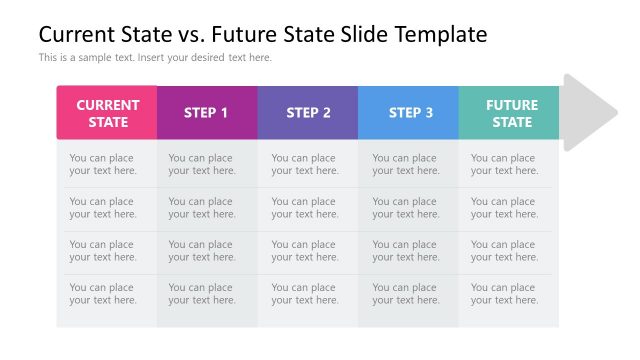
This layout serves as a comparison tool, illustrating the transition from a current state to a future state. It is suitable for presentations focused on strategic planning, performance improvement, or business development. This slide fits well at the end of a presentation, summarizing key changes or improvements. It can be used in meetings to discuss action plans or marketing strategies, providing a clear visual representation of goals and expectations.
Text Placeholders & Capacity
Keep your copy within these limits so it fits without resizing. Node labels can hold about 30 characters each, while body text can accommodate around 50 characters.
| Placeholder | Count | Max characters (approx.) |
|---|---|---|
| Item heading | 6 | 30 |
| Body paragraph | 6 | 50 |
Slide Keywords
Download unlimited PowerPoint templates, charts and graphics for your presentations with our annual plan.
DOWNLOADReturn to Current State vs Future State Slide Template for PowerPoint.