Slide 4 of 11 from Business Partnership PowerPoint Template
Partnership Agenda Step Two Template
Step Process Slide for Business Partnerships
- Diagram
- Process Flow
- Process Slide
- 16:9
- 100% Editable
What’s on This Slide
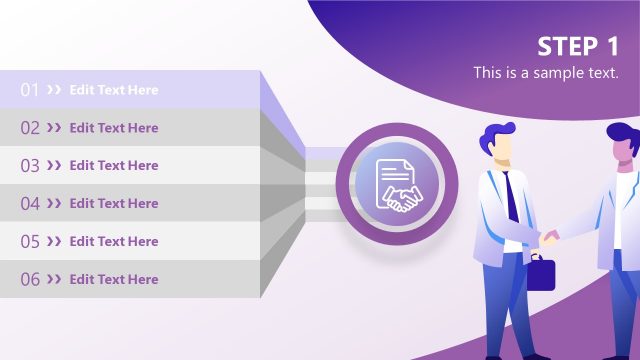
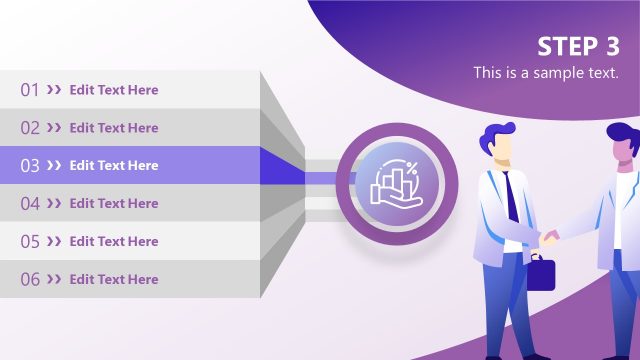
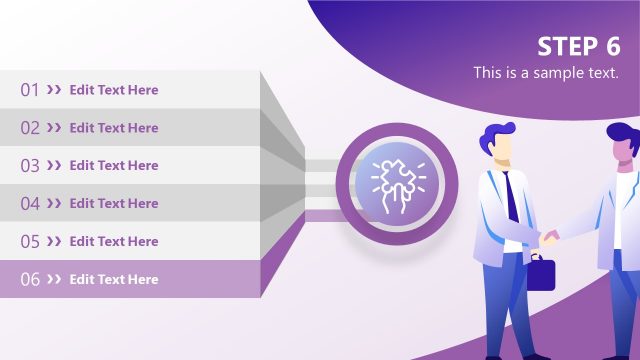
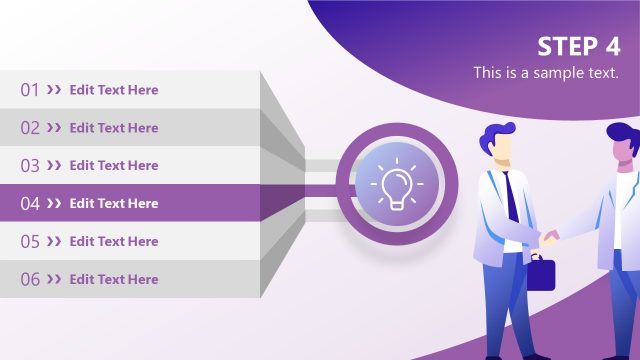
The layout features a left-aligned vertical list of steps numbered 01 to 06, with the second step highlighted in a purple background. Each step has an editable text placeholder for descriptions. A central circular icon represents a financial theme, featuring a dollar sign and calculator graphic. The right side includes a visual of two individuals shaking hands, emphasizing partnership. The background transitions from white to a gradient purple, enhancing visual appeal. The overall composition groups the steps and icon effectively while maintaining clarity.
How to Use It
This layout serves as a step-by-step guide, ideal for outlining processes in business partnerships. It fits well after a problem or introduction slide, guiding the audience through key phases of a negotiation or collaboration. Scenarios include presenting partnership strategies, financial planning steps, or project phases. It can be used to highlight critical actions in a business proposal or negotiation strategy, providing a clear visual representation of sequential tasks.
Text Placeholders & Capacity
Keep your copy within these limits so it fits without resizing. Node labels can hold about 3-4 words each, while body text can accommodate 10-12 words.
| Placeholder | Count | Max characters (approx.) |
|---|---|---|
| Item heading | 6 | 20 |
| Item body | 6 | 50 |
| Slide title | 1 | 30 |
| Body paragraph | 1 | 100 |
Slide Keywords
Download unlimited PowerPoint templates, charts and graphics for your presentations with our annual plan.
DOWNLOADReturn to Business Partnership PowerPoint Template.