Slide 6 of 11 from Business Partnership PowerPoint Template
Partnership Agenda Step Four Template
Step Process Slide for Business Partnerships
- Diagram
- Process Flow
- Process Slide
- 16:9
- 100% Editable
What’s on This Slide
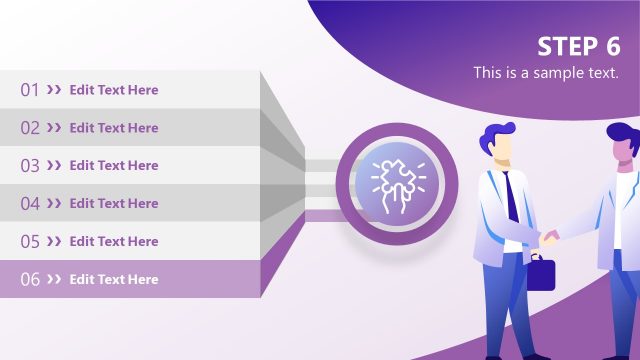
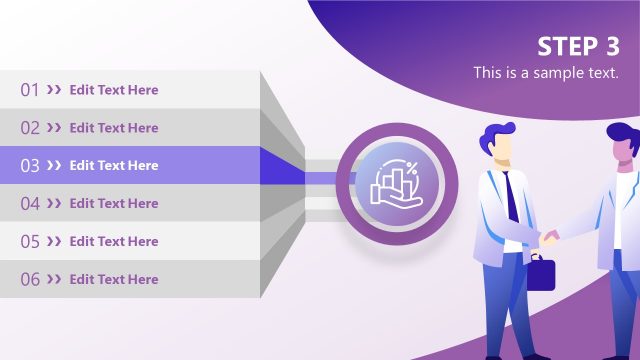
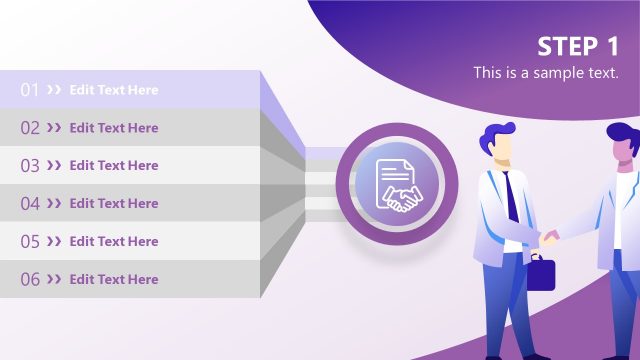
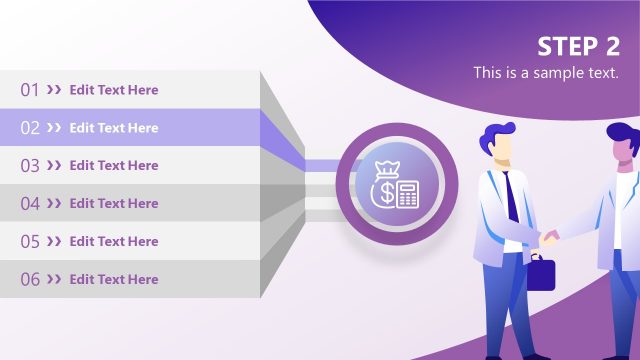
The layout features a vertical list of five steps aligned on the left side, with each step numbered and labeled as 'Edit Text Here.' The fourth step is highlighted in purple, indicating its significance. A central circular icon with a light bulb graphic is positioned in the middle of the slide, connected to the steps by arrows. To the right, two figures are depicted shaking hands, symbolizing partnership. The background has a gradient transitioning from light purple to white, enhancing the visual hierarchy and focus on the central elements. Text placeholders exist for the title and body text, aligned at the top and center.
How to Use It
This layout serves as a step-by-step process illustration, ideal for outlining stages in a business partnership or negotiation strategy. It fits well in a presentation sequence after introducing a problem or opportunity, providing clarity on the steps involved. Real-world applications include presenting partnership strategies, merger processes, or negotiation frameworks. The visual emphasis on the highlighted step aids in guiding the audience's attention to critical actions or decisions in the partnership process.
Text Placeholders & Capacity
Keep your copy within these limits so it fits without resizing. Body slots are tight, roughly 10-15 words each.
| Placeholder | Count | Max characters (approx.) |
|---|---|---|
| Slide title | 1 | 30 |
| Item heading | 5 | 20 |
| Item body | 5 | 50 |
| Body paragraph | 1 | 100 |
Slide Keywords
Download unlimited PowerPoint templates, charts and graphics for your presentations with our annual plan.
DOWNLOADReturn to Business Partnership PowerPoint Template.