Slide 5 of 11 from Business Partnership PowerPoint Template
Partnership Agenda Step Three Template
Step Process Slide for Business Partnerships
- Diagram
- Process Flow
- Process Slide
- 16:9
- 100% Editable
What’s on This Slide
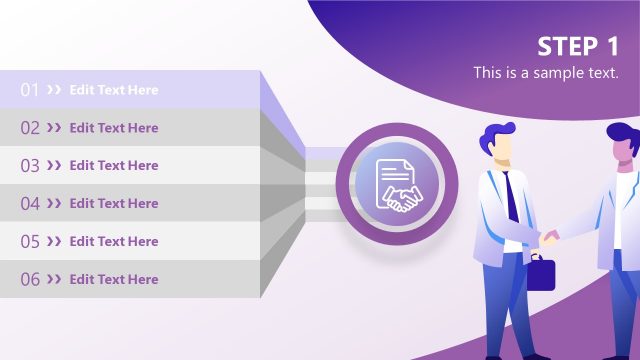
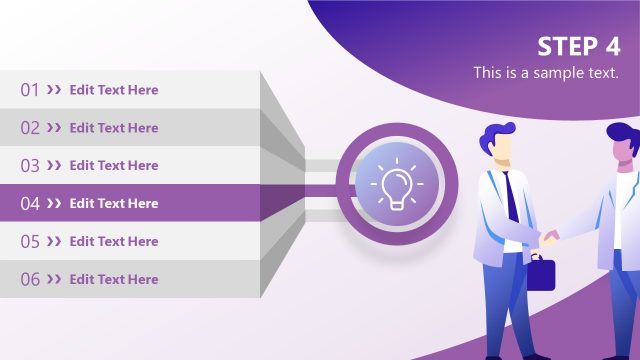
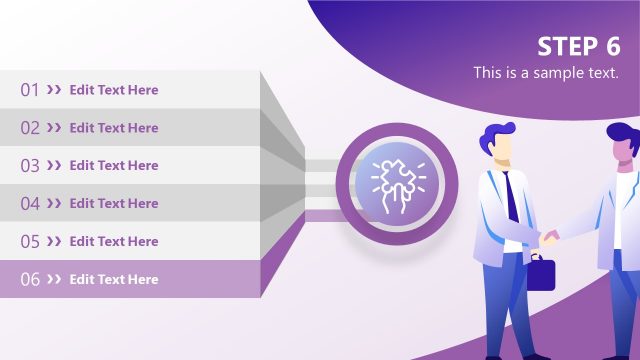
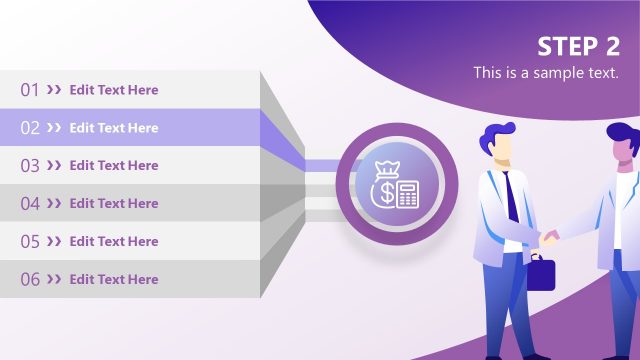
The layout features a vertical list of six steps positioned on the left side. Each step is represented by a number and a placeholder for text, with the third step highlighted in purple. To the right, there is a circular icon depicting a graph and two hands, symbolizing partnership. The background transitions from white to a light gradient, enhancing the visual hierarchy. Text placeholders are aligned left, with the highlighted step's text larger. The overall structure groups steps distinctly while maintaining a cohesive flow.
How to Use It
This layout serves as a step-by-step guide, ideal for outlining processes in business presentations. It fits well after introductory slides, providing clarity on sequential actions. Use it to present negotiation strategies, partnership frameworks, or project milestones. This slide can effectively communicate progress in a business partnership context, ensuring audiences understand each phase's importance and relevance.
Text Placeholders & Capacity
Keep your copy within these limits so it fits without resizing. Node body slots allow for concise text, roughly 10 words each.
| Placeholder | Count | Max characters (approx.) |
|---|---|---|
| Item heading | 6 | 20 |
| Item body | 6 | 50 |
| Slide title | 1 | 30 |
| Body paragraph | 1 | 100 |
Slide Keywords
Download unlimited PowerPoint templates, charts and graphics for your presentations with our annual plan.
DOWNLOADReturn to Business Partnership PowerPoint Template.