Slide 8 of 11 from Business Partnership PowerPoint Template
Partnership Agenda Step Six Template
Step Process Slide for Business Partnership
- Diagram
- Process Flow
- Process Slide
- 16:9
- 100% Editable
The Step Process with Icons slide from the Business Partnership PowerPoint Template offers a clear visual framework to present sequential business steps or negotiation phases. Featuring editable shapes and vector icons, this slide layout enhances corporate presentations by illustrating project timelines or partnership strategies within a professional slide deck.
What’s on This Slide
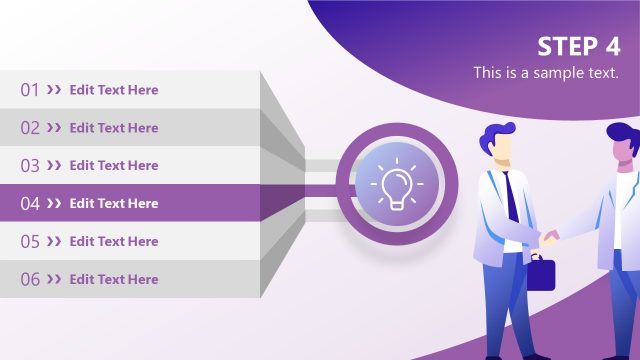
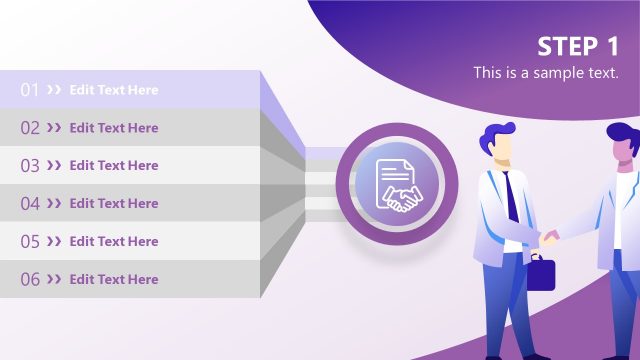
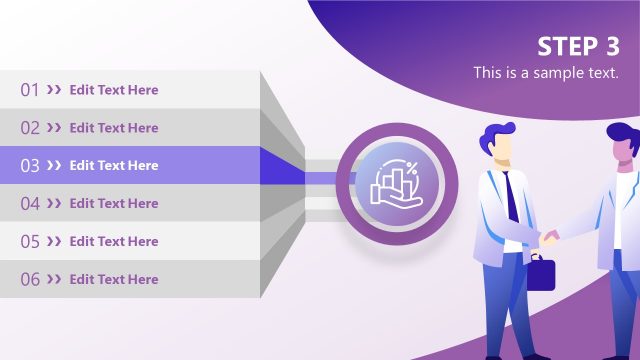
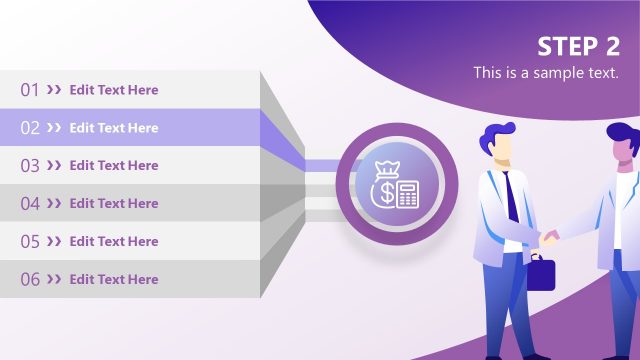
The layout features a central circular icon depicting a handshake, positioned on the right side. To the left, six numbered text placeholders are arranged vertically, with arrows pointing towards the central icon. Each placeholder is labeled with a number from 01 to 06, followed by 'Edit Text Here.' The text placeholders are aligned to the left, while the central icon is visually emphasized with a purple circular border. The background has a gradient transitioning from white to light purple, creating a clean and professional appearance.
How to Use It
This layout serves as a step-by-step process illustration, ideal for outlining stages in a business partnership or negotiation strategy. It fits well after a problem-framing slide and before a detailed roadmap. This structure is useful in presentations that require clarity in sequential actions, such as project phases or partnership steps, making it suitable for business proposals and strategic discussions.
Text Placeholders & Capacity
Keep your copy within these limits so it fits without resizing. Node body slots can hold roughly 5-6 words each.
| Placeholder | Count | Max characters (approx.) |
|---|---|---|
| Item heading | 6 | 15 |
| Item body | 6 | 30 |
| Slide title | 1 | 30 |
Slide Keywords
Download unlimited PowerPoint templates, charts and graphics for your presentations with our annual plan.
DOWNLOADReturn to Business Partnership PowerPoint Template.