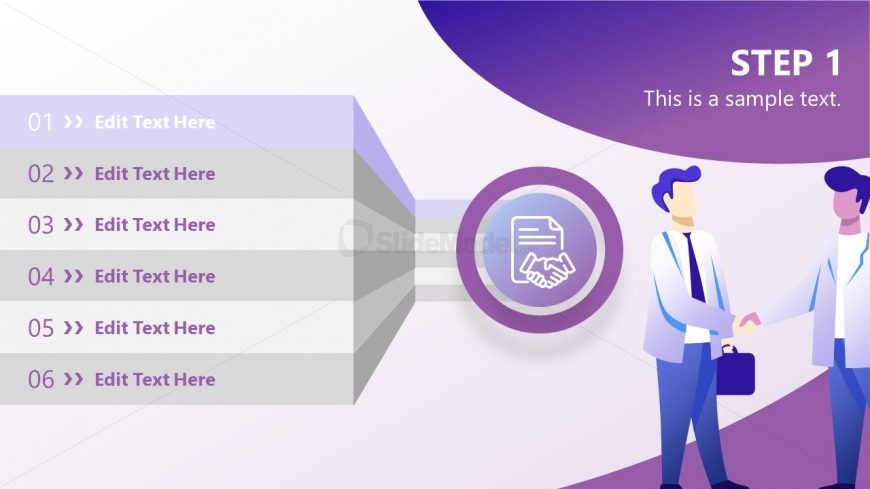
Slide 3 of 11 from Business Partnership PowerPoint Template
Partnership Agenda Step One Template
Step Process Slide for Business Partnership
- Diagram
- Process Flow
- Process Slide
- 16:9
- 100% Editable
What’s on This Slide
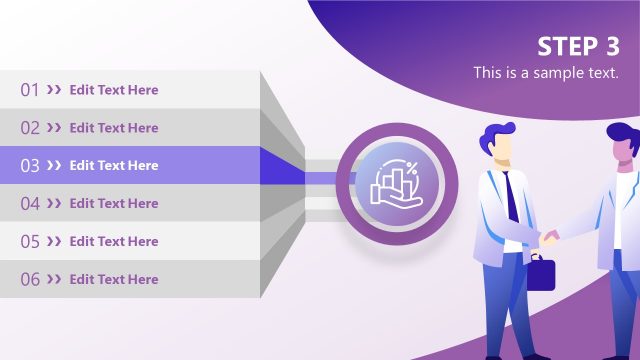
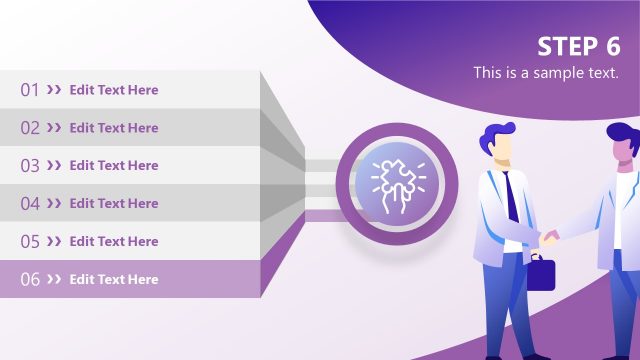
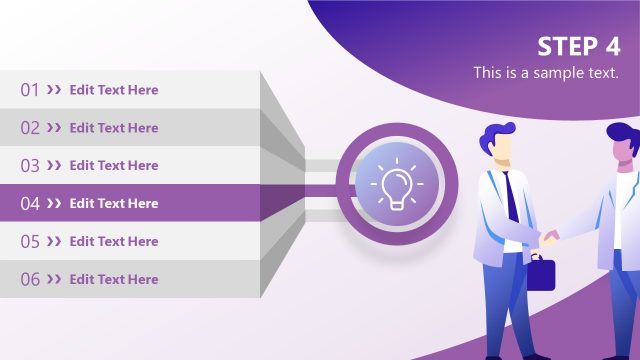
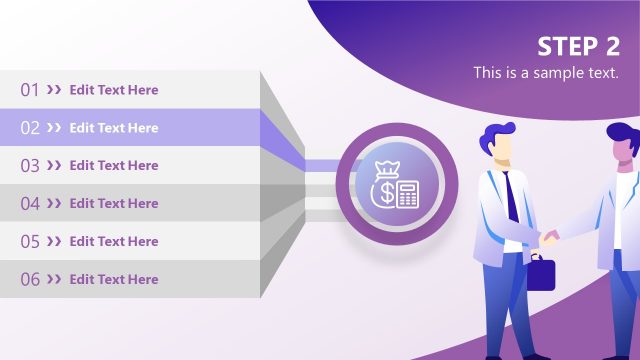
The layout features a central circular icon depicting a handshake, positioned in the middle right. To the left, there are six horizontal steps arranged vertically, each with a number and placeholder text. The steps are visually separated by light gray and purple backgrounds, creating a gradient effect. The title 'STEP 1' is prominently displayed at the top right in bold text. The overall composition is structured to guide the viewer's eye from the steps to the handshake icon, emphasizing the process of partnership. Additional text placeholders exist for further elaboration.
How to Use It
This layout serves as a step-by-step process guide, ideal for outlining stages in a business partnership. It fits within a presentation sequence that introduces a partnership strategy or negotiation process. This structure is useful for business proposals, training sessions, or workshops where sequential steps need to be communicated clearly. It can be employed to illustrate phases in negotiations or partnership formation, ensuring clarity and engagement with the audience.
Text Placeholders & Capacity
Keep your copy within these limits so it fits without resizing. Node labels can hold about 15 characters each, while body text can accommodate around 30 characters.
| Placeholder | Count | Max characters (approx.) |
|---|---|---|
| Item heading | 6 | 15 |
| Item body | 6 | 30 |
| Slide title | 1 | 20 |
Slide Keywords
Download unlimited PowerPoint templates, charts and graphics for your presentations with our annual plan.
DOWNLOADReturn to Business Partnership PowerPoint Template.