Slide 3 of 3 from Business Launch PowerPoint Template
Rocket Business Launch 8 Step Presentation
Rocket Launch Process Steps Overview
- Diagram
- Process Flow
- Process Slide
- 16:9
- 100% Editable
What’s on This Slide
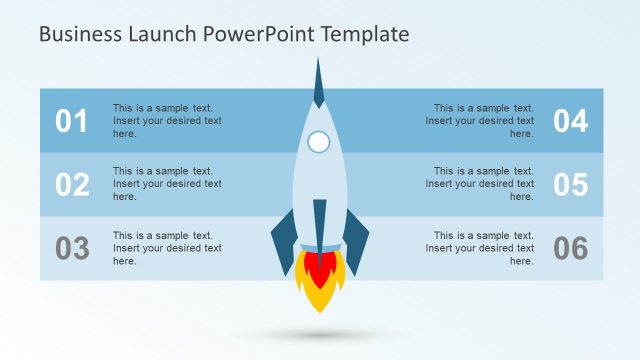
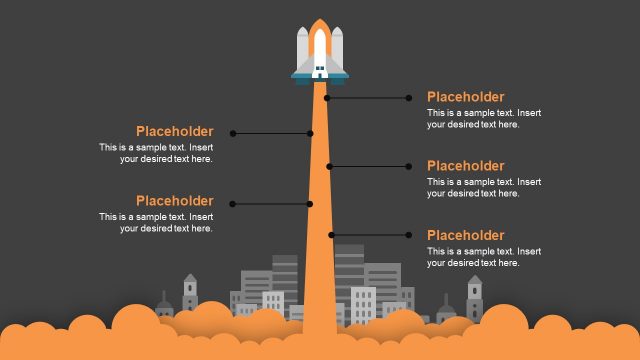
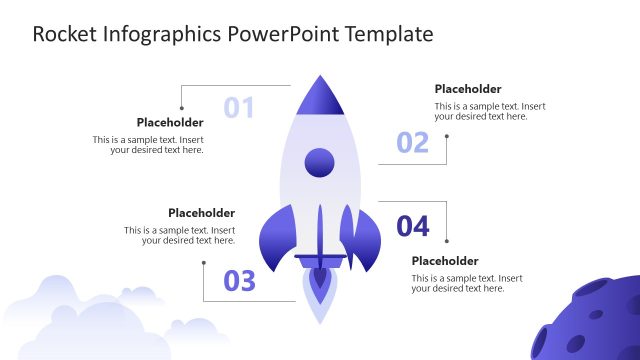
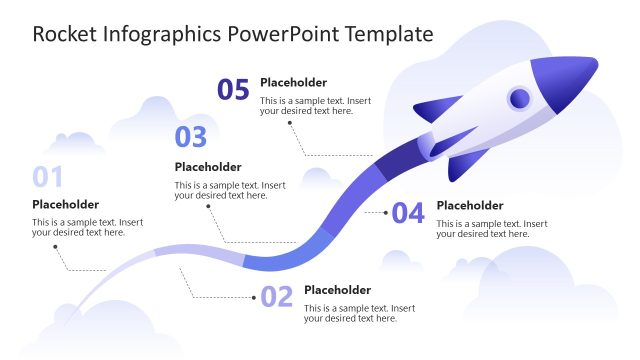
The slide features a central rocket illustration with flames at the bottom, symbolizing a launch. It is flanked by eight horizontal sections, each containing a circular number indicator on the left. Each section has a placeholder for text aligned to the left. The sections alternate in color from light blue to dark blue, creating a gradient effect. The visual hierarchy emphasizes the rocket in the center, while the numbered sections guide the viewer's attention horizontally. The background is a light gradient, enhancing the overall composition.
How to Use It
This layout serves as a sequential process overview, ideal for illustrating steps in a business launch or project timeline. It fits well in a presentation sequence after introducing a concept and before detailing specific actions. This format is useful for startups presenting their launch strategy, project managers outlining phases, or teams discussing milestones. It effectively communicates a structured approach to achieving objectives in a visually engaging manner.
Text Placeholders & Capacity
Keep your copy within these limits so it fits without resizing. Node body slots can hold roughly 5-6 words each.
| Placeholder | Count | Max characters (approx.) |
|---|---|---|
| Item heading | 8 | 20 |
| Item body | 8 | 30 |
Slide Keywords
Download unlimited PowerPoint templates, charts and graphics for your presentations with our annual plan.
DOWNLOADReturn to Business Launch PowerPoint Template.