Slide 7 of 7 from Break-Even Point Curves for PowerPoint
Break Even Curve & Trends Chart for PowerPoint
Curve and Trend Chart for PowerPoint
- Diagram
- Other
- Evaluation Slide
- 16:9
- 100% Editable
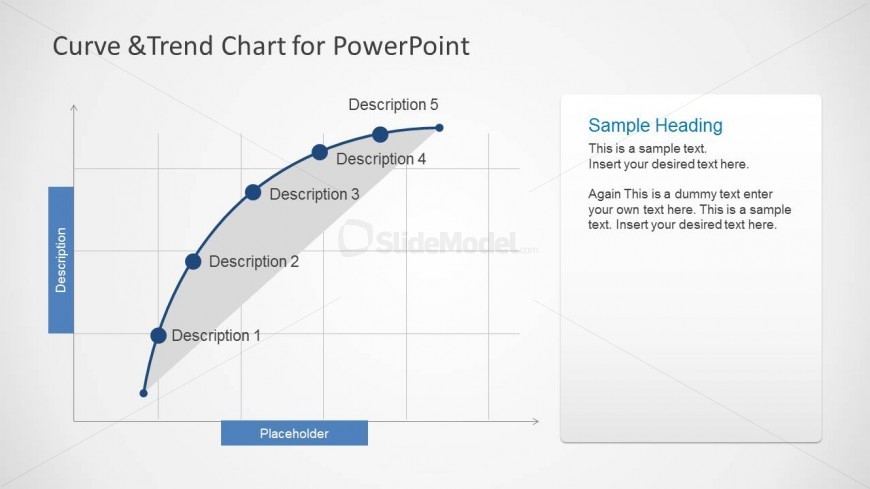
The Curve and Trend Chart slide from the Break-Even Point Curves for PowerPoint template offers a clear visualization of performance metrics and economic trends. Designed for effective trend analysis, this slide layout integrates editable shapes and vector icons to highlight key data points along a curved line chart. Ideal for business presentations and corporate slide decks, it supports detailed evaluation of data relationships over time with a clean, professional design.
What’s on This Slide
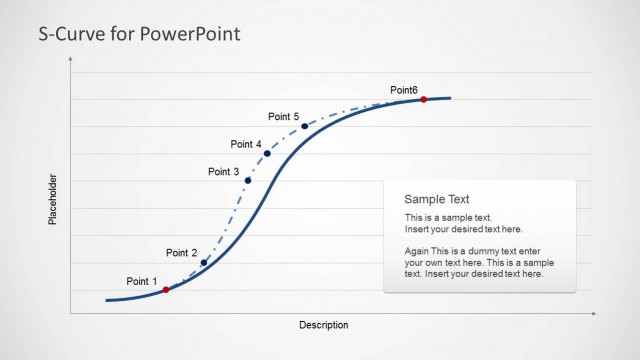
The layout features a curved line chart positioned centrally, illustrating a trend with five labeled data points along the curve. The vertical axis is labeled 'Description,' while the horizontal axis has a placeholder for additional text. A text box is located on the right side, containing a sample heading and two paragraphs of placeholder text. The color scheme is light with a white background, and the chart elements are designed to be clear and distinct. The visual hierarchy emphasizes the curve and its labels, while the text box provides supplementary information.
How to Use It
This layout serves as a trend analysis tool, effectively displaying data relationships over time or categories. It fits well in presentations discussing economic trends, performance metrics, or comparative analyses. This slide can be used to present findings in business meetings, educational settings, or financial reports, making it suitable for analysts and educators. It is positioned at the end of the presentation to summarize key trends and insights derived from previous slides.
Text Placeholders & Capacity
Keep your copy within these limits so it fits without resizing. Chart labels are tight, roughly 2-3 words each.
| Placeholder | Count | Max characters (approx.) |
|---|---|---|
| Chart title | 1 | 30 |
| Item heading | 5 | 15 |
| Body paragraph | 2 | 150 |
Slide Keywords
Download unlimited PowerPoint templates, charts and graphics for your presentations with our annual plan.
DOWNLOADReturn to Break-Even Point Curves for PowerPoint.