Slide 2 of 3 from S-Curves for PowerPoint
6121-02-s-curve-2
S-Curve Diagram for Presentations
- Diagram
- Other
- Process Slide
- 16:9
- 100% Editable
The S-Curve Diagram with Descriptions slide from the S-Curves for PowerPoint template offers a clear visual tool for illustrating growth stages and project timelines. This slide layout uses editable shapes and vector icons to highlight key points along the curve, making it suitable for business presentations and pitch deck templates that require a precise depiction of adoption curves or performance progress.
What’s on This Slide
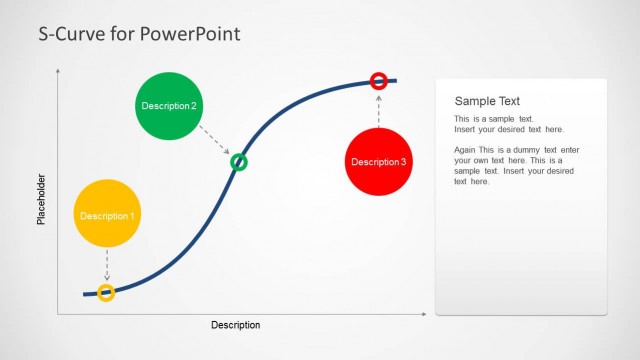
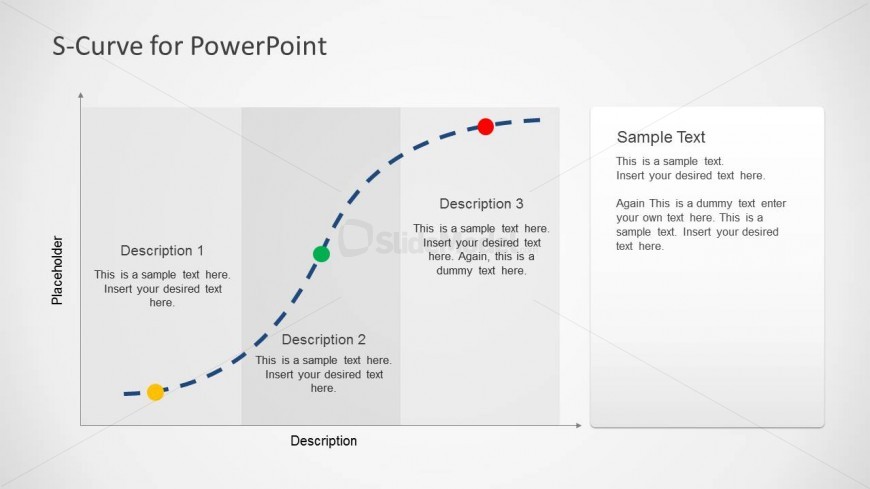
The layout features an S-curve diagram positioned centrally, with three labeled sections for descriptions. The curve is drawn with a dashed line and includes three colored markers: green, yellow, and red, indicating different points on the curve. To the left, there are two text placeholders aligned vertically, labeled 'Description 1' and 'Description 2.' On the right, a larger text placeholder is labeled 'Sample Text.' The background is light, enhancing the visibility of the curve and text. The overall composition is balanced, with elements grouped logically.
How to Use It
This layout serves as a visual representation of growth or performance over time, suitable for illustrating concepts like product adoption or project milestones. It fits well in a presentation sequence after introducing a problem and before outlining solutions. This structure is useful in business contexts such as strategy discussions, project updates, or performance reviews, where visualizing progress is essential.
Text Placeholders & Capacity
Keep your copy within these limits so it fits without resizing. Body slots can hold roughly 15-20 words each.
| Placeholder | Count | Max characters (approx.) |
|---|---|---|
| Item heading | 3 | 30 |
| Body paragraph | 3 | 100 |
| Body paragraph | 1 | 100 |
Slide Keywords
Download unlimited PowerPoint templates, charts and graphics for your presentations with our annual plan.
DOWNLOADReturn to S-Curves for PowerPoint.