Slide 1 of 3 from S-Curves for PowerPoint
6121-02-s-curve-1
S-Curve Diagram for PowerPoint Presentation
- Diagram
- Other
- Process Slide
- 16:9
- 100% Editable
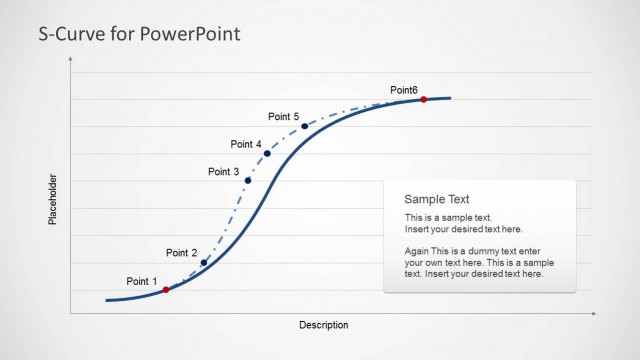
The S-Curve Diagram with Descriptions slide from the S-Curves for PowerPoint template offers a clear visual tool for illustrating product lifecycle stages or project milestones. Designed with editable shapes and vector icons, this slide supports business presentations and strategic growth analysis by highlighting key phases along the S-curve. Its layout integrates descriptive nodes and a text placeholder, making it suitable for corporate presentation contexts requiring precise process visualization within a slide deck.
What’s on This Slide
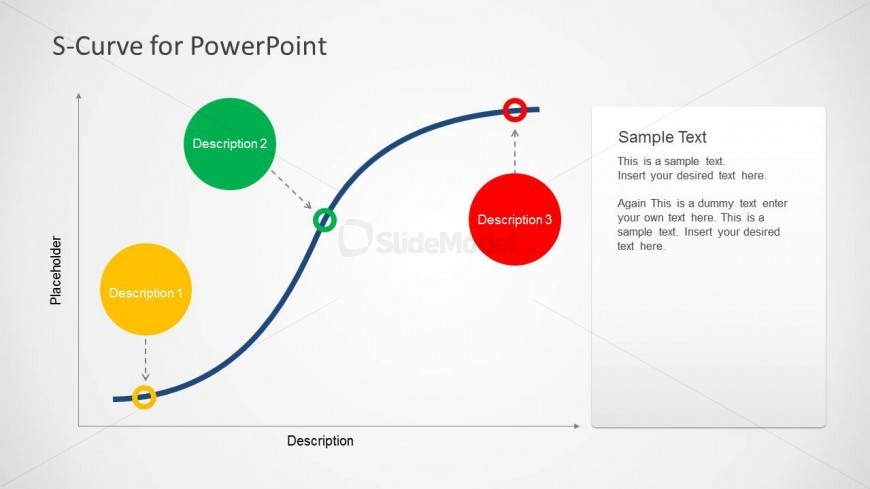
The slide features an S-curve diagram positioned centrally, with three colored nodes representing different descriptions. The first node is yellow at the bottom left, the second is green at the top right, and the third is red at the top right. Dashed lines connect the nodes to their corresponding descriptions, which are placed near the nodes. A text placeholder is located on the right side, allowing for additional information. The overall layout emphasizes the curve's flow and the relationships between the nodes and their descriptions.
How to Use It
This layout serves as a visual representation of growth or performance curves, suitable for illustrating stages of development or adoption. It fits well in a presentation sequence following an introduction or problem statement, providing a clear visual transition to the analysis phase. This structure is useful for business scenarios such as product lifecycle discussions, project progress tracking, or strategic planning sessions, where visualizing stages is essential for understanding.
Text Placeholders & Capacity
Keep your copy within these limits so it fits without resizing. Body slots can accommodate roughly 40-50 words each.
| Placeholder | Count | Max characters (approx.) |
|---|---|---|
| Item heading | 3 | 15 |
| Body paragraph | 1 | 250 |
Slide Keywords
Download unlimited PowerPoint templates, charts and graphics for your presentations with our annual plan.
DOWNLOADReturn to S-Curves for PowerPoint.