Slide 1 of 7 from Break-Even Point Curves for PowerPoint
Break-Even Analysis PPT Template with Curve for PowerPoint
Break-Even Point Diagram for Analysis
- Diagram
- Other
- Strategic Analysis Slide
- 16:9
- 100% Editable
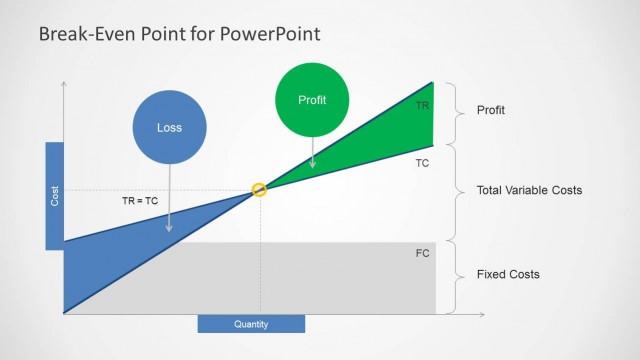
The Break-Even Point Diagram slide from the Break-Even Point Curves for PowerPoint template provides a clear visual tool for financial presentations and cost analysis. This slide template uses editable shapes and vector icons to illustrate the intersection of total variable costs and profit, highlighting the break-even point. It is well-suited for corporate presentations and pitch deck templates focused on pricing strategy and financial forecasting.
What’s on This Slide
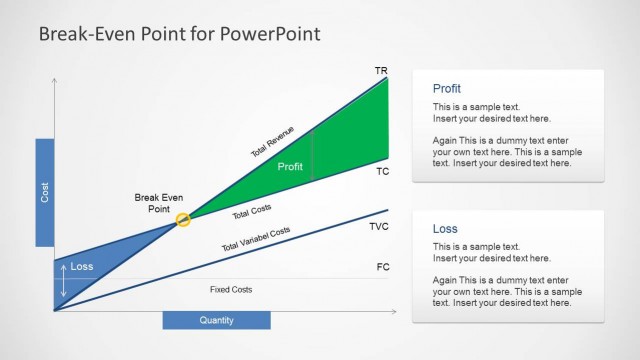
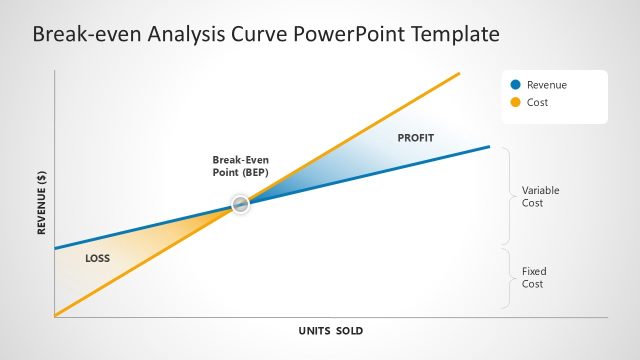
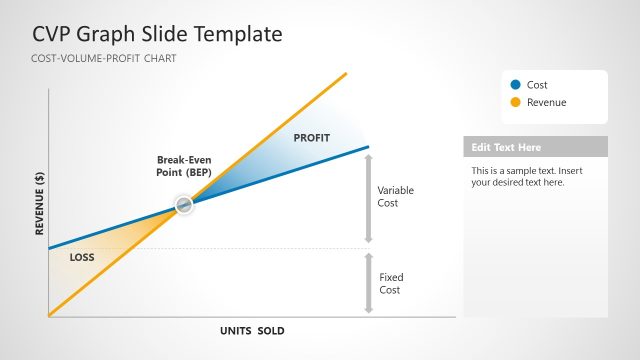
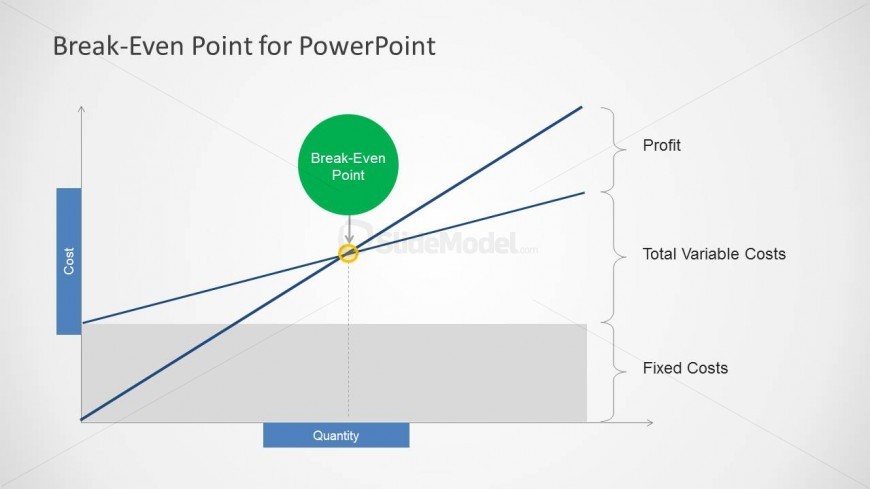
The layout features a graph illustrating the break-even point. The vertical axis is labeled 'Cost' and the horizontal axis is labeled 'Quantity.' A green circle at the center denotes the 'Break-Even Point.' Two lines represent 'Total Variable Costs' and 'Profit,' intersecting at the break-even point. The area below the break-even point is shaded to indicate fixed costs. Text placeholders are positioned along the axes and near the graph, with titles aligned at the top and labels on the right side. The overall composition is clear and structured.
How to Use It
This diagram serves to illustrate the break-even analysis in financial presentations. It fits early in a presentation sequence to establish foundational economic concepts. Ideal for scenarios involving cost analysis, pricing strategy discussions, or financial forecasting. It can be used in educational settings to explain economic principles to students or professionals. The layout effectively communicates the relationship between costs, quantity, and profit, making it suitable for finance teams and consultants.
Text Placeholders & Capacity
Keep your copy within these limits so it fits without resizing. Node labels are concise, roughly 3-5 words each.
| Placeholder | Count | Max characters (approx.) |
|---|---|---|
| Slide title | 1 | 30 |
| Item heading | 3 | 20 |
| Item body | 1 | 50 |
Slide Keywords
Download unlimited PowerPoint templates, charts and graphics for your presentations with our annual plan.
DOWNLOADReturn to Break-Even Point Curves for PowerPoint.