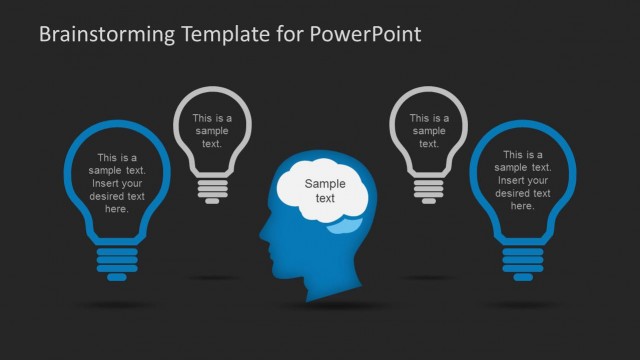
Slide 3 of 7 from Dark Brainstorming PowerPoint Template
6133-02-brainstorming-powerpoint-template-black-3
Brainstorming Template for PowerPoint
- Diagram
- Comparison Split
- Concept Explanation Slide
- 16:9
- 100% Editable
The Brainstorming Template for PowerPoint from the Dark Brainstorming PowerPoint Template offers a clear comparison layout ideal for team discussions and idea generation. This slide uses editable shapes and vector icons to visually differentiate multiple perspectives, making it suitable for business presentations and collaborative workshops. Its design supports effective communication of complex concepts within a corporate presentation or pitch deck template.
What’s on This Slide
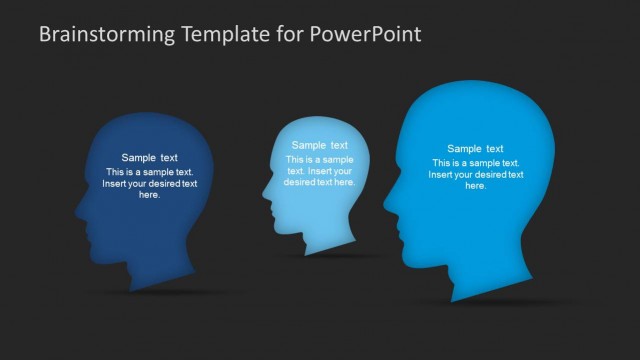
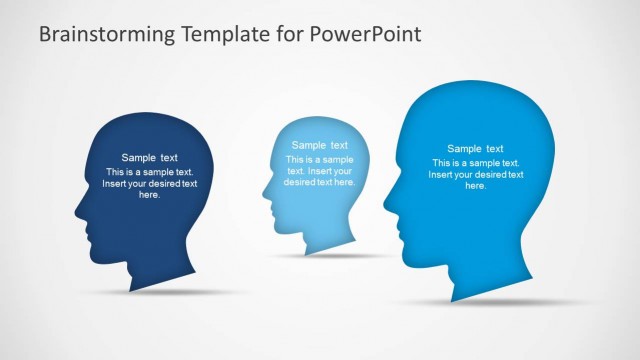
The slide features three stylized human head silhouettes aligned horizontally from left to right. Each head is filled with varying shades of blue, with the leftmost being darker and the rightmost being lighter. Each silhouette contains a text placeholder positioned centrally within the head, labeled 'Sample text' followed by a secondary line for additional content. The background is dark, enhancing the visibility of the heads. The overall composition emphasizes the heads as focal points, with ample space around them for clarity.
How to Use It
This layout serves as a comparison tool for brainstorming sessions, allowing users to present different ideas or perspectives visually. It fits well after a problem-framing slide, facilitating discussion on solutions. This structure is useful in workshops, team meetings, or presentations focused on idea generation, where multiple viewpoints need to be compared side by side.
Text Placeholders & Capacity
Keep your copy within these limits so it fits without resizing. Node body slots can accommodate roughly 15-20 words each.
| Placeholder | Count | Max characters (approx.) |
|---|---|---|
| Item body | 3 | 100 |
| Slide title | 1 | 40 |
Slide Keywords
Download unlimited PowerPoint templates, charts and graphics for your presentations with our annual plan.
DOWNLOADReturn to Dark Brainstorming PowerPoint Template.