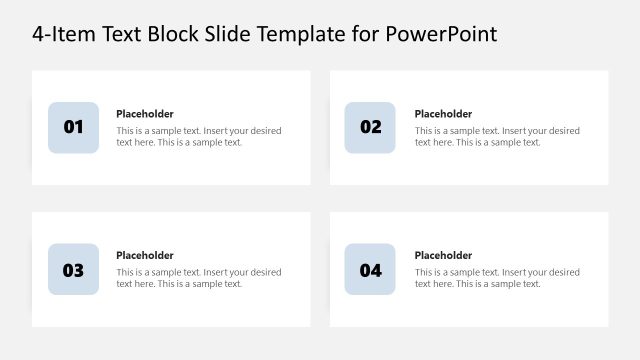
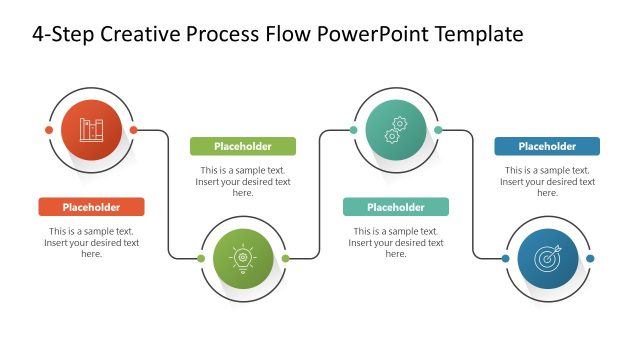
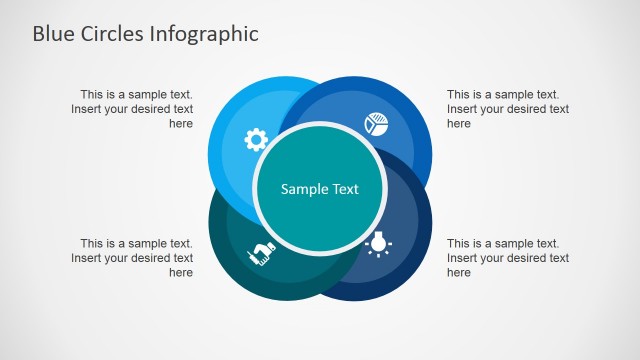
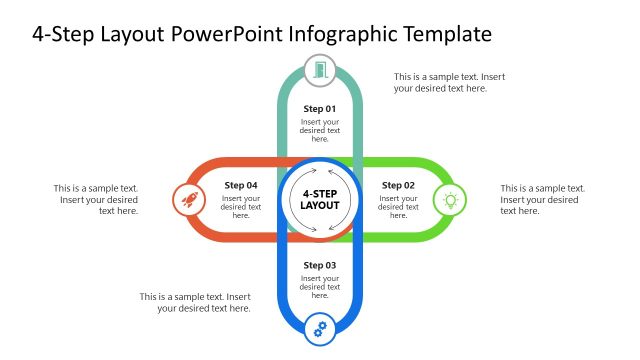
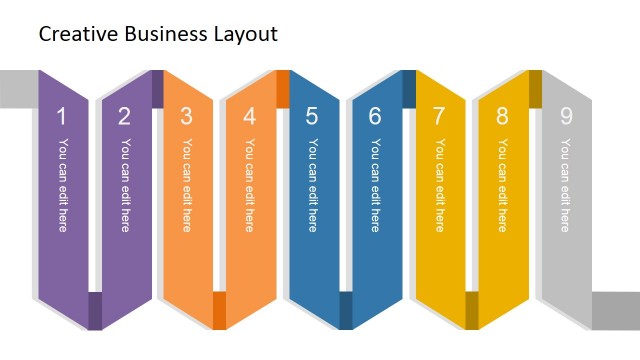
Blue Creative Text Layout template for PowerPoint is a presentation design template that you can download to describe a process of up to 4 steps using PowerPoint. This text layout can be used to describe a process of up to four steps as well as business models and diagrams like the AIDA model in PowerPoint.
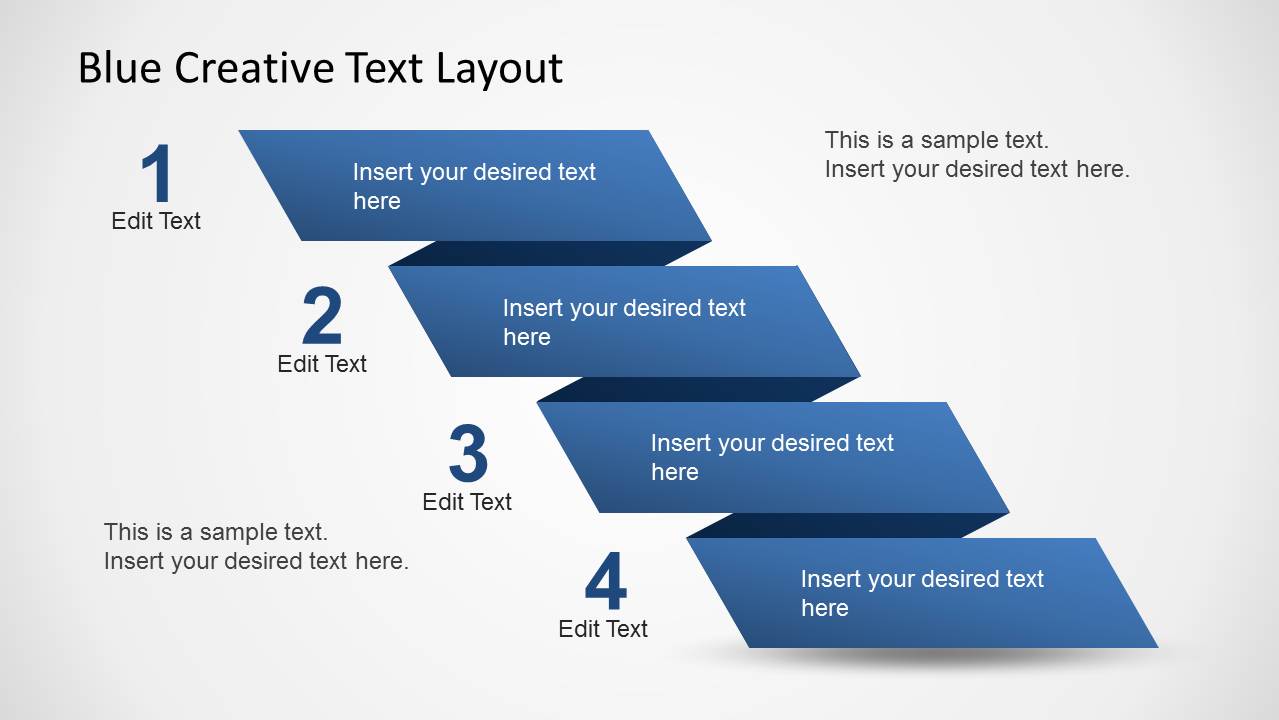
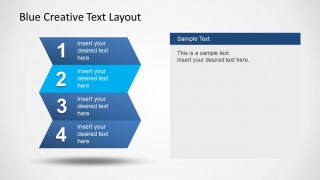
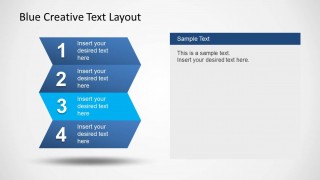
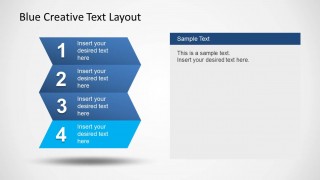
The blue creative PowerPoint template contains multiple slide layouts including zig zag text layout effect, a multi-step diagram design and text boxes to add descriptions. You can use this text template for PowerPoint as an alternative to bullet lists.
What’s inside this template
Example presentation scenarios
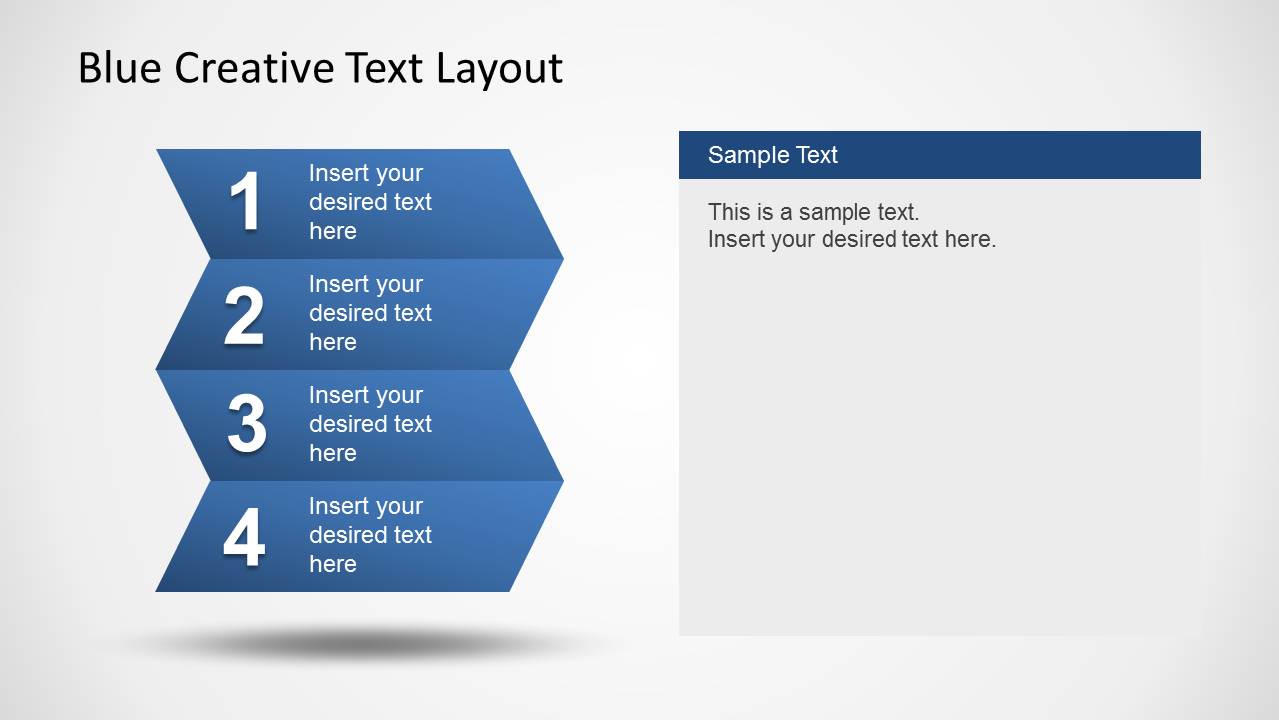
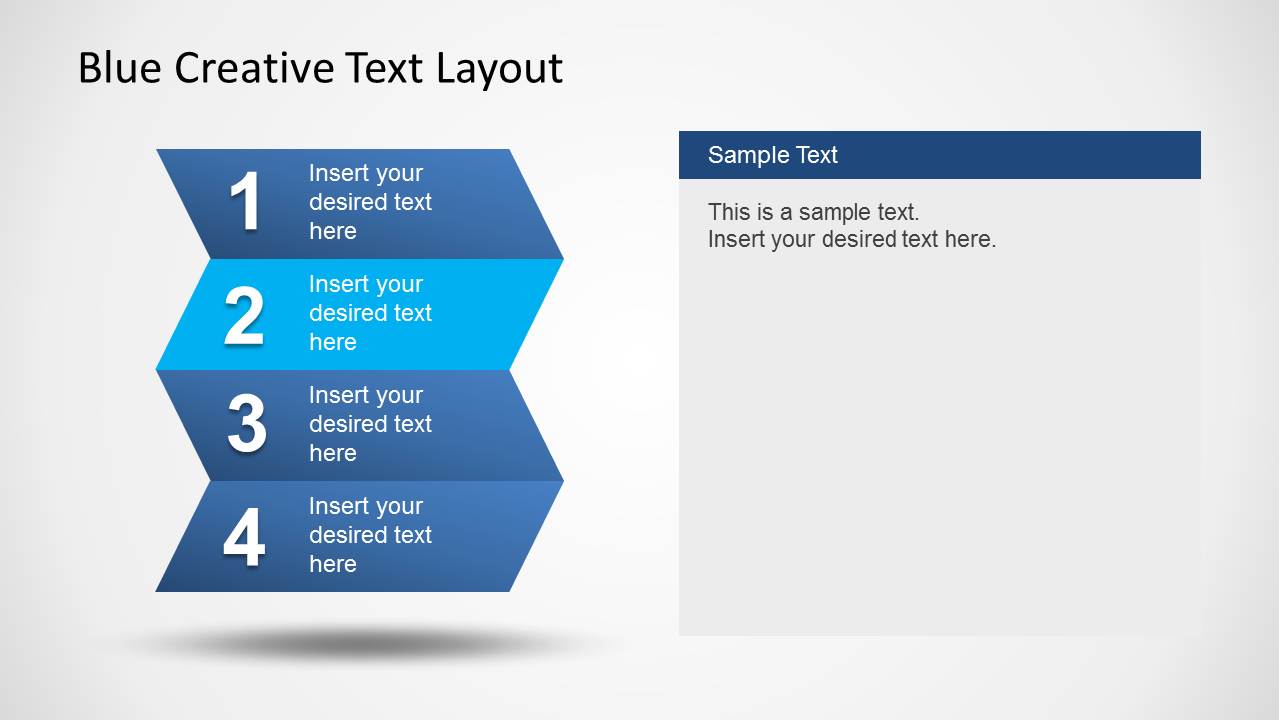
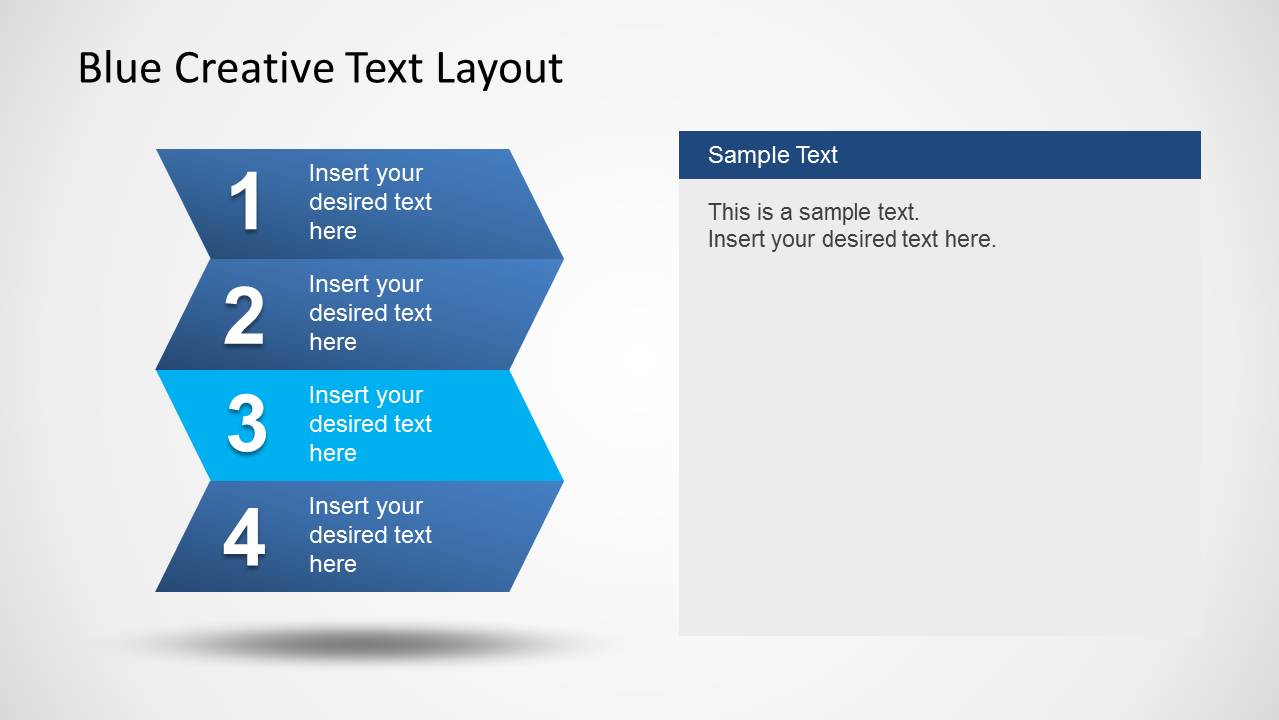
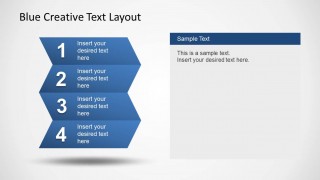
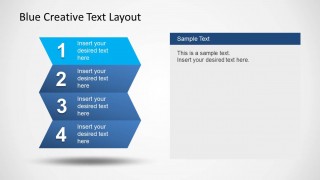
- A project manager can use the stacked chevron slides to explain a four-phase implementation plan and highlight the current phase with the cyan step treatment.
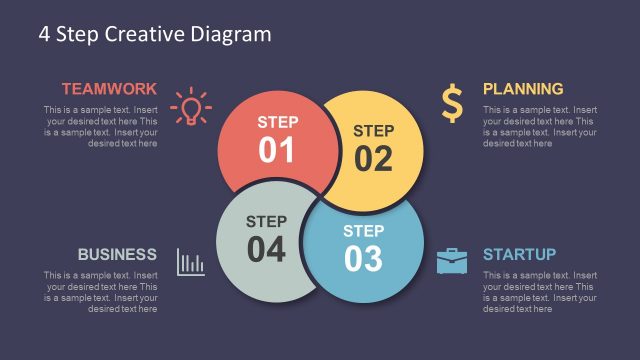
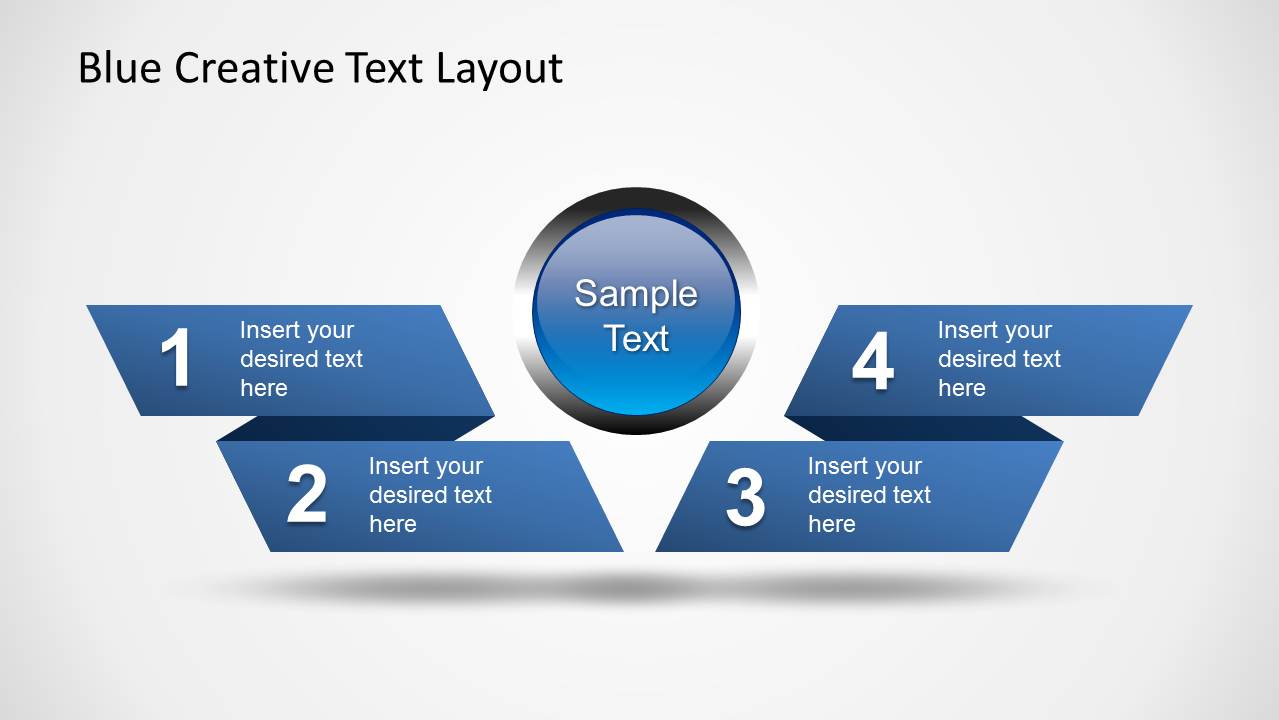
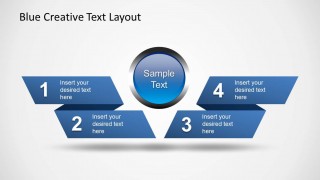
- A consultant can use the centered hub diagram to show how four related recommendations connect to one core idea during a client briefing.
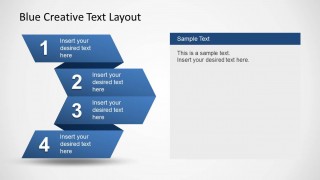
- A marketing presenter can use the diagonal zig zag ribbon layout to explain an AIDA-style sequence with a short message attached to each step.
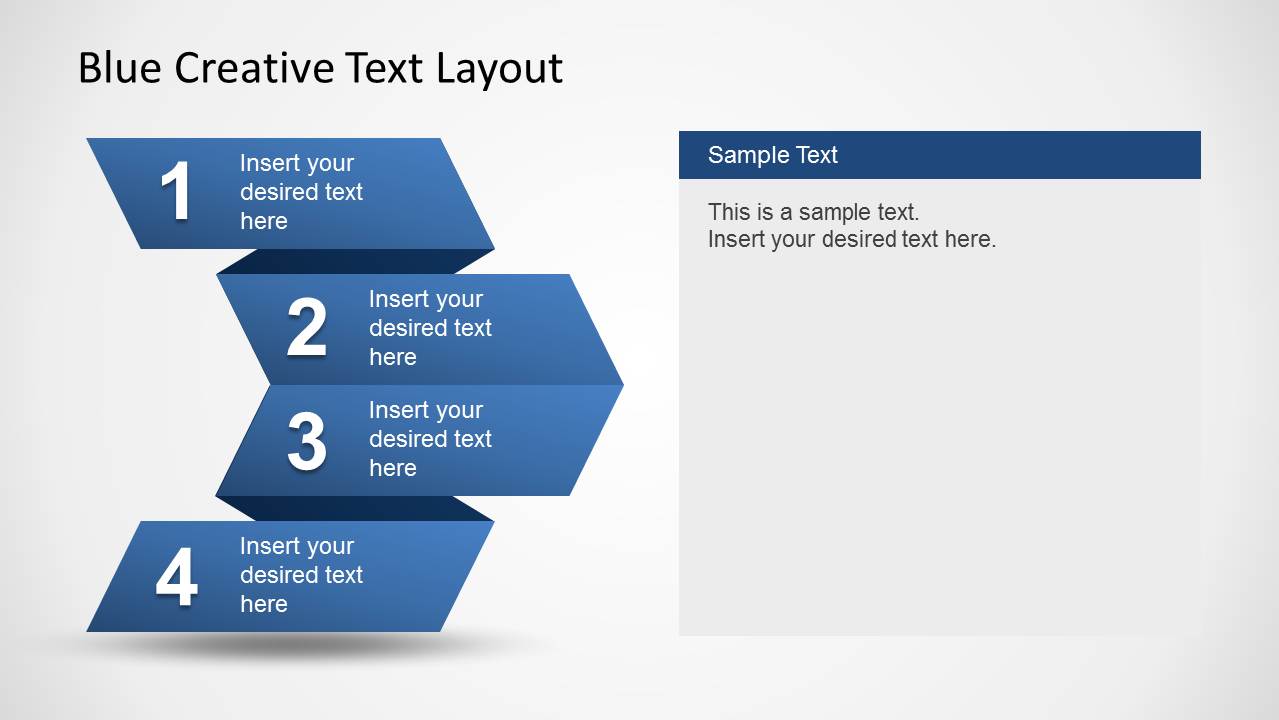
- A trainer can use the right-side text panel slides to introduce each stage of a process, then expand the selected step with instructions or examples.
Features
- 100% editable presentation template
- Compatible with Microsoft PowerPoint and Google Slides
- 16:9 aspect ratio slides
- Scalable vector shapes, icons and illustrations
- AI-Ready for Microsoft Copilot and Claude
- Instant access and download
Frequently asked questions
Q: How should a presenter turn a bullet list into a clear message with this template?
A: Use one ribbon block for one action, decision, or concept, not for a full paragraph. Put the short label inside the blue step shape and reserve the larger text panel for explanation, evidence, or presenter notes. The highlighted step variants work well when the audience needs to focus on one stage at a time.
Q: Who is this template best suited for?
A: This template fits consultants, project managers, trainers, and marketing presenters who need to explain a four-part method, workflow, or business model. It is best when the content is text-heavy but still benefits from a visual sequence, such as onboarding steps, campaign stages, service phases, or process options.
Q: Why use zig zag ribbons instead of a standard numbered list?
A: The zig zag and chevron shapes create a directional path, so the audience reads the content as a connected sequence instead of isolated bullets. The depth, shadows, and alternating angles make each step distinct while preserving a single process structure, which helps presenters explain order, progression, and emphasis.


Blue Creative Text Layout for PowerPoint
8-slide presentation template with blue zig zag text boxes and four-step process layouts
Blue Creative Text Layout for PowerPoint is an 8-slide presentation template for showing four-step processes with blue ribbon blocks, zig zag stage diagrams, a centered hub layout, and text-panel variants. It suits business presenters replacing bullet lists with structured step explanations in Microsoft PowerPoint and Google Slides.
- Category
- Text & Tables
- Rating


 Loading...
- Aspect ratio
- 16:9
- Item ID
- 6348-02
- Colors
 Microsoft PowerPoint
  Microsoft Copilot
  Claude for PowerPoint
 Other formats supported
Subscribe today and get immediate
access to download our PowerPoint templates.