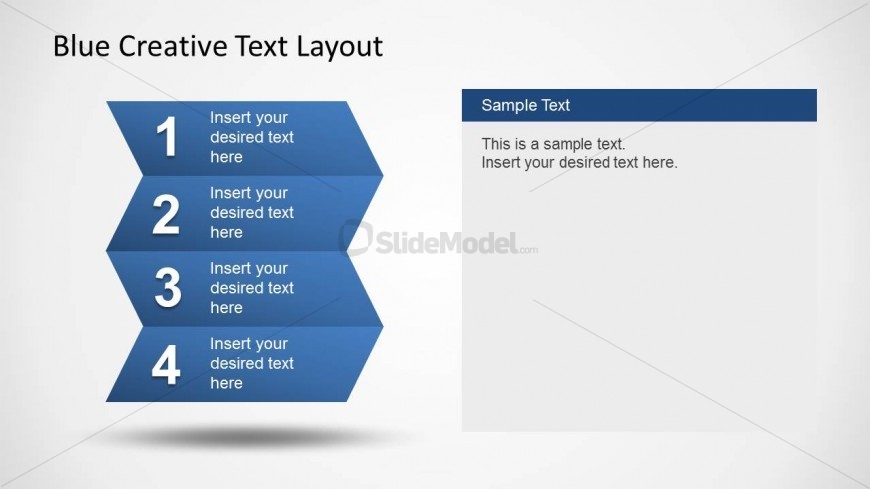
Slide 4 of 8 from Blue Creative Text Layout for PowerPoint
6348-02-blue-creative-text-layout-4
Four-Step Process Layout for Presentations
- Diagram
- Arrow Sequence
- Process Slide
- 16:9
- 100% Editable
The Four-Step Process Layout from the Blue Creative Text Layout for PowerPoint template offers a structured way to present project planning and process explanations. This slide template features editable shapes and clear numbered steps, making it suitable for business presentations and training sessions. Its design supports a logical flow of information, enhancing clarity in corporate slide decks and pitch deck templates.
What’s on This Slide
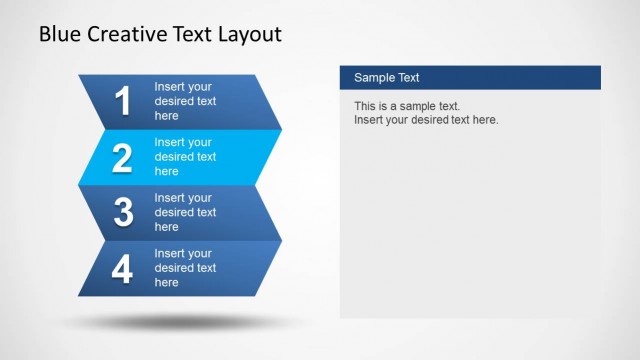
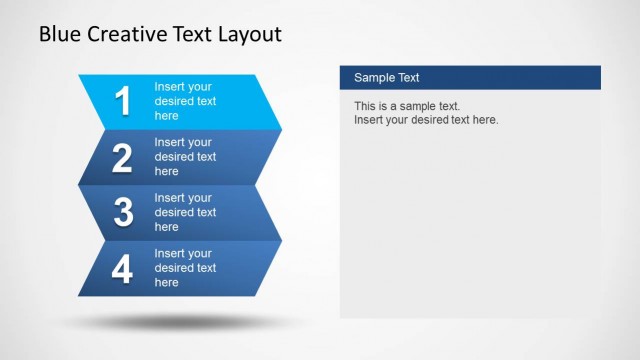
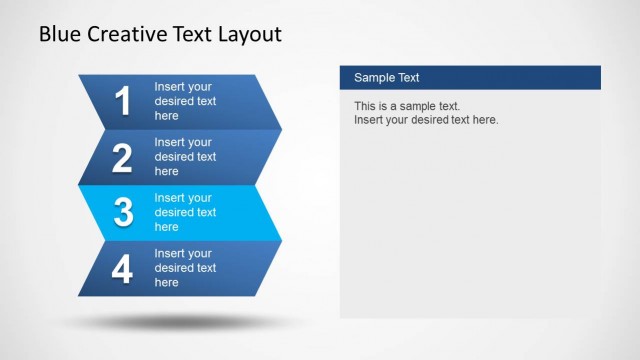
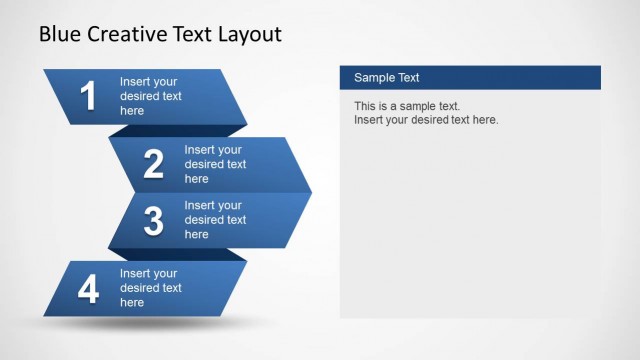
The layout features four blue zigzag blocks aligned vertically on the left side, each containing a numbered placeholder for text. The numbers are large and bold, serving as labels for each step. To the right, there is a rectangular text box for additional content, labeled 'Sample Text.' This box is positioned at the top right and contains placeholder text. The background is light with a subtle gradient, enhancing the visual hierarchy. The overall composition balances the numbered steps with the text area, creating a clear flow.
How to Use It
This layout is designed to present a four-step process clearly and effectively. It fits well in a presentation sequence after introducing a problem or concept, providing a structured way to explain solutions or actions. This format is suitable for business scenarios such as project planning, process explanations, or training sessions, where clarity in steps is crucial. It can be used individually or as part of a larger presentation to maintain consistency.
Text Placeholders & Capacity
Keep your copy within these limits so it fits without resizing. Node body slots can hold roughly 20-25 words each.
| Placeholder | Count | Max characters (approx.) |
|---|---|---|
| Item heading | 4 | 30 |
| Item body | 4 | 100 |
| Body paragraph | 1 | 200 |
Slide Keywords
Download unlimited PowerPoint templates, charts and graphics for your presentations with our annual plan.
DOWNLOADReturn to Blue Creative Text Layout for PowerPoint.