Slide 2 of 8 from Blue Creative Text Layout for PowerPoint
6348-02-blue-creative-text-layout-2
Four-Step Process Layout for Presentations
- Diagram
- Zigzag Sequence
- Process Slide
- 16:9
- 100% Editable
What’s on This Slide
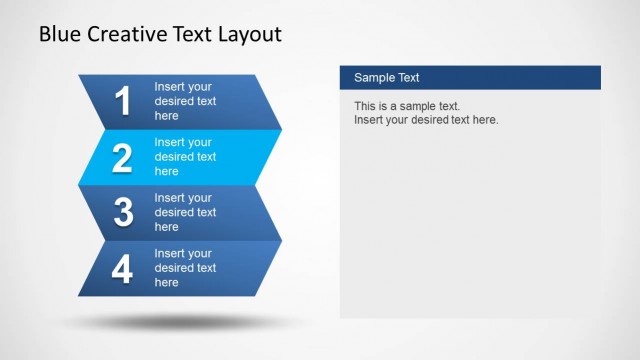
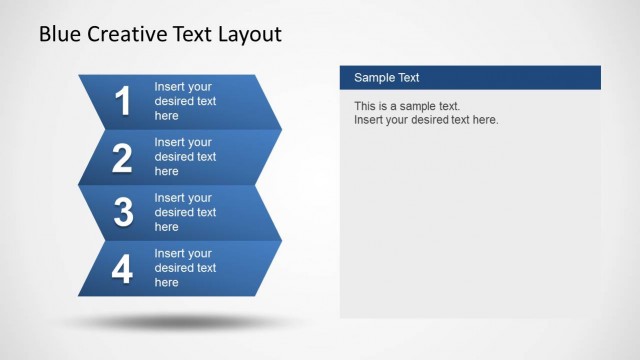
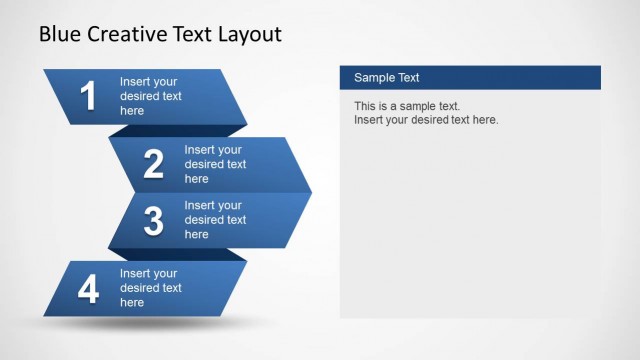
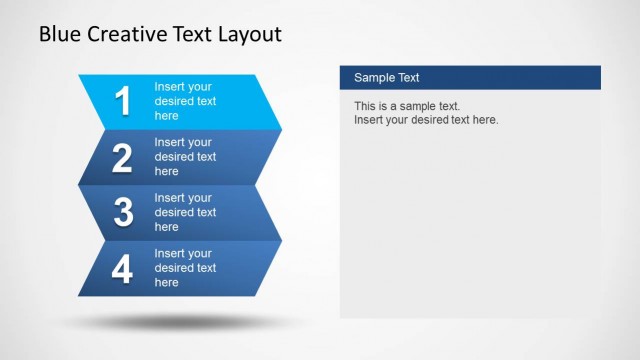
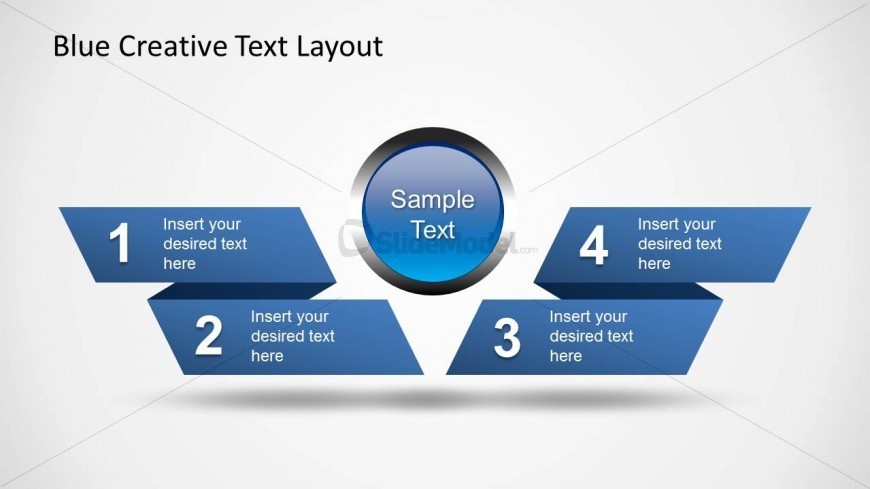
The layout features a central circular node labeled 'Sample Text' surrounded by four blue zigzag shapes. Each shape contains a number from 1 to 4, indicating steps in a process. The shapes are positioned left and right of the central node, creating a balanced visual structure. Text placeholders are present within each shape for step descriptions, aligned centrally. The background is a light gradient, enhancing the visibility of the blue elements. The overall composition emphasizes a clear flow from one step to the next.
How to Use It
This layout effectively illustrates a four-step process, making it suitable for presentations that require structured explanations. It fits well after a problem statement slide, guiding the audience through proposed solutions or stages. Common scenarios include project timelines, product development phases, or strategic planning steps. The design allows for easy customization of text, ensuring clarity in communication. It is ideal for business contexts where sequential information is crucial.
Text Placeholders & Capacity
Keep your copy within these limits so it fits without resizing. Node body slots can hold about 30 characters each.
| Placeholder | Count | Max characters (approx.) |
|---|---|---|
| Item heading | 4 | 15 |
| Item body | 4 | 30 |
| Chart title | 1 | 20 |
Slide Keywords
Download unlimited PowerPoint templates, charts and graphics for your presentations with our annual plan.
DOWNLOADReturn to Blue Creative Text Layout for PowerPoint.