Slide 1 of 8 from Blue Creative Text Layout for PowerPoint
6348-02-blue-creative-text-layout-1
Four-Step Process Layout for Presentations
- Diagram
- Zigzag Sequence
- Process Slide
- 16:9
- 100% Editable
The Four-Step Process Layout from the Blue Creative Text Layout for PowerPoint template offers a structured way to present project phases or strategic initiatives using editable slides with vector icons. This slide layout enhances business presentations by replacing bullet points with a dynamic zigzag sequence, improving audience engagement and clarity in corporate presentations or pitch deck templates.
What’s on This Slide
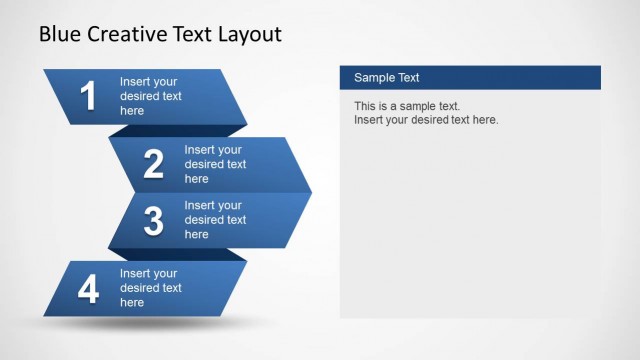
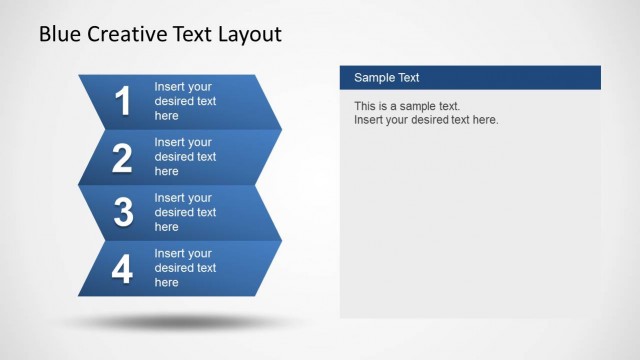
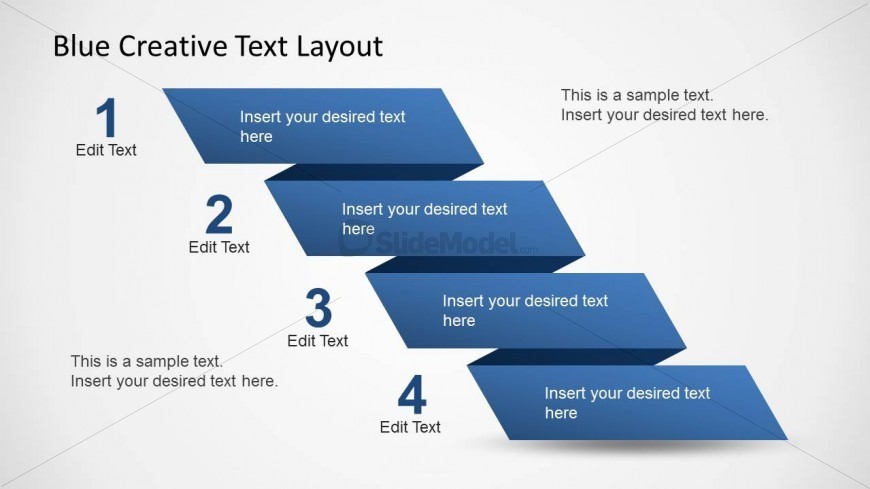
The layout features four zigzag-shaped blue blocks arranged diagonally from top left to bottom right. Each block contains a number and a text placeholder aligned centrally within it. Below the fourth block, there is a larger text placeholder for additional information. The background is a light gradient, enhancing the visibility of the blue shapes. The visual hierarchy emphasizes the numbered blocks, guiding the viewer's eye through the steps. The blocks are evenly spaced, creating a structured flow that aids comprehension.
How to Use It
This layout serves to present a four-step process in a clear and engaging manner. It fits well in a presentation sequence following an introduction or problem statement. Business scenarios include outlining project phases, product development stages, or strategic initiatives. The structured format allows for concise explanations of each step, making it suitable for both team meetings and client presentations. It effectively replaces traditional bullet points with a more dynamic visual representation.
Text Placeholders & Capacity
Keep your copy within these limits so it fits without resizing. Body slots can hold roughly 15-20 words each.
| Placeholder | Count | Max characters (approx.) |
|---|---|---|
| Item heading | 4 | 20 |
| Item body | 4 | 50 |
| Body paragraph | 1 | 100 |
Slide Keywords
Download unlimited PowerPoint templates, charts and graphics for your presentations with our annual plan.
DOWNLOADReturn to Blue Creative Text Layout for PowerPoint.