Slide 1 of 2 from Binoculars PowerPoint Template
Binoculars Presentation Slide Template
Binoculars Diagram for Vision Statements
- Diagram
- Other
- Strategic Analysis Slide
- 16:9
- 100% Editable
The Binoculars Diagram with Callouts slide from the Binoculars PowerPoint Template offers a clear layout for strategic analysis, ideal for business presentations and pitch decks. Featuring editable shapes and distinct colored callouts around a central binoculars graphic, this slide template supports presenting vision statements, key objectives, and mapping business opportunities effectively within a corporate presentation or slide deck.
What’s on This Slide
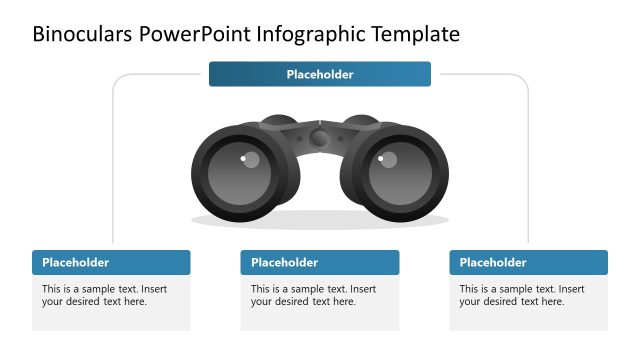
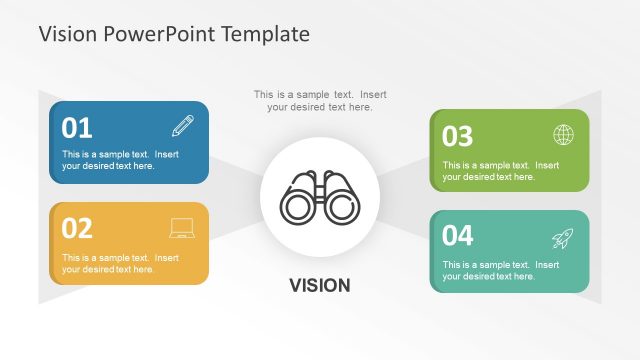
The layout features a central binoculars graphic positioned prominently in the middle. Surrounding the binoculars are four circular callouts, each containing a numbered label and a text placeholder. The callouts are arranged in a balanced manner, two on the top left and right, and two on the bottom left and right. Each callout has a distinct color, providing visual separation. The title is centered at the top, while the placeholders are aligned within their respective callouts. The overall composition emphasizes clarity and organization.
How to Use It
This layout serves as a visual representation of strategic vision or mission statements, ideal for business presentations. It is suitable for introducing key concepts or objectives in a clear format. The arrangement can be used effectively after a problem slide to outline solutions or goals. This structure is beneficial for discussions on business vision, mission, or strategic planning, helping to convey essential information succinctly.
Text Placeholders & Capacity
Keep your copy within these limits so it fits without resizing. Node body slots can accommodate roughly 10-12 words each.
| Placeholder | Count | Max characters (approx.) |
|---|---|---|
| Slide title | 1 | 40 |
| Item heading | 4 | 30 |
| Item body | 4 | 60 |
Slide Keywords
Download unlimited PowerPoint templates, charts and graphics for your presentations with our annual plan.
DOWNLOADReturn to Binoculars PowerPoint Template.