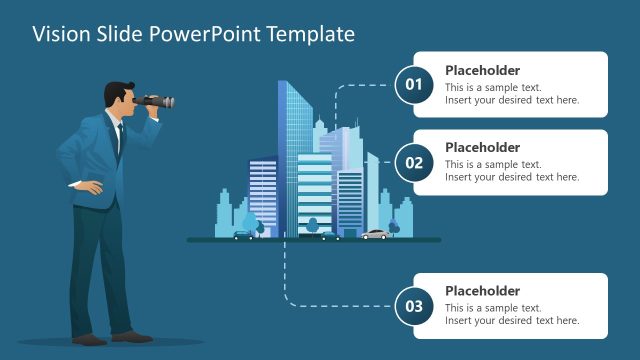
Slide 1 of 3 from Flat Vision Statement PowerPoint Graphics
Flat Clipart PowerPoint of Vision
Vision Statement Overview Slide
- Diagram
- Other
- Strategic Analysis Slide
- 16:9
- 100% Editable
What’s on This Slide
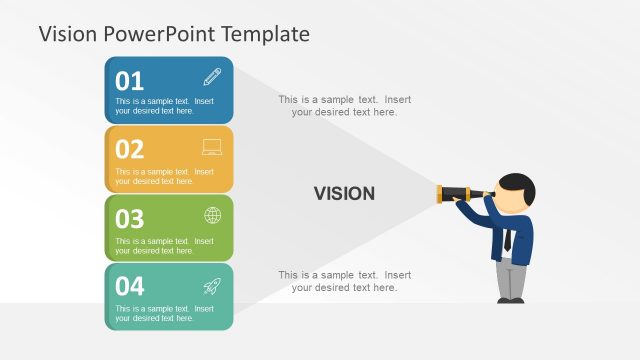
The layout features a left-aligned illustration of a person using binoculars, symbolizing vision. To the right, four colored boxes are arranged vertically, each containing a number and a text placeholder. The top box is blue, followed by orange, green, and teal. The central area includes the word 'VISION' prominently displayed. Text placeholders are present at the top and bottom, aligned centrally. The background is light gray, creating a neutral canvas that emphasizes the colored elements. The overall composition is balanced, with visual hierarchy established through color and positioning.
How to Use It
This layout serves as an overview for presenting a vision statement or strategic goals. It fits well at the beginning of a presentation to outline key focus areas. Suitable for business contexts, it can be used to introduce core values or strategic initiatives. The vertical arrangement allows for clear segmentation of ideas, making it effective for summarizing multiple points. This structure is ideal for engaging stakeholders in discussions about future directions and organizational aspirations.
Text Placeholders & Capacity
Keep your copy within these limits so it fits without resizing. Body slots can hold about 10-12 words each.
| Placeholder | Count | Max characters (approx.) |
|---|---|---|
| Slide title | 1 | 30 |
| Item heading | 4 | 30 |
| Item body | 4 | 50 |
| Body paragraph | 2 | 100 |
Slide Keywords
Download unlimited PowerPoint templates, charts and graphics for your presentations with our annual plan.
DOWNLOADReturn to Flat Vision Statement PowerPoint Graphics.