Slide 2 of 2 from Binoculars PowerPoint Template
Binoculars Diagram PPT Template
Binoculars with Callouts Slide
- Diagram
- Other
- Strategic Analysis Slide
- 16:9
- 100% Editable
The Binoculars with Callouts slide from the Binoculars PowerPoint Template offers a clear layout for strategic analysis, featuring editable shapes and numbered callouts ideal for business presentations and pitch deck templates. This slide supports concise communication of mission statements and strategic planning points within a corporate presentation or slide deck.
What’s on This Slide
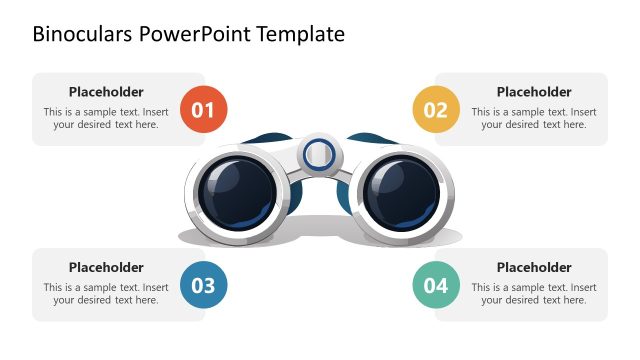
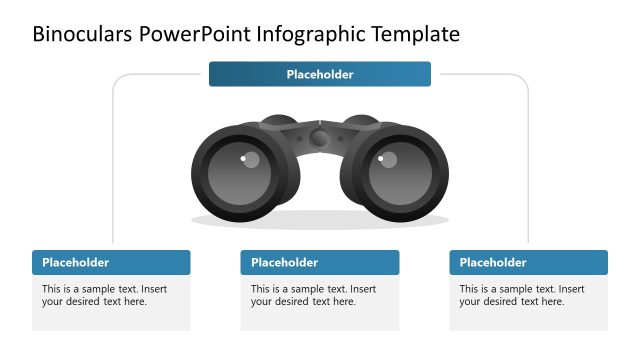
The layout features a central binoculars illustration positioned on the left side. To the right, three rounded rectangular callouts are stacked vertically, each containing a numbered placeholder. The first callout is orange, the second is yellow, and the third is blue, creating a visual hierarchy. Each callout includes a placeholder for text, aligned to the left. The background is light blue with a gradient effect, enhancing the overall composition. The slide title is positioned at the top center, providing context for the content.
How to Use It
This layout serves as a structured way to present key points or features related to a business vision or mission. It fits well after an introductory slide, allowing for a clear transition into detailed discussions. Ideal for scenarios such as strategic planning sessions, team briefings, or presentations outlining objectives. The design emphasizes clarity and focus on each point, making it suitable for business presentations that require concise messaging.
Text Placeholders & Capacity
Keep your copy within these limits so it fits without resizing. Node body slots can hold roughly 10-12 words each.
| Placeholder | Count | Max characters (approx.) |
|---|---|---|
| Slide title | 1 | 40 |
| Item heading | 3 | 10 |
| Item body | 3 | 60 |
Slide Keywords
Download unlimited PowerPoint templates, charts and graphics for your presentations with our annual plan.
DOWNLOADReturn to Binoculars PowerPoint Template.