Slide 1 of 2 from Binoculars PowerPoint Infographic Template
Binoculars PowerPoint Infographic Slide Template
Binoculars Infographic PowerPoint Slide
- Diagram
- Other
- Context Slide
- 16:9
- 100% Editable
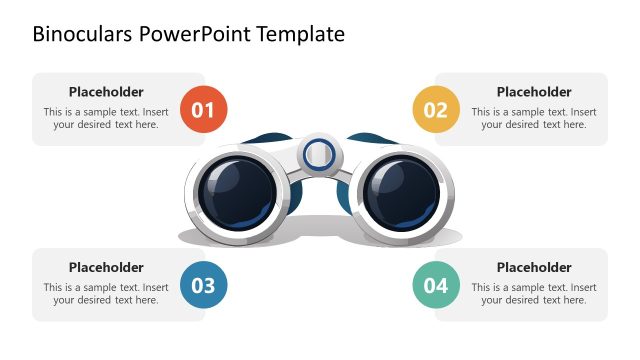
The Binoculars Infographic Layout from the Binoculars PowerPoint Infographic Template offers a clear visual structure ideal for business vision presentations and strategic planning sessions. This slide template features editable shapes arranged symmetrically around a central binoculars illustration, making it suitable for highlighting product features or key concepts in a corporate presentation. Its design supports effective communication within a slide deck using professional slide templates and vector icons.
What’s on This Slide
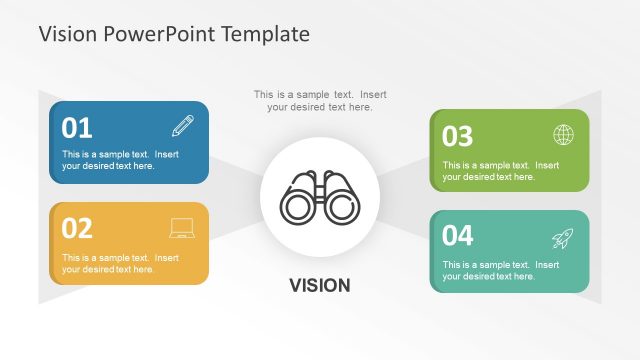
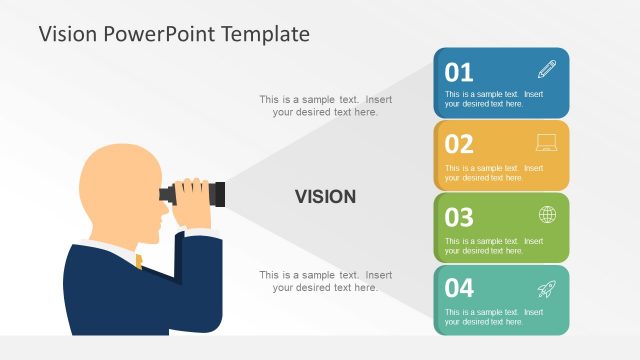
The layout features a central binoculars illustration with three text placeholders positioned around it. The binoculars are centered horizontally, with a placeholder above and two placeholders below, aligned left and right. Each placeholder has a rectangular shape with rounded corners, and they are visually separated by a light background. The placeholders are labeled with sample text, indicating where content should be inserted. The overall composition is symmetrical, emphasizing the binoculars as the focal point, with a clear visual hierarchy established through size and placement.
How to Use It
This layout serves as an overview or introduction to key concepts, suitable for presenting business vision or product features. It fits well at the beginning of a presentation, following a title slide, to outline important themes. In practical scenarios, this structure can be used to highlight strategic goals, product attributes, or mission statements, allowing for clear communication of essential information. It is effective in engaging the audience with a visual representation of the content.
Text Placeholders & Capacity
Keep your copy within these limits so it fits without resizing. Each body text slot can hold about 8 words comfortably.
| Placeholder | Count | Max characters (approx.) |
|---|---|---|
| Item body | 3 | 40 |
| Slide title | 1 | 50 |
Slide Keywords
Download unlimited PowerPoint templates, charts and graphics for your presentations with our annual plan.
DOWNLOADReturn to Binoculars PowerPoint Infographic Template.