Try our customizable Binoculars PowerPoint Template to present a strategic outlook in your stakeholder presentations. The binoculars are used as a metaphor in vision-focused communications to present insights, market trends, and forward-looking plans. Marketing analysts can apply a binoculars infographic to highlight the four-stage market expansion plans and growth roadmap in the executive presentation. In new-employee orientation presentations, the binoculars diagram helps HR directors present the business objectives and SMART goals, aligning them with the organizational action plan. Moreover, you can adjust the graphical layout, color scheme, text box arrangement, and fonts in the binoculars PPT design template for your team meetings. Our users can also try another version of the binocular slide template to customize it for their stakeholder presentation.
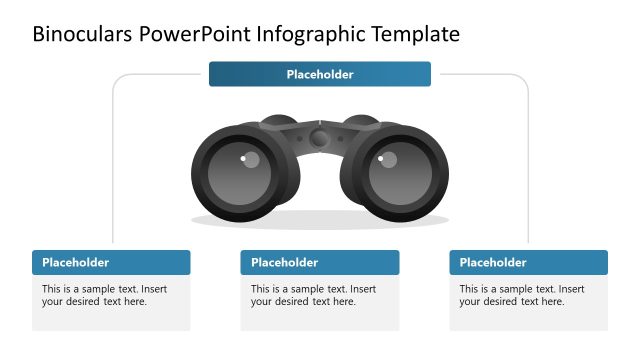
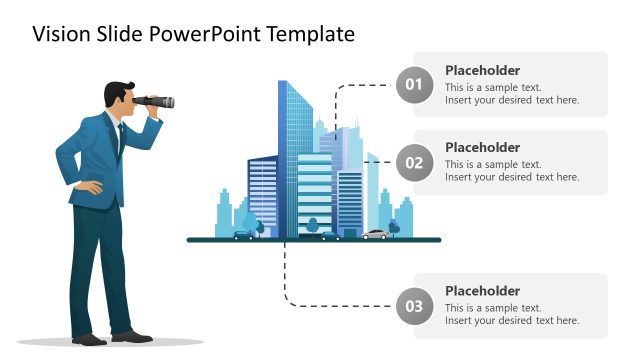
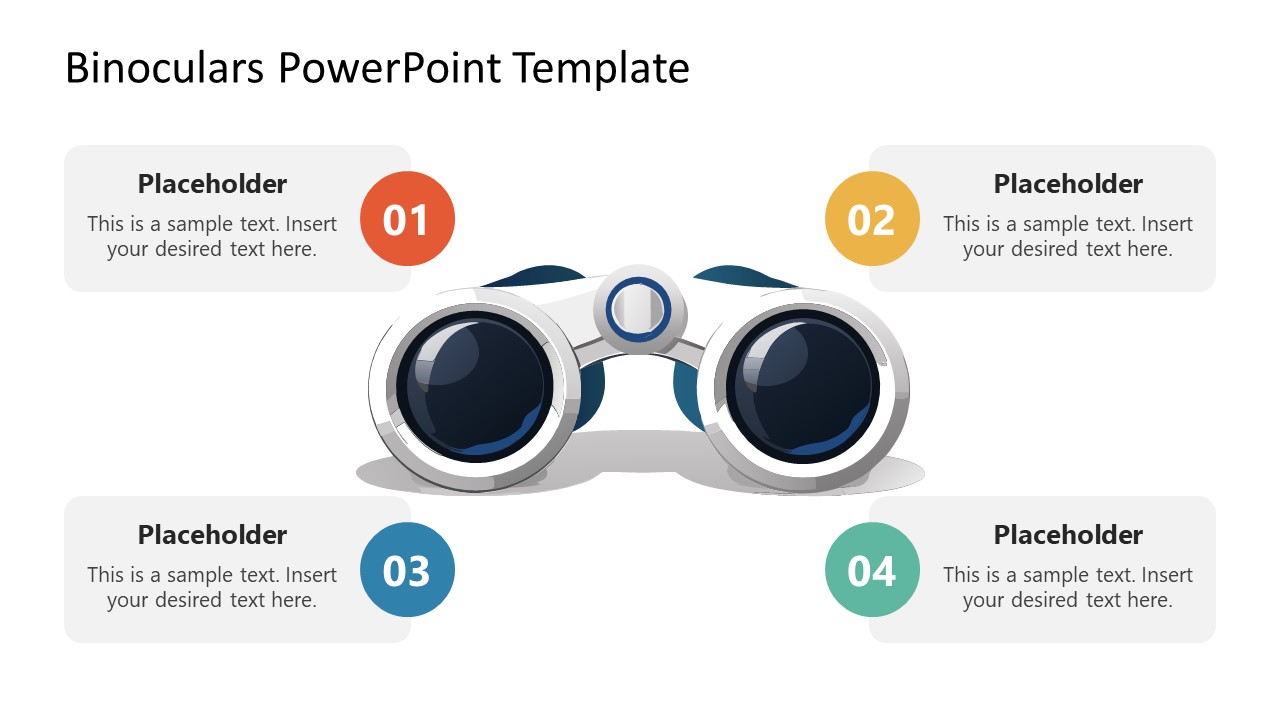
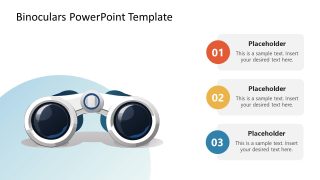
The Binoculars PowerPoint Template features a central binocular graphic with four numbered text placeholder sections around it. Chief strategy officers presenting long-term goals and business vision use binoculars to connect with the audience and convey their idea effectively. The second slide shows the same binocular graphic, but it’s placed on the left over a blue shade, and the text segments are arranged vertically on the right. The brand strategist uses the binoculars PPT slide layout to outline the competitive landscape during client meetings. They can describe the room for brand growth and clearly illustrate the opportunity window using this visual framework. Also, you can add more text sections in the second slide based on the number of points you need to discuss. Additionally, the design is compatible with Google Slides.
Download the binoculars PPT template, featuring a visual metaphor to convey direction in your opportunity-mapping business presentation.
What’s inside this template
Example presentation scenarios
- A chief strategy officer can use the four-point binoculars infographic to present a long-term vision, key objectives, and the main focus areas for an executive planning session.
- A marketing analyst can use the vertical three-point callout slide to summarize market signals, opportunity areas, and recommended next steps for a stakeholder briefing.
- An HR director can use the four numbered callouts around the binoculars to connect company vision, mission, SMART goals, and employee action priorities during orientation.
- A brand strategist can use the left-image, right-list layout to explain competitive landscape observations and highlight the most important growth opportunities in a client meeting.
Features
- 100% editable presentation template
- Compatible with Microsoft PowerPoint and Google Slides
- 16:9 aspect ratio slides
- Scalable vector shapes, icons and illustrations
- AI-Ready for Microsoft Copilot and Claude
- Instant access and download
Frequently asked questions
Q: How should a presenter organize a vision message with this template?
A: Start with the central four-point slide when the audience needs the complete field of view: vision, mission, market signal, and next action. Keep each callout to one short message, then use the vertical three-point slide to isolate priorities, owners, or phased decisions. The binoculars should remain the anchor, not decoration.
Q: When is this binoculars layout a better choice than a standard roadmap?
A: It is best for executives, HR leaders, brand strategists, and marketing analysts who need to discuss direction rather than detailed operations. Use it when the message depends on foresight, opportunity scanning, business objectives, or strategic focus. If the meeting requires charts, budgets, or milestone dates, choose a dashboard or timeline instead.
Q: Why does the binoculars metaphor help the audience understand strategy?
A: The binoculars metaphor gives the audience an immediate cue: look ahead, scan the environment, and focus on what matters. Slide 1 supports equal-weight comparison around the image, while Slide 2 shifts attention to a ranked list. That shift helps presenters move from broad vision to selected priorities.

Binoculars PowerPoint Template
2-slide presentation template with binoculars vision metaphor, four-point callouts, and vertical callout layout
The Binoculars PowerPoint Template is a 2-slide diagram presentation for strategic vision, opportunity mapping, and mission discussion. It includes a central binoculars infographic with four numbered callouts and a second binoculars layout with three stacked text blocks. Built for business presenters in Microsoft PowerPoint and Google Slides.
- Category
- Diagrams
- Rating

 Loading...
- Aspect ratio
- 16:9
- Item ID
- 23602-01
- Colors
 Microsoft PowerPoint
  Microsoft Copilot
  Claude for PowerPoint
 Other formats supported
Subscribe today and get immediate
access to download our PowerPoint templates.