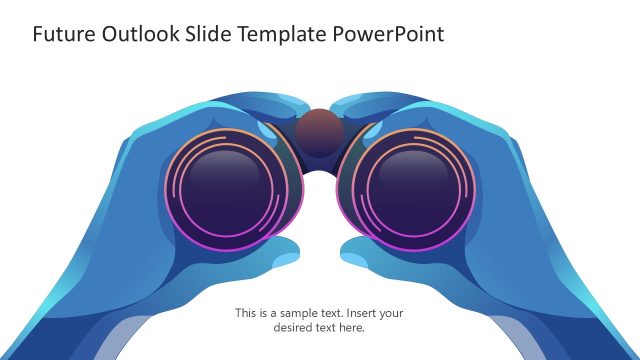
Illustrate your objectives and goals during meetings with our customizable Vision Slide PowerPoint Template. The human illustration with binoculars serves as a metaphor for the long-term vision of a businessman or organization regarding the growth of the company or of real estate projects. In government presentations, professionals can use this template to highlight the plans or key achievements of their city development project. Presenters can easily edit the layout to create project briefs or use the slides in their pitch decks to raise investment. Our vision PPT template can help real estate developers outline their construction projects or building development initiatives during partner meetings. Users can easily edit the template to outline their vision for residential, commercial, industrial, or institutional development projects.
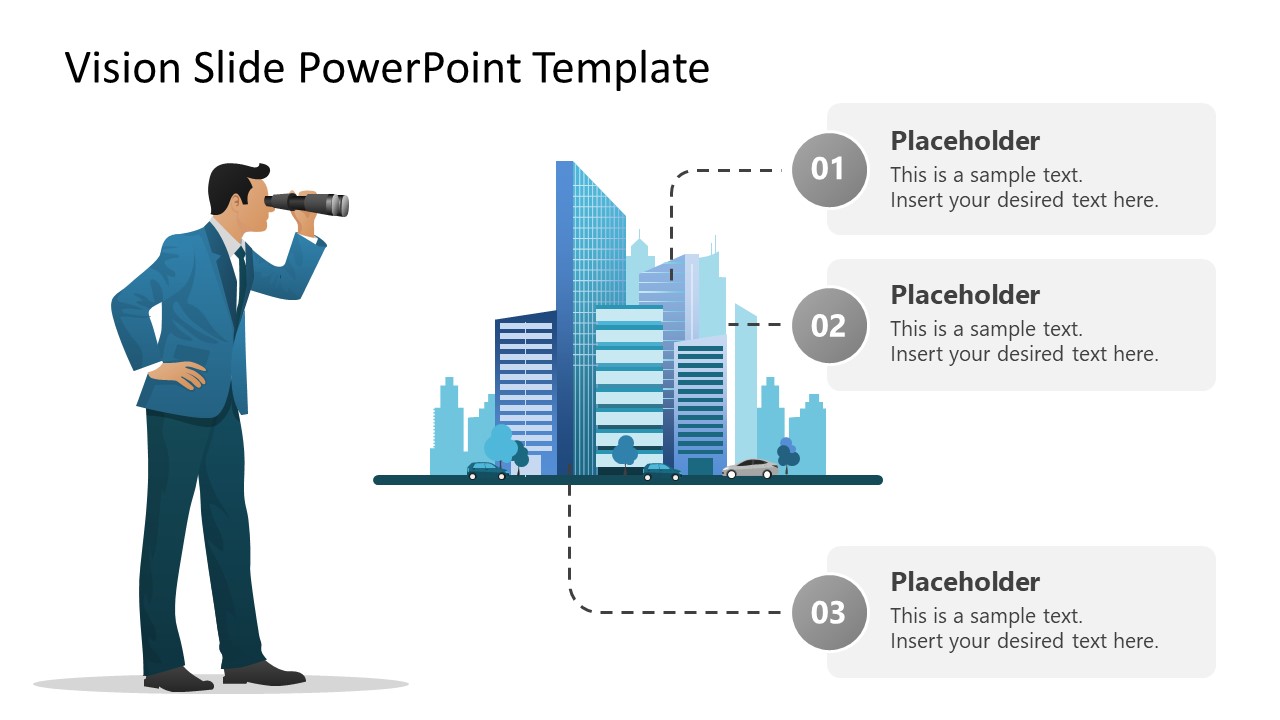
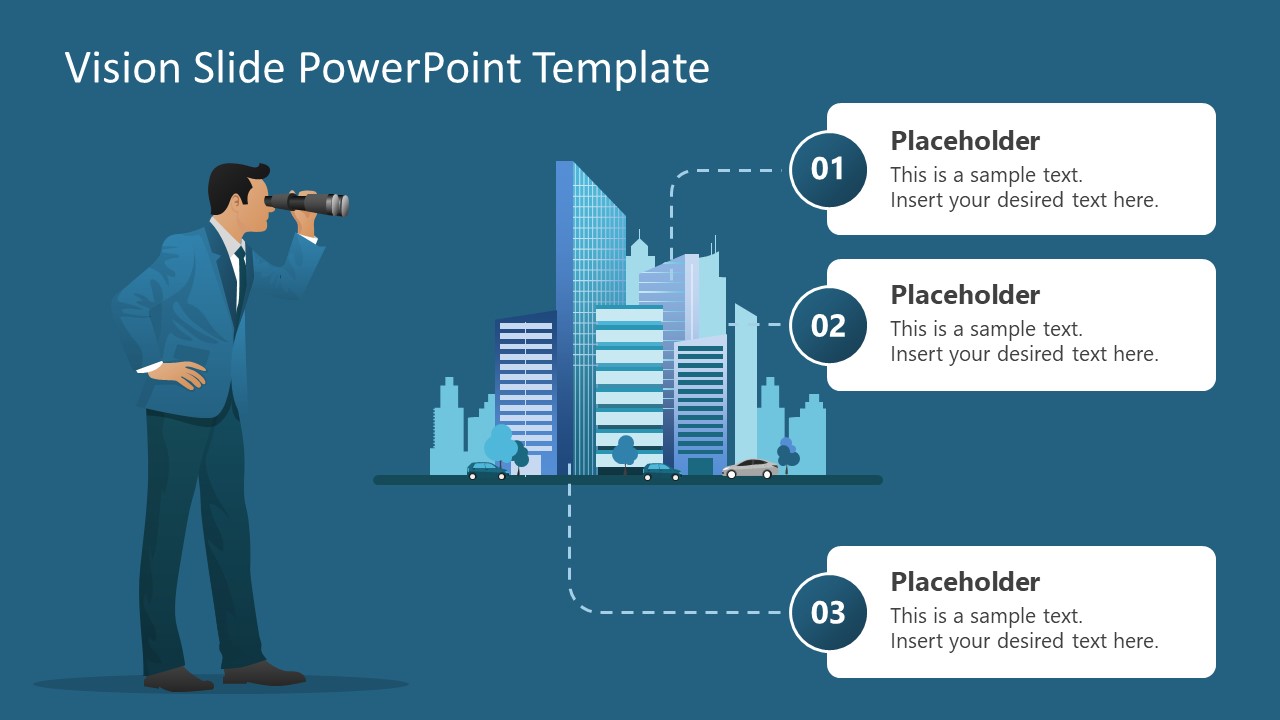
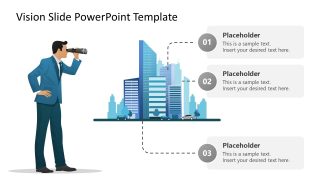
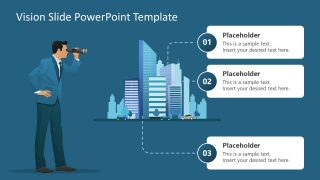
The editable Vision Slide PowerPoint Template features two slides, both with the same diagram and elements but with different background colors. The first slide has a white background, while the second slide shows a dark background. The diagram shows an impressive city skyline, i.e., the overall outline of the city formed by its tallest buildings, skyscrapers, and other structures, against the blue sky. There is an illustrated businessman looking through the binoculars at the city skyline.
On the side, we have provided numbered placeholder text boxes so you can include details clearly. Moreover, you can edit the design to change the color scheme, colors, shapes, or city skyline. Also, our template is fully compatible with Google Slides and other versions of Microsoft PowerPoint. Download our vision diagram slide template and use it for presenting business vision or urban development ideas!
What’s inside this template
Example presentation scenarios
- A real estate developer can present a long-term property development concept by using the city skyline illustration and three numbered callouts for location, scope, and expected impact.
- A founder can open an investor pitch by using the binoculars metaphor to frame the market vision and then list three strategic priorities in the callout boxes.
- A government planning team can summarize a city development initiative by pairing the skyline visual with three text points for infrastructure, growth, and public outcomes.
- A project manager can align stakeholders around a shared vision by replacing the placeholders with milestones, success criteria, and the next decision needed.
Features
- 100% editable presentation template
- Compatible with Microsoft PowerPoint and Google Slides
- 16:9 aspect ratio slides
- Scalable vector shapes, icons and illustrations
- AI-Ready for Microsoft Copilot and Claude
- Instant access and download
Frequently asked questions
Q: How should a presenter structure the message on this vision slide?
A: Start with the title as the vision statement, not a generic topic label. Use the city skyline and binoculars as the big-picture cue, then make the three numbered callouts specific: one for the future state, one for the strategic focus, and one for the action or proof point. Keep each callout short enough to read at a glance.
Q: Who is this template best suited for in a business presentation?
A: This template fits presenters who need to make a future direction feel concrete before discussing details. Executives, founders, real estate developers, and city planning teams can use it to introduce a vision, align stakeholders around objectives, or set context for a pitch before moving into financials, timelines, or implementation slides.
Q: Why does the binoculars and skyline metaphor work for vision communication?
A: The binoculars figure immediately signals looking ahead, while the skyline gives the vision a tangible destination. The dotted path links the illustration to the numbered callouts, so the audience sees a relationship between aspiration and action. This reduces abstraction and helps the presenter translate ambition into three memorable points.
Vision Slide PowerPoint Template
2-slide presentation template for vision statements, city skyline goals, and numbered objective callouts
The Vision Slide PowerPoint Template is a 2-slide business vision diagram for Microsoft PowerPoint and Google Slides. It shows a businessman with binoculars facing a city skyline, linked to three numbered callout boxes. The set supports vision statements, project objectives, urban development plans, and investor-facing goal summaries.
- Category
- Business PowerPoint Templates
- Rating

 Loading...
- Aspect ratio
- 16:9
- Item ID
- 23603-01
- Colors
 Microsoft PowerPoint
  Microsoft Copilot
  Claude for PowerPoint
 Other formats supported
Subscribe today and get immediate
access to download our PowerPoint templates.