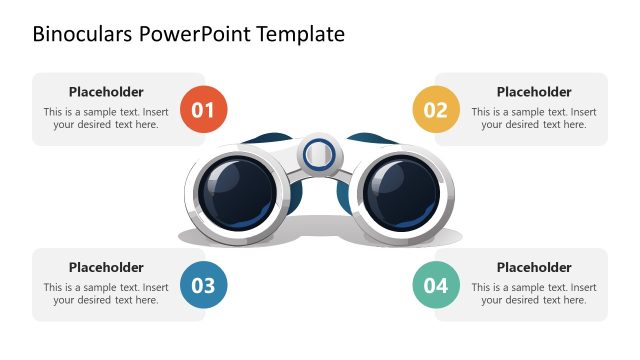
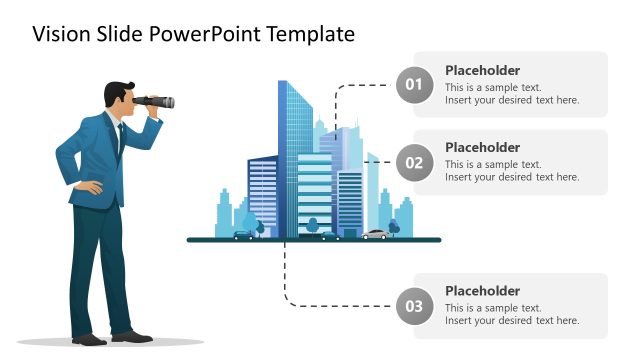
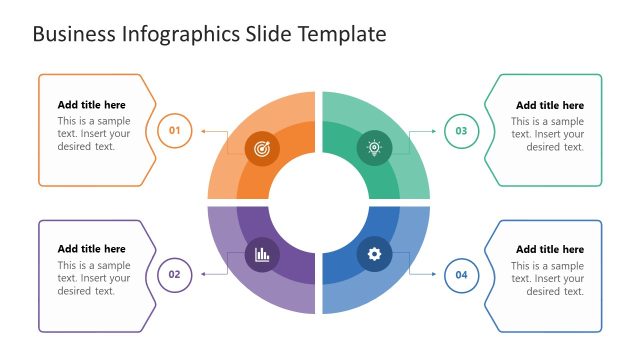
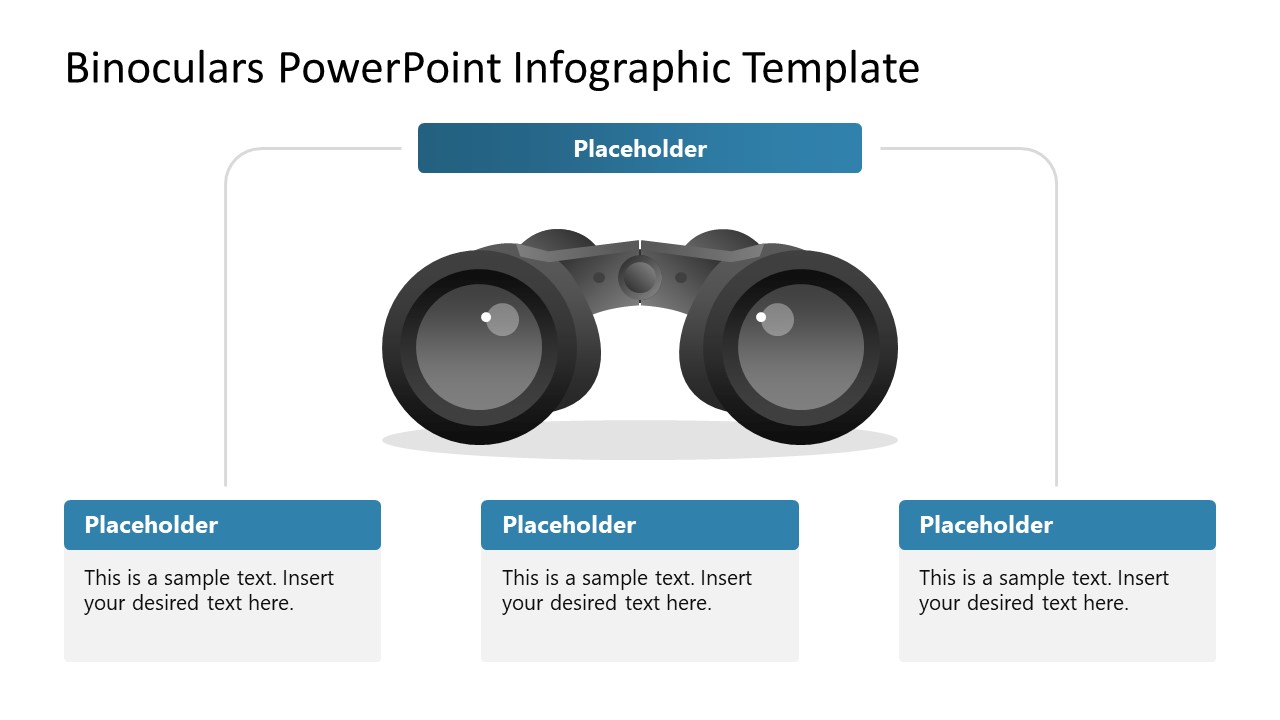
Grab our compelling Binoculars PowerPoint Infographic Template to outline the business vision, analysis, or strategic business plans. Binoculars are used to see distant objects with clarity. In business presentations, these binoculars are often used to visualize business growth and long-term objectives. This diagram captures the audience’s attention and keeps them engaged with the presenter. Professionals can use the binoculars diagram to showcase the business vision, its components, or planned steps to achieve those goals. We have created this template for entrepreneurs to share their long-term vision and short-term goals to achieve that vision. This can help stakeholders decide whether the business activities align with the long-term vision and short-term business plans or need improvement. In investor pitch decks, you can showcase the company’s SMART goals to win trust, credibility, and ultimately funding for their scaling plans.
Moreover, professionals can repurpose the template to highlight the unique and innovative features of their products at meetups with vendors, investors, and stakeholders. This template is perfect for effectively showing the characteristics of specific products in these meetings. They can insert the product picture in the center and edit text for details. The template comprises two slides with the same binocular diagram in the center. The slide layout includes text placeholders that users can edit to demonstrate details or components of their vision. The first slide has three text sections at the bottom connected with the text block at the top. The second slide has four text blocks at the four corners of the diagram template. Use our Binoculars PowerPoint Infographic Template in your stakeholder meetings and present your strategic objectives. Download now!
What’s inside this template
Example presentation scenarios
- A founder can use the three-part callout slide to explain a company vision and the key short-term goals that support it during an investor or stakeholder meeting.
- A product manager can use the four-corner callout slide to present major product feature groups around a central product direction or roadmap theme.
- A strategy lead can use the binoculars diagram to align executives on mission components, planning priorities, and expected focus areas for the next planning cycle.
- A business development presenter can use the central visual metaphor to explain market focus while assigning each surrounding text card to a customer need, capability, or opportunity.
Features
- 100% editable presentation template
- Compatible with Microsoft PowerPoint and Google Slides
- 16:9 aspect ratio slides
- Scalable vector shapes, icons and illustrations
- AI-Ready for Microsoft Copilot and Claude
- Instant access and download
Frequently asked questions
Q: How should a presenter structure the message around the binoculars diagram?
A: Start with the idea the binoculars represent: a future state, market direction, or product vision. Then use the surrounding text cards for the few ideas that make that vision credible. On the three-part slide, group the message into primary drivers. On the four-corner slide, show supporting factors, risks, audiences, or feature categories.
Q: Who is this template best suited for in a business presentation?
A: This template works best for presenters who need to make an abstract direction easier to discuss. Founders, product managers, strategy leads, and business development teams can use it when the goal is to explain where the organization or product is heading, not to report dense financial data or detailed timelines.
Q: Why use binoculars as the central visual metaphor instead of a standard list?
A: Binoculars instantly suggest looking ahead, focusing attention, and clarifying distant objectives. That metaphor helps the audience understand that the surrounding callouts are not random notes, but parts of a future-facing plan. The central image also anchors the slide, so the presenter can move through each callout without losing the main idea.

Binoculars PowerPoint Infographic Template
2-slide presentation template for vision planning with binoculars diagram and text callouts
The Binoculars PowerPoint Infographic Template is a 2-slide 16:9 diagram template for presenting business vision, mission themes, product features, or planning components. It includes a central binoculars illustration, a three-part callout layout, and a four-corner callout layout for Microsoft PowerPoint and Google Slides.
- Category
- Diagrams
- Rating

 Loading...
- Aspect ratio
- 16:9
- Item ID
- 23601-01
- Colors
 Microsoft PowerPoint
  Microsoft Copilot
  Claude for PowerPoint
 Other formats supported
Subscribe today and get immediate
access to download our PowerPoint templates.