Slide 3 of 3 from Awesome Tree Diagram Template for PowerPoint
Simple Tree Diagram Slide Design with Icons for PowerPoint
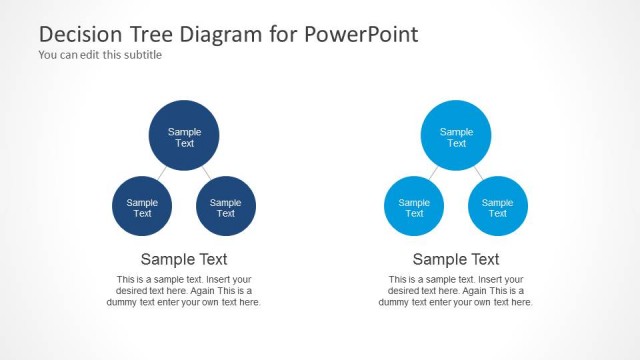
Three-Node Decision Tree Diagram for PowerPoint
- Diagram
- Matrix Quadrant
- Process Slide
- 16:9
- 100% Editable
About This Slide
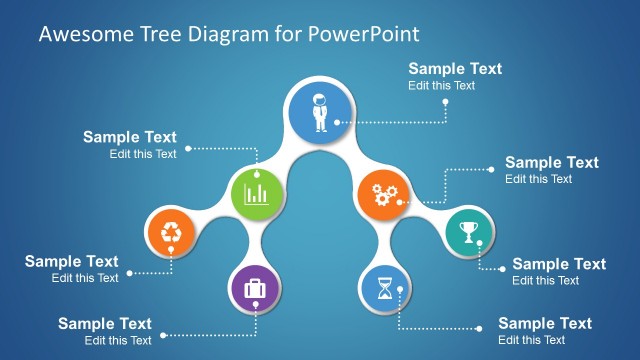
Simple slide design with a tree diagram using the fluid style and PowerPoint icons.
What’s on This Slide
The layout features a central node with three surrounding nodes, each containing icons and text placeholders. The central node is circular and colored blue, while the surrounding nodes are colored purple, orange, and green. Each node has a corresponding text placeholder below, aligned centrally. A dotted line connects the central node to the top of the purple node, indicating a flow or relationship. The background is a gradient blue, enhancing visual separation. The overall composition is balanced, with equal spacing between nodes.
How to Use It
This layout serves as a three-node decision tree, ideal for illustrating choices or processes. It fits well in presentations discussing decision-making frameworks, project planning, or organizational structures. Use it to visually represent options and their implications in business scenarios. This slide can effectively summarize complex information in a clear, structured manner, making it suitable for both formal and informal presentations.
Text Placeholders & Capacity
Keep your copy within these limits so it fits without resizing. Node body slots can hold about 15-20 words each.
| Placeholder | Count | Max characters (approx.) |
|---|---|---|
| Item body | 3 | 80 |
| Item heading | 3 | 30 |
| Slide title | 1 | 50 |
Slide Keywords
Download unlimited PowerPoint templates, charts and graphics for your presentations with our annual plan.
DOWNLOADReturn to Awesome Tree Diagram Template for PowerPoint.