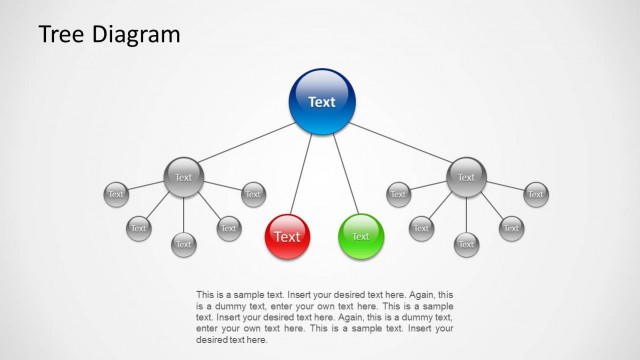
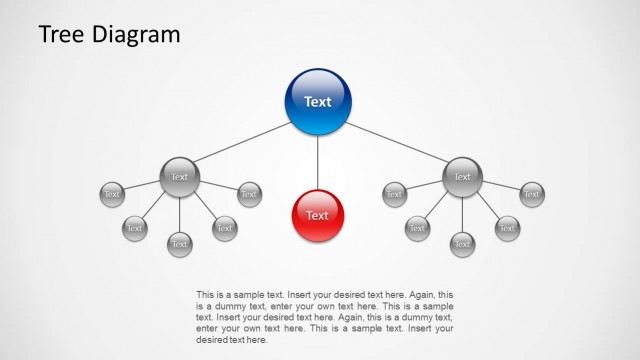
Slide 1 of 3 from Awesome Tree Diagram Template for PowerPoint
Simple Tree Diagrams Data Structure with Icons
Tree Diagram for PowerPoint - Slide 1
- Diagram
- Tree Hierarchy
- Strategic Analysis Slide
- 16:9
- 100% Editable
About This Slide
The PowerPoint design contains a simple tree diagram structure with icons, which may be used to show a hierarchy of positions in the business organization. It may also be used as an illustration of a decision tree in a marketing process presentation.
Each element concerned in the diagram is represented by a generic icon found inside a circular PowerPoint shape colored in blue, orange, green, or violet. Each icon is connected to a text placeholder, where labels and descriptions may be inserted, by a dotted line. All PowerPoint objects are 100% editable to suit the presenter’s needs and preferences.
What’s on This Slide
The slide features a central branching tree diagram with six circular nodes positioned around a central hub. Each node contains an icon and a text placeholder, with the icons representing various themes such as a briefcase, gears, and a trophy. The nodes are connected by dotted lines, indicating relationships. The background is a gradient blue, enhancing the visual appeal. Text placeholders are aligned above and below each node, allowing for easy editing. The overall layout is symmetrical, emphasizing the central theme.
How to Use It
This layout serves as a decision tree or process flow diagram, ideal for illustrating relationships or hierarchies. It fits well at the beginning of a presentation to outline key concepts or decisions. Suitable for business contexts, it can be used to present organizational structures, project phases, or sales processes. This structure helps audiences quickly grasp complex information by visualizing connections between elements.
Text Placeholders & Capacity
Keep your copy within these limits so it fits without resizing. Node labels can hold about 5 words each, while node bodies can accommodate roughly 10 words.
| Placeholder | Count | Max characters (approx.) |
|---|---|---|
| Item heading | 6 | 25 |
| Item body | 6 | 50 |
| Slide title | 1 | 40 |
Slide Keywords
Download unlimited PowerPoint templates, charts and graphics for your presentations with our annual plan.
DOWNLOADReturn to Awesome Tree Diagram Template for PowerPoint.