Slide 2 of 3 from Awesome Tree Diagram Template for PowerPoint
Awesome Tree Diagram for PowerPoint with Icons
Tree Diagram with Icons for Presentations
- Diagram
- Other
- Process Slide
- 16:9
- 100% Editable
About This Slide
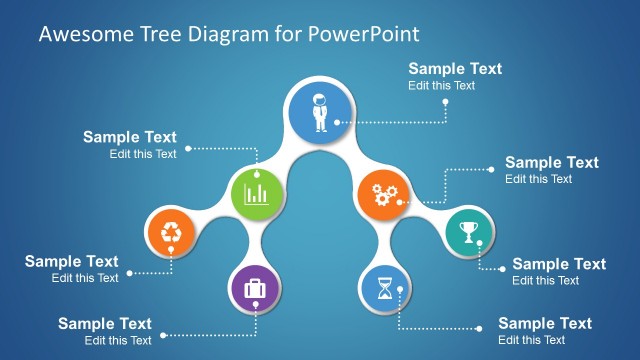
Slide design with a tree diagram and PowerPoint icons that you can use to represent a business logic or as a decision tree diagram. The tree diagram has a right branch and it is ready for edit as a PowerPoint shape so you can change the shape colors and shape properties.
What’s on This Slide
The layout features a central node connected to four circular nodes, each containing icons and sample text placeholders. The central node is larger and positioned at the center, while the surrounding nodes are evenly spaced around it, with two on the left and two on the right. Connecting dotted lines lead from the central node to each surrounding node, indicating relationships. The background is a gradient blue, enhancing the visual appeal. Text placeholders are aligned within each node, with a clear hierarchy established by size and position.
How to Use It
This layout serves as a decision tree or process flow diagram, effectively illustrating relationships or hierarchies. It fits well in presentations discussing organizational structures, project workflows, or decision-making processes. Ideal for business scenarios, it can be used to present sales paths, family trees, or fluid processes. This structure allows for easy customization of content while maintaining clarity in visual communication.
Text Placeholders & Capacity
Keep your copy within these limits so it fits without resizing. Node body slots can hold roughly 5-6 words each.
| Placeholder | Count | Max characters (approx.) |
|---|---|---|
| Item body | 4 | 30 |
| Slide title | 1 | 40 |
Slide Keywords
Download unlimited PowerPoint templates, charts and graphics for your presentations with our annual plan.
DOWNLOADReturn to Awesome Tree Diagram Template for PowerPoint.