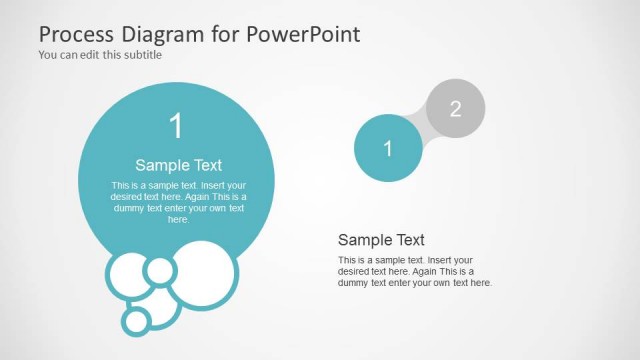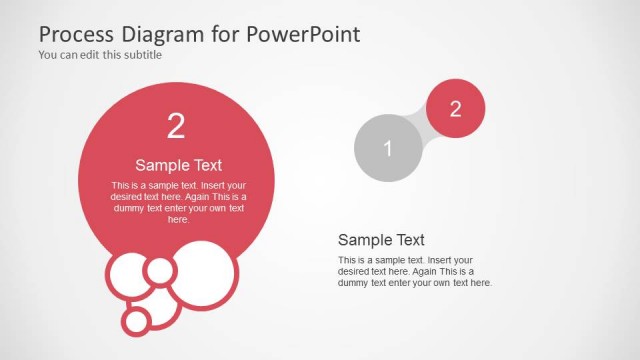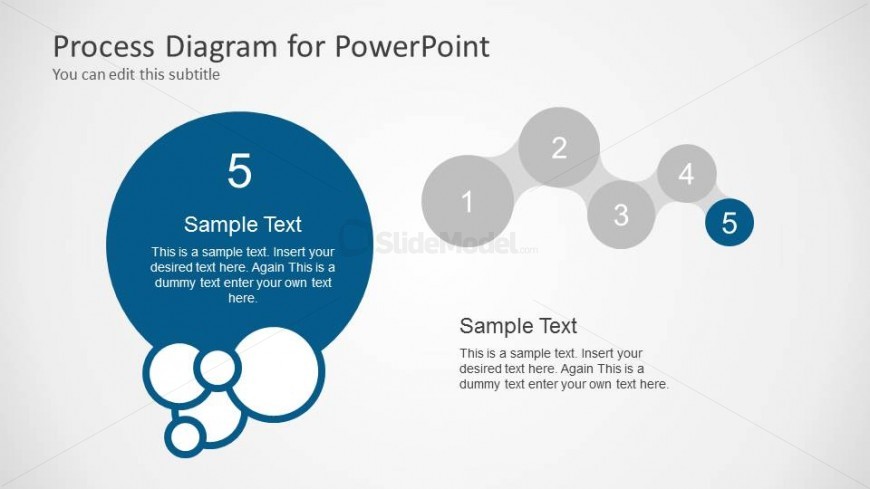
Slide 7 of 7 from Awesome 5 Steps Process Diagram for PowerPoint
6103-01-awesome-process-diagram-5steps-7
5 Steps Process Diagram for PowerPoint
- Diagram
- Process Flow
- Process Slide
- 16:9
- 100% Editable
The 5 Steps Process Diagram slide from the Awesome 5 Steps Process Diagram for PowerPoint template offers a clear visual representation of sequential stages, ideal for project management and strategic planning presentations. This slide layout uses editable shapes and vector icons arranged in a horizontal flow to enhance understanding of complex processes in business presentations and training sessions.
What’s on This Slide
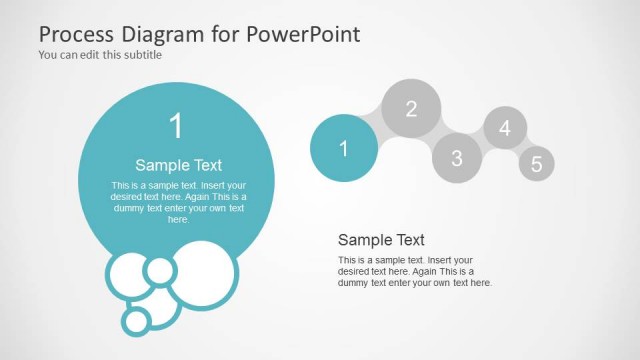
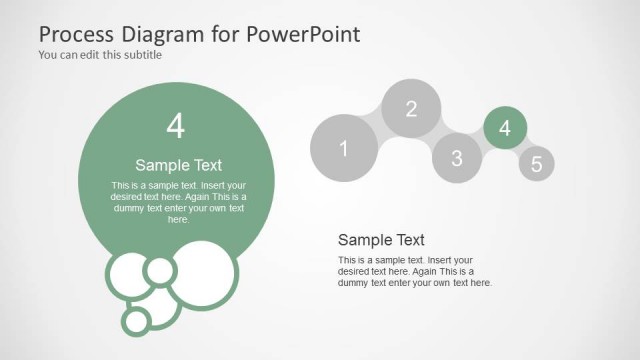
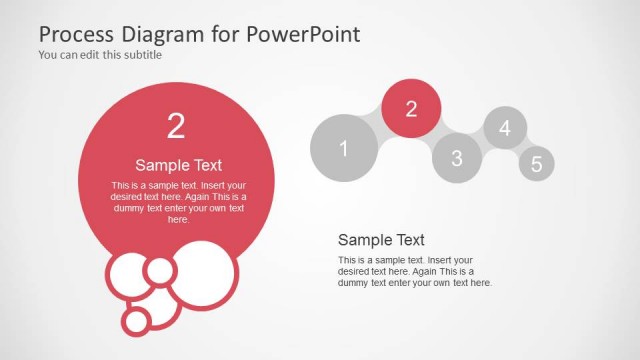
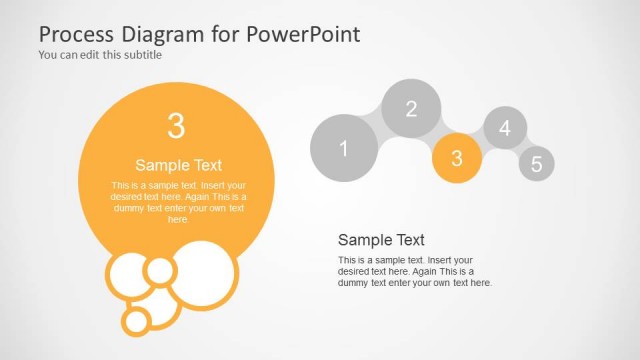
The layout features a large circular node on the left, labeled '5' with accompanying sample text below it. To the right, five smaller circular nodes are arranged in a horizontal sequence, each numbered from 1 to 5. The nodes are connected by a subtle line, indicating a flow from left to right. Below the right nodes, there is additional sample text. The background is light gray, providing contrast to the blue and white elements. Text placeholders are aligned centrally within the circles, emphasizing their importance in the visual hierarchy.
How to Use It
This layout serves as a process flow diagram, illustrating a five-step sequence. It is suitable for presentations that outline procedures, methodologies, or project phases. Positioned at the end of a presentation, it can summarize key steps or highlight the final outcomes. This structure is applicable in business contexts such as project management, training sessions, or strategic planning where clarity in process stages is essential.
Text Placeholders & Capacity
Keep your copy within these limits so it fits without resizing. Node body slots can hold approximately 100 characters each.
| Placeholder | Count | Max characters (approx.) |
|---|---|---|
| Slide title | 1 | 30 |
| Subtitle | 1 | 30 |
| Item heading | 5 | 10 |
| Item body | 5 | 100 |
Slide Keywords
Download unlimited PowerPoint templates, charts and graphics for your presentations with our annual plan.
DOWNLOAD