Slide 6 of 7 from Awesome 5 Steps Process Diagram for PowerPoint
6103-01-awesome-process-diagram-5steps-6
5 Steps Process Diagram for PowerPoint
- Diagram
- Process Flow
- Process Slide
- 16:9
- 100% Editable
The 5 Steps Process Diagram slide from the Awesome 5 Steps Process Diagram for PowerPoint template offers a clear visual flow ideal for project management and product development presentations. This slide layout uses editable shapes and vector icons arranged in a sequential design to effectively communicate step-by-step workflows, making it suitable for business presentations and training sessions that require an organized process overview.
What’s on This Slide
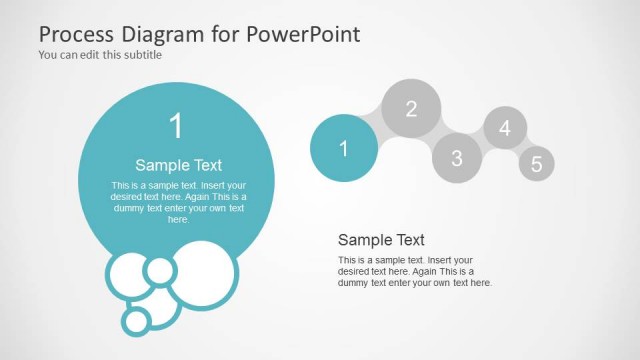
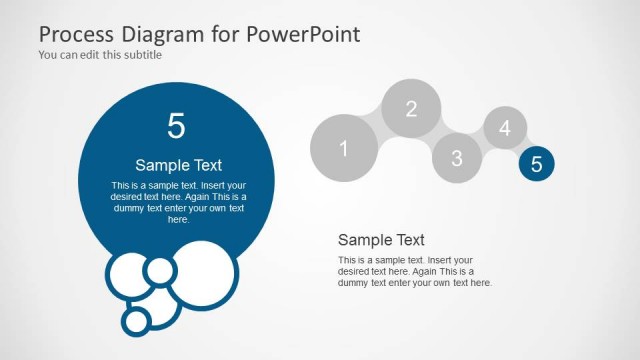
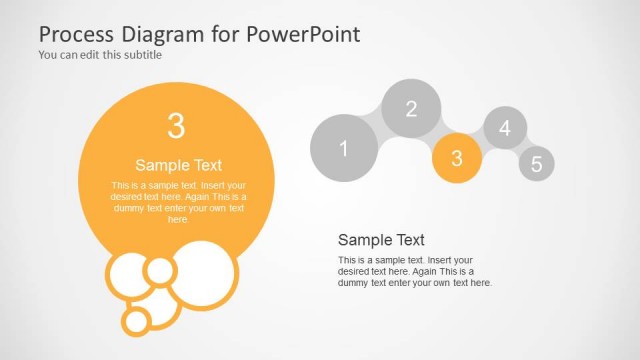
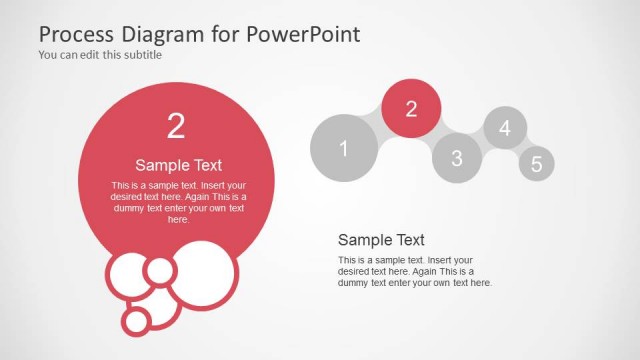
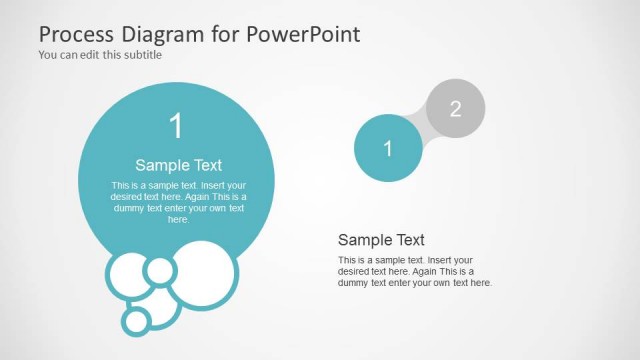
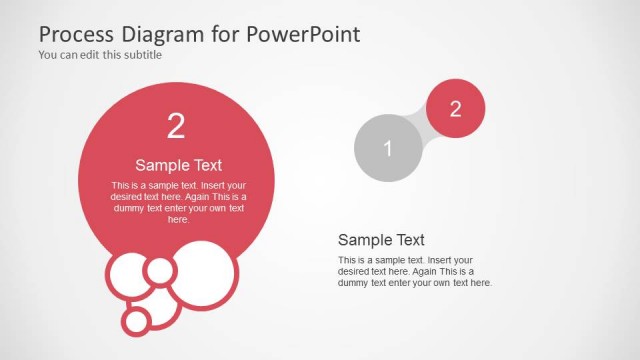
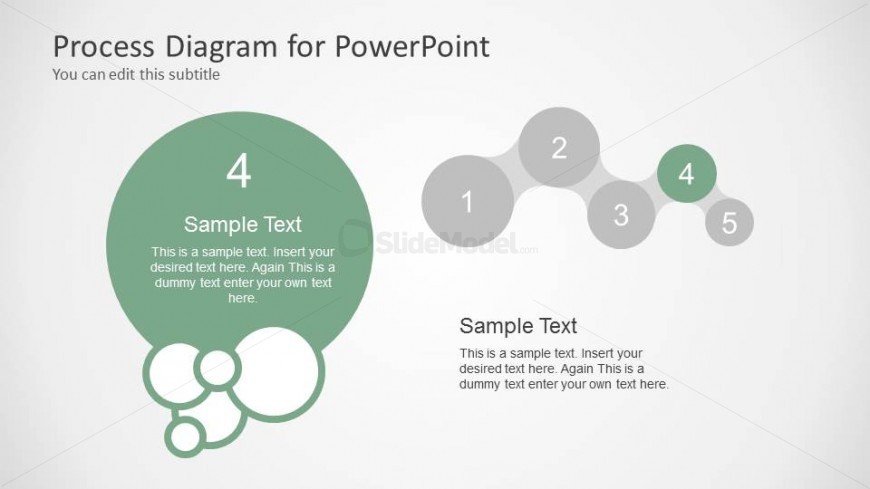
The layout features a large circular node on the left, labeled '4' with sample text below it. This node is surrounded by smaller circular shapes that create a bubble effect. On the right, a horizontal sequence of five smaller circles is arranged, with the fourth circle highlighted in green. Each circle has a number from 1 to 5, with sample text beneath the sequence. Text placeholders are aligned centrally within each shape, and the overall color scheme includes shades of green and gray against a light background, creating a clear visual hierarchy.
How to Use It
This layout serves as a process diagram, illustrating a five-step sequence. It is suitable for presentations that outline processes or workflows, fitting well after introductory or problem-framing slides. This structure can be employed in business scenarios such as project management, product development, or training sessions, where a clear step-by-step approach is required. It helps convey complex information in a digestible format, making it easy for the audience to follow the progression.
Text Placeholders & Capacity
Keep your copy within these limits so it fits without resizing. Node labels can hold about 20 characters each, while body text can accommodate roughly 100 characters.
| Placeholder | Count | Max characters (approx.) |
|---|---|---|
| Item heading | 5 | 20 |
| Item body | 5 | 100 |
| Slide title | 1 | 50 |
| Subtitle | 1 | 50 |
Slide Keywords
Download unlimited PowerPoint templates, charts and graphics for your presentations with our annual plan.
DOWNLOAD