Download our Asset Management PowerPoint Template to present the strategies by which your company carries our asset management services. Asset management refers to a set of practices to increase wealth by more investments with a low-risk plan. The risk level and the type of investment depend on the investor’s mindset and age. An asset manager works on behalf of the client to buy or sell investments that have the potential to grow in value. Financial advisors from institutions, investment banks, and independent financial experts can use our template to depict their working methodology and the benefits of hiring them for asset management. This template is 100% editable and can be customized with all PowerPoint versions.
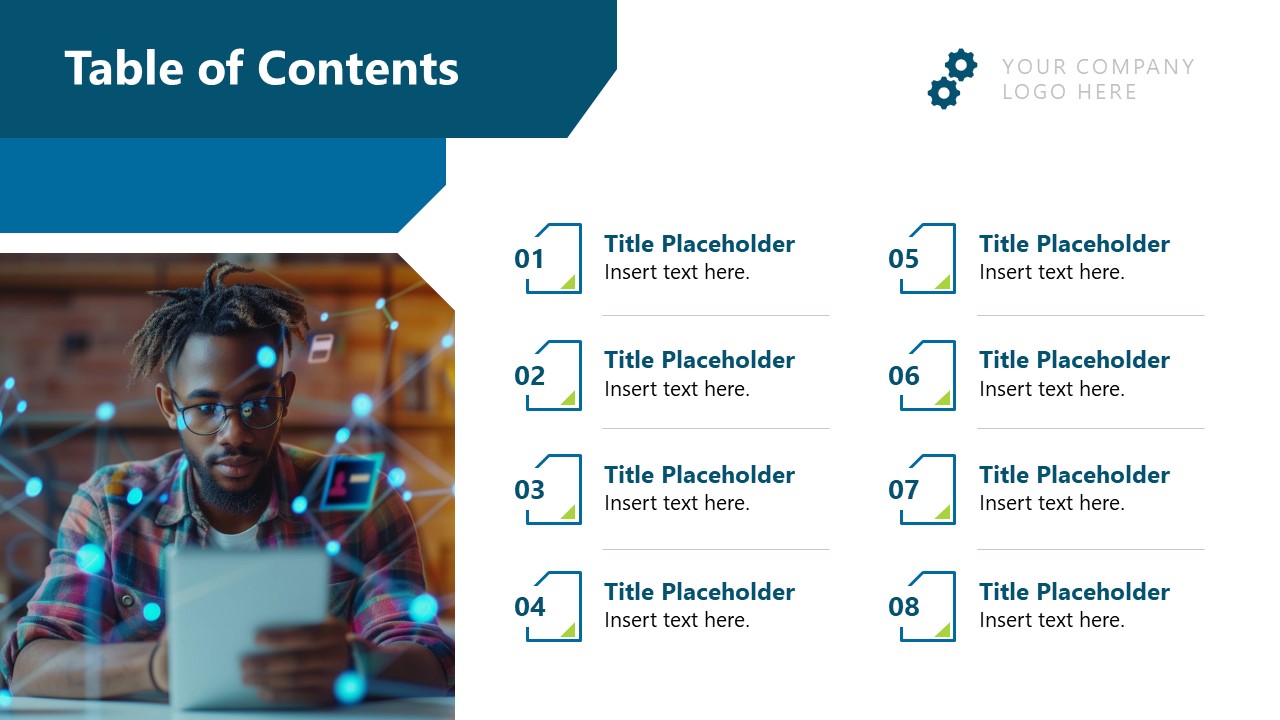
The Asset Management PowerPoint Template starts with an impressive slide containing an image of a laptop user working on data. The following slide is for presenting the table of contents for the presentation. Next, there are different slides that users can utilize to demonstrate:
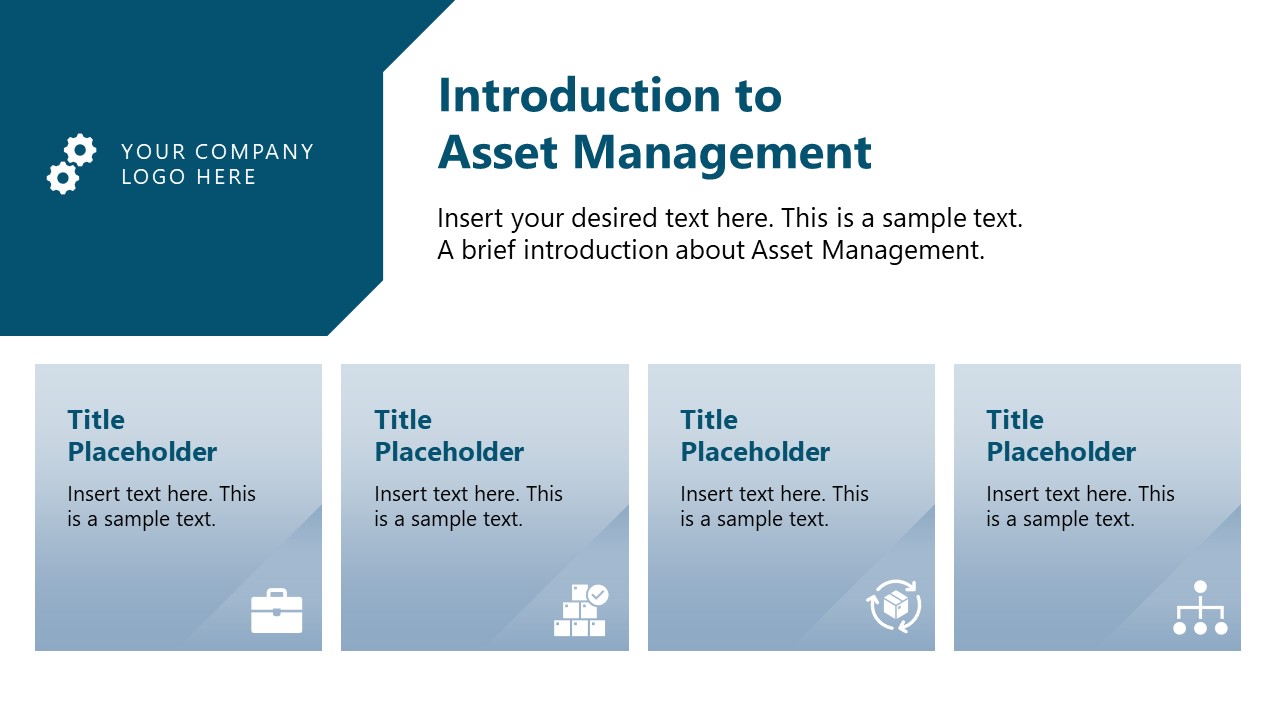
- Introduction to Asset Management
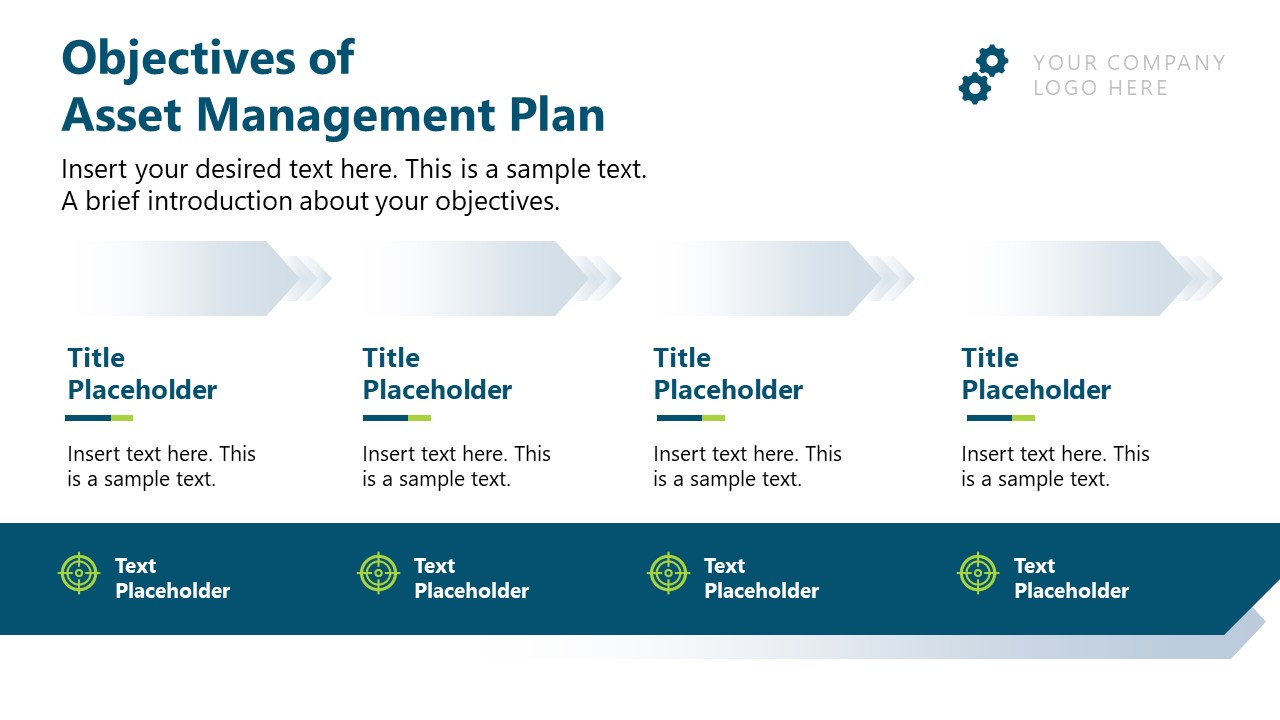
- Objectives of Asset Management Plan
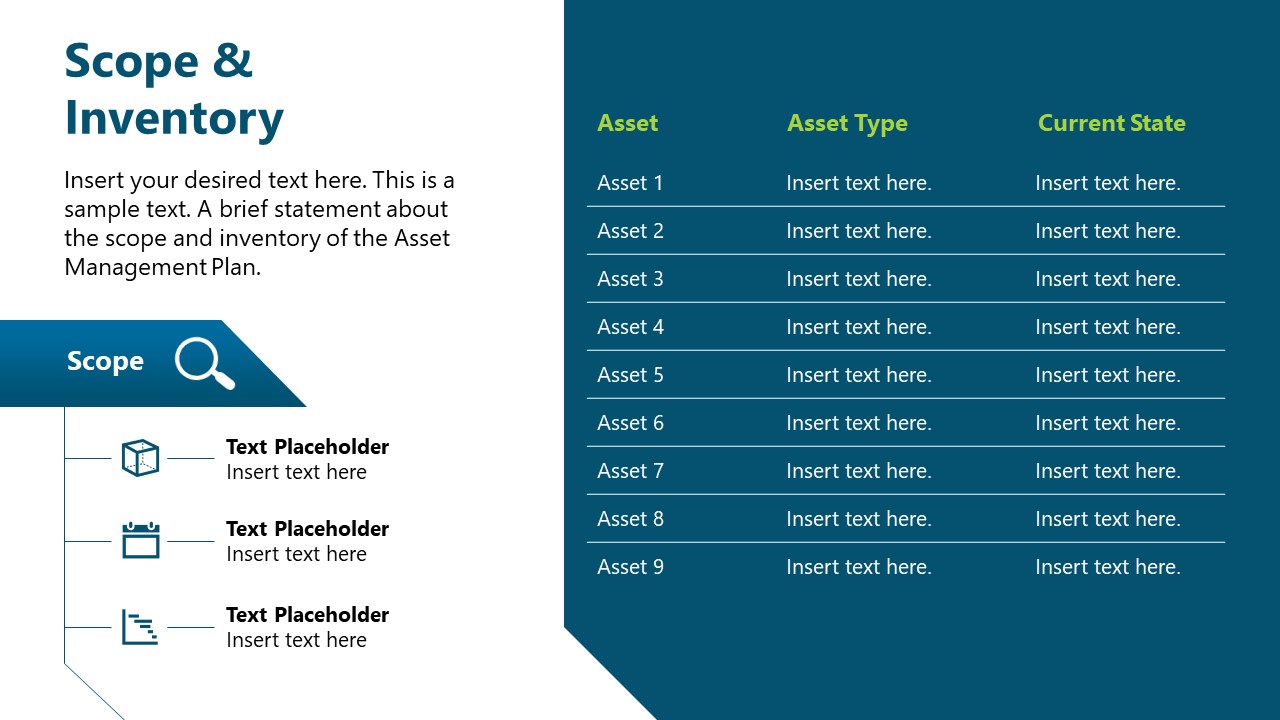
- Scope & Inventory
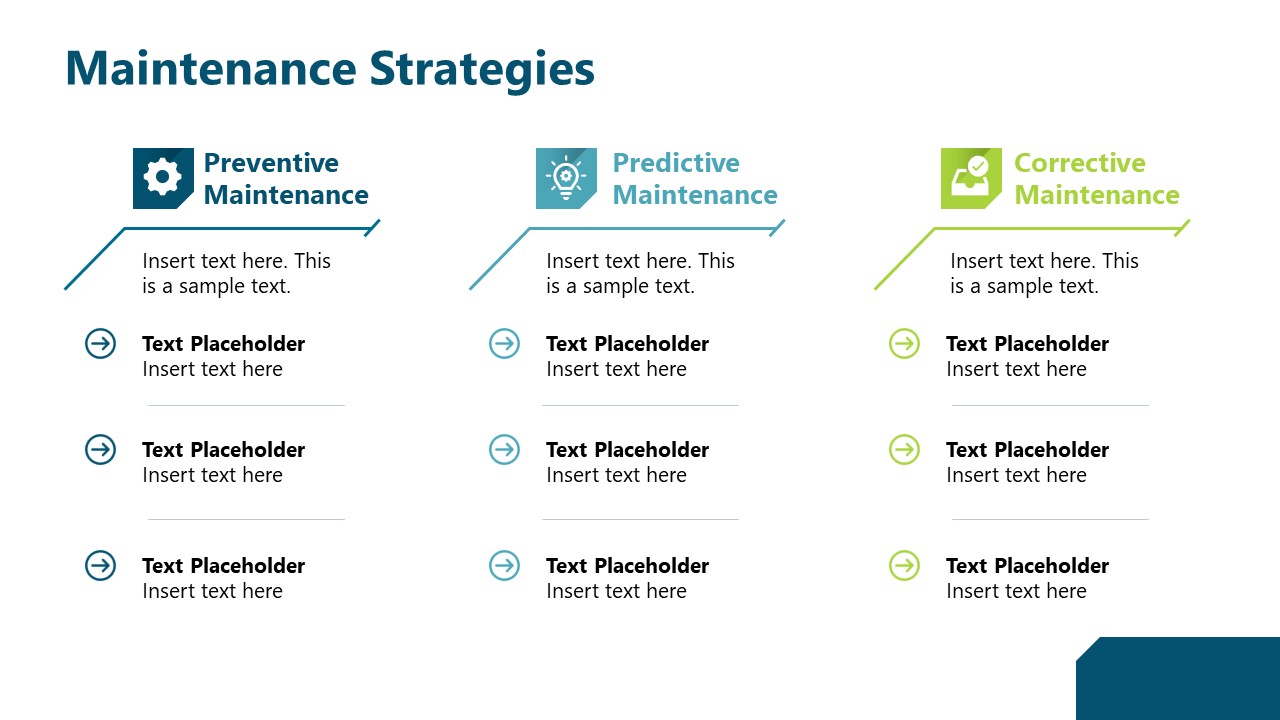
- Maintenance Strategies
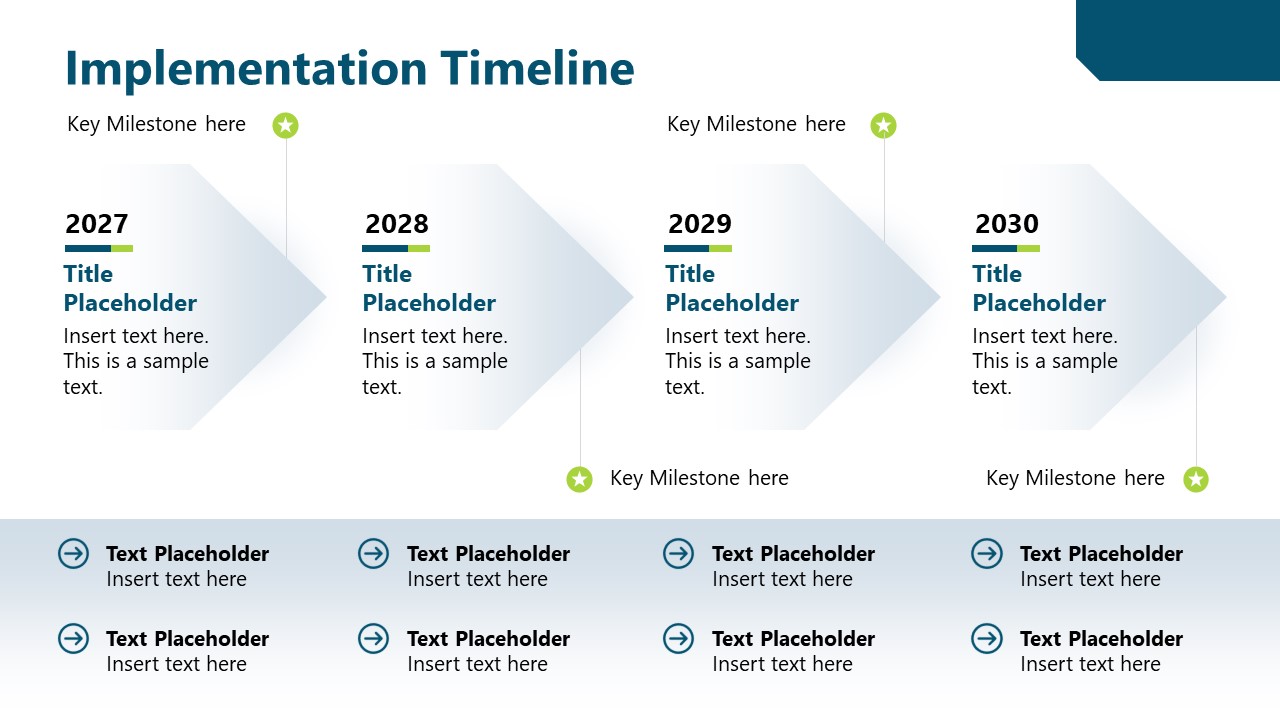
- Implementation Timeline
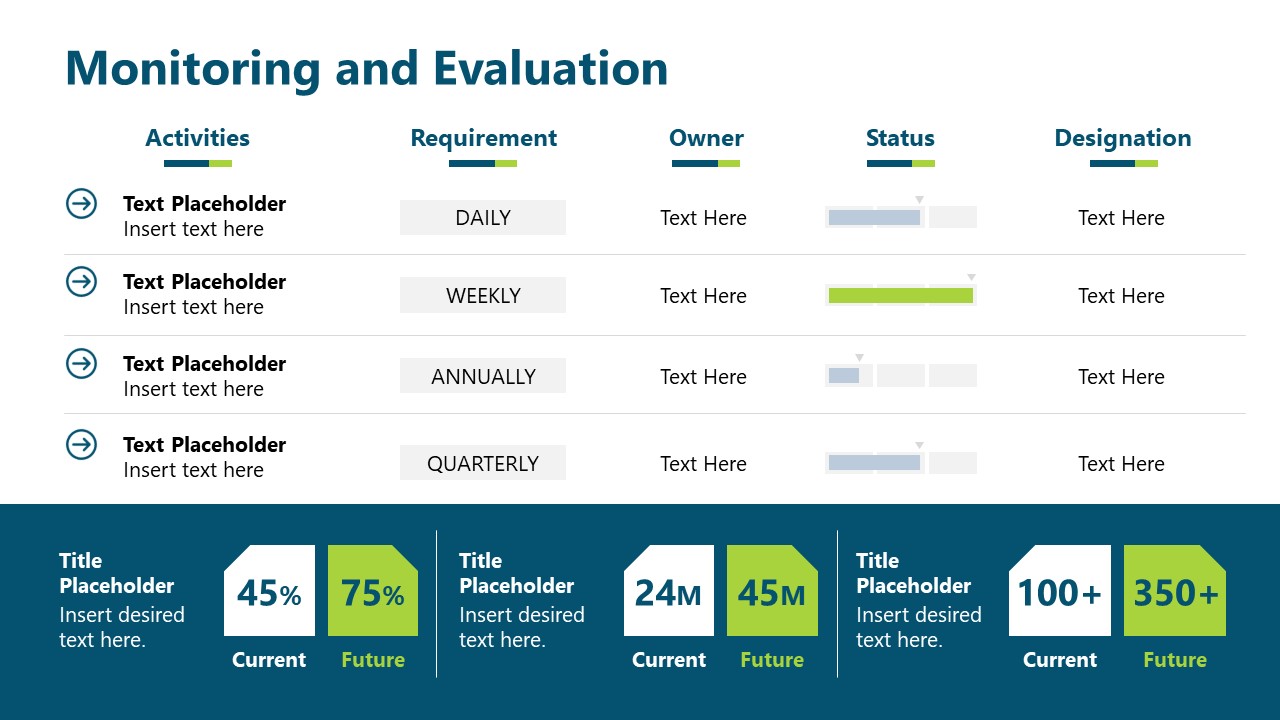
- Monitoring and Evaluation
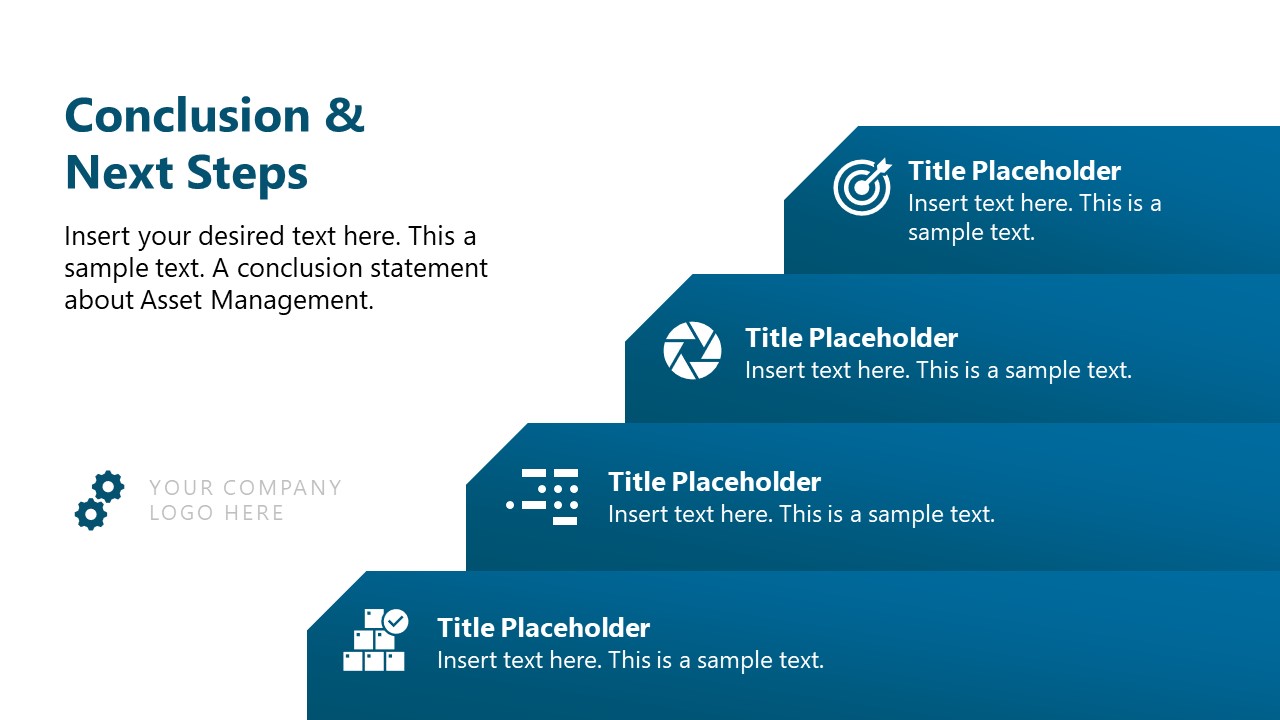
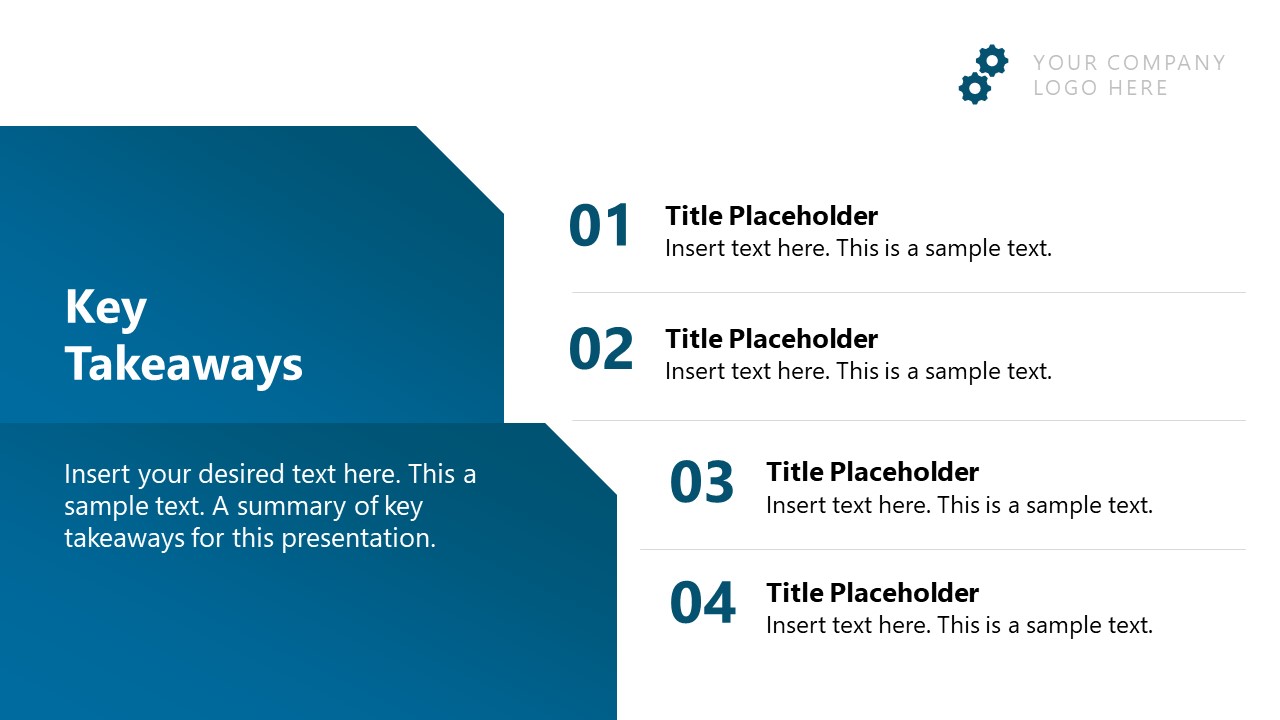
- Conclusion & Key Takeaways
Relevant infographic icons help presenters communicate their messages effectively. The professional design of the template grabs the investors’ attention and enhances the presentation’s impact. A comprehensive explanation of asset management increases your clients’ trust in you, opening up the new door to opportunities. Also, presenters can depict the preventive, predictive, and corrective strategies for asset maintenance using columns and bullets. Using a horizontal timeline diagram, they can showcase their complete implementation plan for working on investments. Moreover, they can also visualize the status of activities in their processes. Professionals can modify the PowerPoint components based on their choice. They can also change the template’s icons, shapes, and other PPT features to fit their needs. Download our template and personalize it now!
What’s inside this template
Example presentation scenarios
- A financial advisor can use the introduction cards and objectives slide to explain the purpose of an asset management plan to a prospective client.
- An asset management team can use the scope and inventory table to define asset categories, asset types, and current state during an internal planning review.
- A maintenance or operations lead can use the three-column maintenance strategy slide to compare preventive, predictive, and corrective approaches for managed assets.
- A portfolio management lead can use the implementation timeline and monitoring dashboard to present milestones, ownership, status, and future targets to executives.
Features
- 100% editable presentation template
- Compatible with Microsoft PowerPoint
- 16:9 aspect ratio slides
- Scalable vector shapes, icons and illustrations
- AI-Ready for Microsoft Copilot and Claude
- Instant access and download
Frequently asked questions
Q: How should a presenter organize the message with this asset management deck?
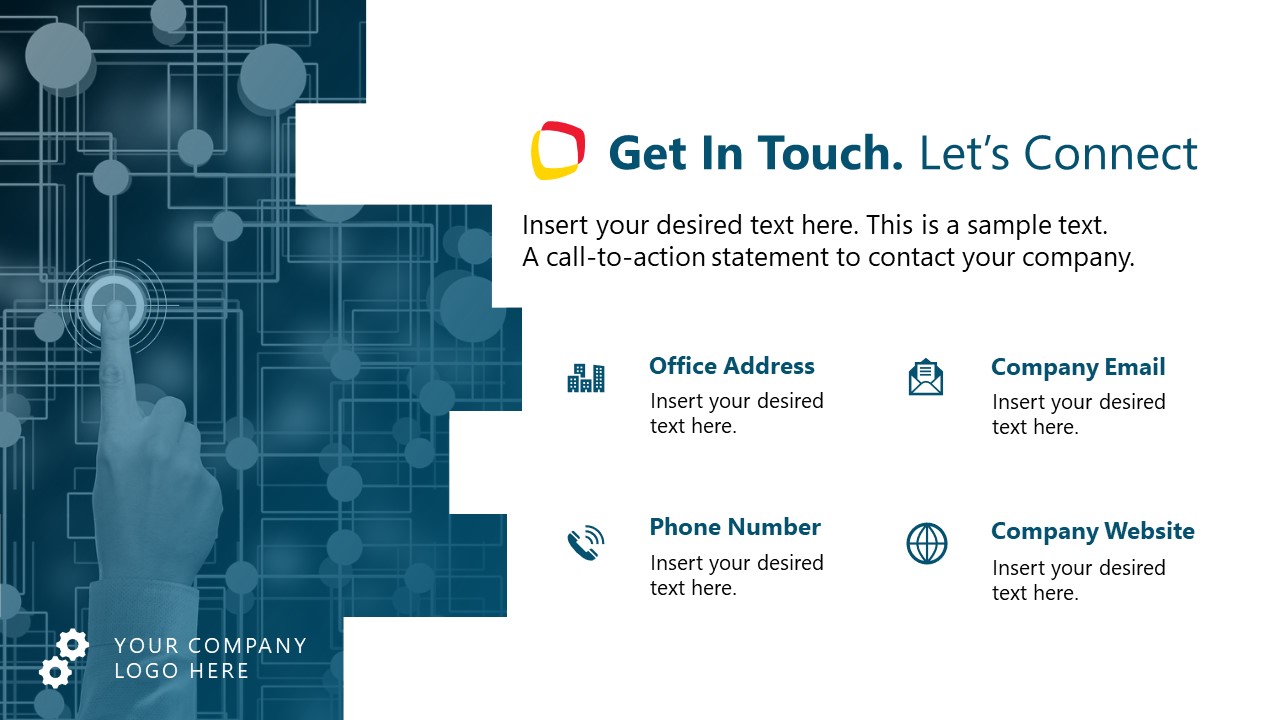
A: Start with the table of contents to set expectations, then use the introduction and objectives slides to define the plan in plain terms. Move into scope and inventory before discussing maintenance strategies, because the audience needs to know what is being managed before hearing how it will be managed. Close with the monitoring slide, takeaways, and contact page.
Q: Who is this template best suited for in a business presentation setting?
A: This template fits asset managers, financial advisors, investment consultants, and planning teams that need to explain a structured management approach to clients or internal stakeholders. It is most useful when the story includes plan objectives, asset inventory, implementation milestones, monitoring routines, and clear next steps rather than only performance figures.
Q: Why do the timeline, staircase, and column layouts help explain asset management?
A: The layout sequence turns an abstract advisory process into visible steps. The maintenance columns make three strategies easy to compare, the implementation timeline shows timing and milestone order, and the staircase on the conclusion slide signals progress toward next steps. These visual metaphors help audiences understand both method and direction.



Asset Management PowerPoint Template
11-slide asset management presentation template with timeline, inventory table, and maintenance strategy layouts
The Asset Management PowerPoint Template is an 11-slide Microsoft PowerPoint deck for explaining asset management plans and service methods. It includes a cover, table of contents, introduction cards, objective steps, scope and inventory table, maintenance strategy columns, implementation timeline, monitoring dashboard, conclusion, key takeaways, and contact slide for financial presenters.
- Category
- Business PowerPoint Templates
- Rating

 Loading...
- Aspect ratio
- 16:9
- Item ID
- 85107-01
- Colors
 Microsoft PowerPoint
 Microsoft Copilot
 Claude for PowerPoint
Other formats supported
Subscribe today and get immediate
access to download our PowerPoint templates.