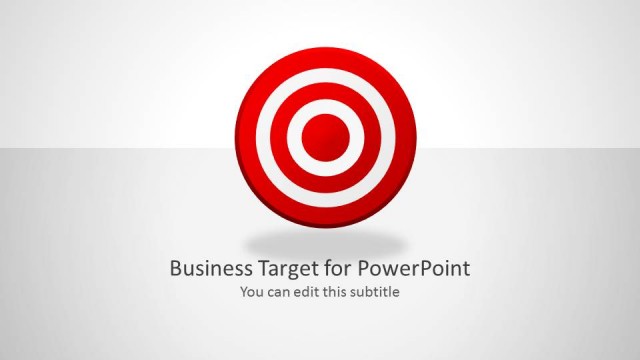
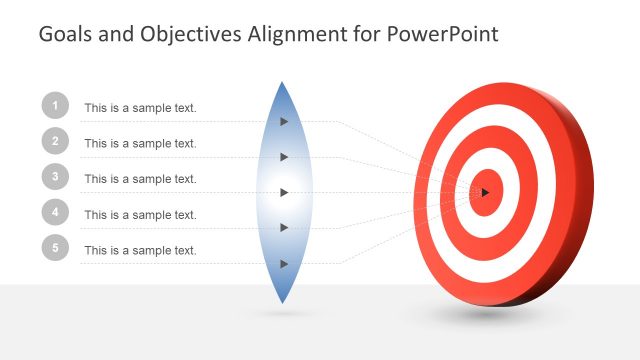
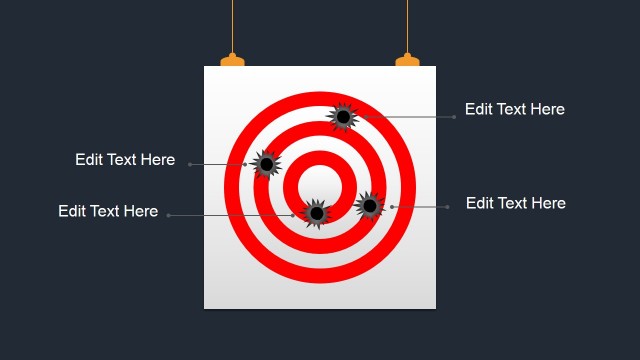
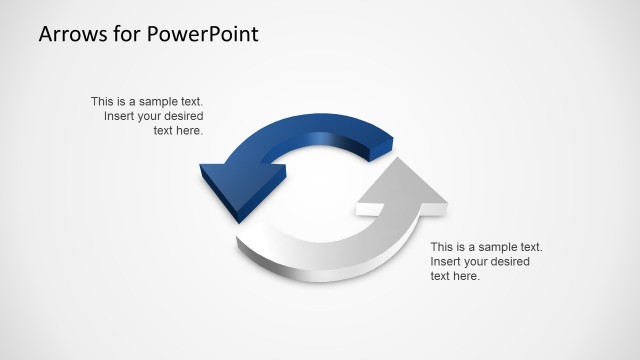
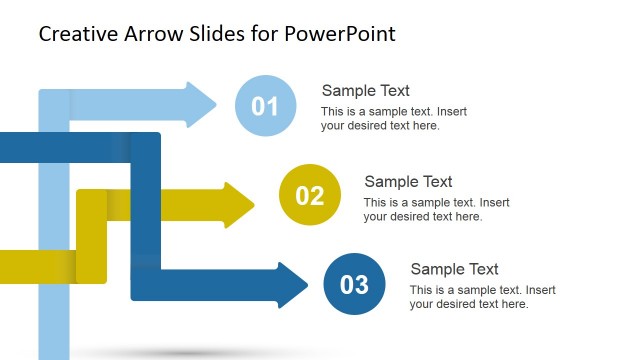
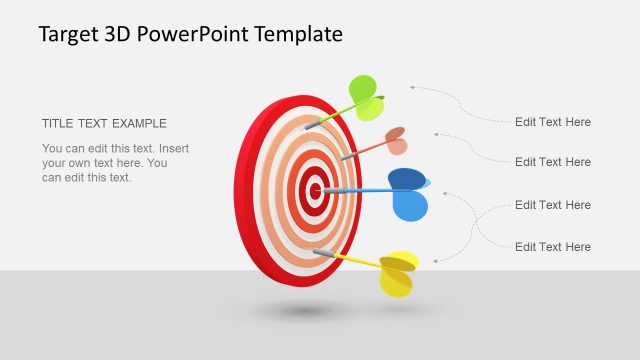
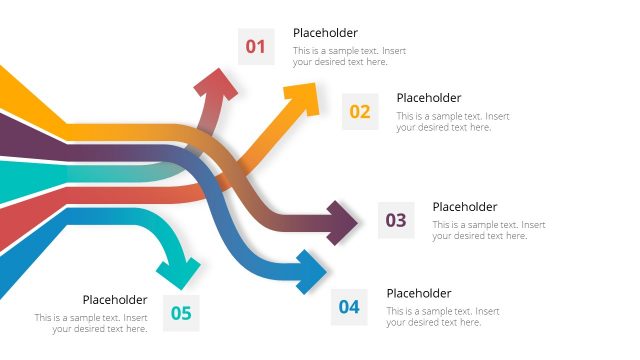
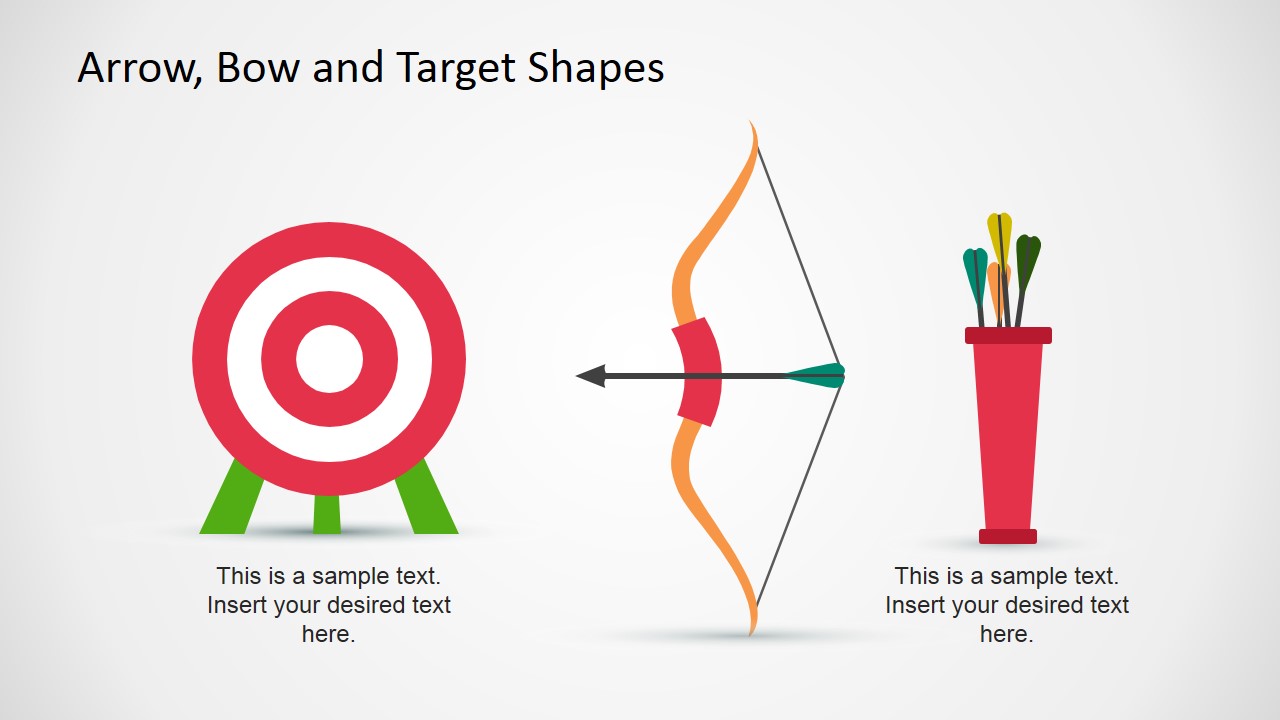
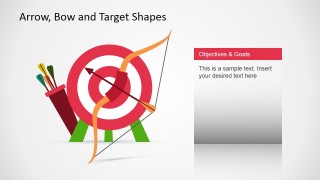
Arrow, Bow and Target Shapes for PowerPoint is a presentation design containing shapes that you can use in presentation slides as a metaphor of goals assessment and achieving goals. It contains arrow shapes, a target goal shape and bow shapes that you can copy and paste into your own slides.
What’s inside this template
Example presentation scenarios
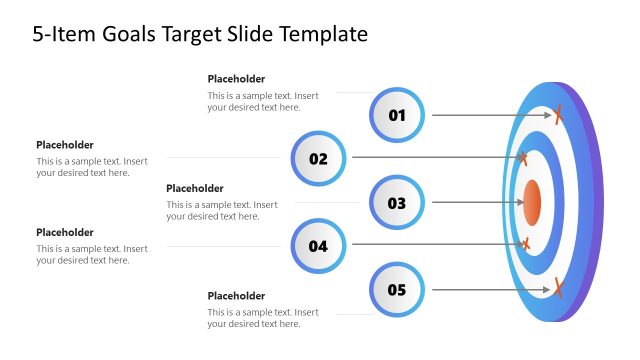
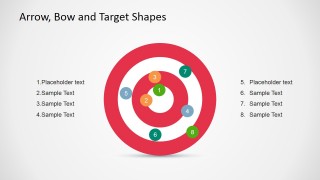
- A sales manager can present quarterly sales targets by using the numbered target diagram to rank priorities and show which goals need the most attention.
- A project manager can introduce project objectives with the objectives and goals text panels, pairing each goal with the target or bow illustration as a visual anchor.
- A team leader can run a goal-setting workshop by using the target board and quiver slides to separate shared team goals from individual action items.
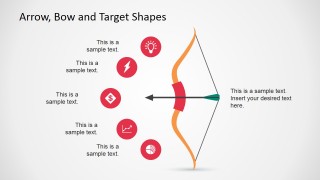
- A trainer can explain goal alignment by using the bow-and-arrow callout slide to connect icons, short explanations, and the idea of aiming at a defined outcome.
Features
- 100% editable presentation template
- Compatible with Microsoft PowerPoint and Google Slides
- 16:9 aspect ratio slides
- Scalable vector shapes, icons and illustrations
- AI-Ready for Microsoft Copilot and Claude
- Instant access and download
Frequently asked questions
Q: How should a presenter organize a goal-setting message with this template?
A: Start with the broad target metaphor to define the main objective, then use the numbered target diagram to rank priorities or focus areas. Follow with the bow-and-arrow callout slide to explain what supports the aim, such as resources, risks, or actions. Close with an objectives and goals panel that states the next step in plain language.
Q: Who is this template best suited for in a business presentation?
A: This template fits managers, sales leaders, project owners, and trainers who need to make goal language concrete for an audience. It works best when the message is about aiming at a result, aligning a team, or comparing priority levels, rather than presenting dense financial data or detailed operational tables.
Q: Why does the bow and target metaphor help communicate objectives?
A: The bow, arrow, and target make goal achievement easy to understand because the visual metaphor implies direction, focus, and accuracy. The concentric target supports priority ranking, while the arrow suggests movement toward a chosen outcome. This helps the audience remember the goal before reading the supporting text.


Arrow, Bow and Target Shapes for PowerPoint
7-slide presentation template with target shapes, bow-and-arrow graphics, and objectives callouts for goal setting
Arrow, Bow and Target Shapes for PowerPoint is a 7-slide presentation template for goal-setting and objectives discussions. It includes editable target boards, a numbered target diagram, a bow-and-arrow icon callout layout, quiver and arrow illustrations, and objectives and goals text panels for Microsoft PowerPoint and Google Slides.
- Rating


 Loading...
- Aspect ratio
- 16:9
- Item ID
- 6749-01
- Colors
 Microsoft PowerPoint
  Microsoft Copilot
  Claude for PowerPoint
 Other formats supported
Subscribe today and get immediate
access to download our PowerPoint templates.