Slide 3 of 5 from Animated Tabs PowerPoint Template
Elevator Pitch Solution Tab PowerPoint
Problem Solution Overview Slide
- Diagram
- Other
- Strategy Slide
- 16:9
- 100% Editable
What’s on This Slide
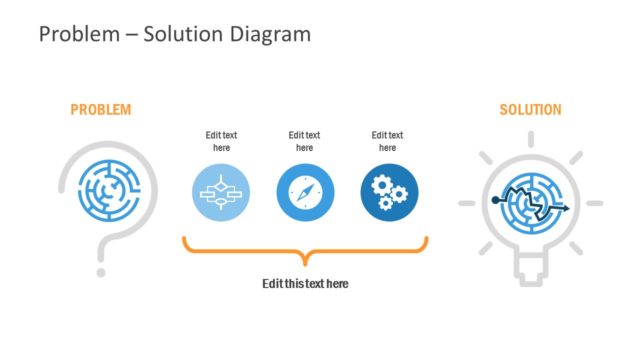
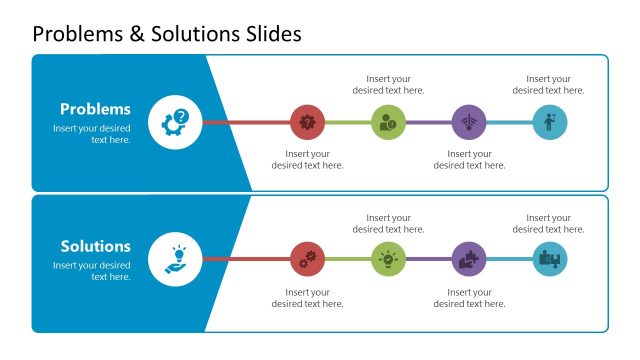
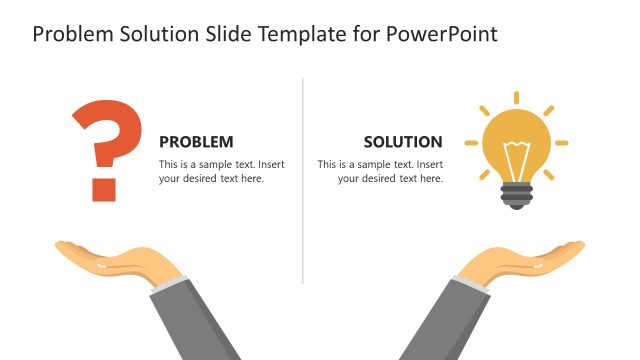
The slide features a green background with two main sections. The top section contains the title 'SOLUTION' in large font, aligned to the right. Below it, a node labeled 'PROBLEM' is accompanied by a circular maze icon, with a placeholder for text. The bottom section mirrors this with the label 'SOLUTION' and a light bulb icon, also with a text placeholder. On the left side, a vertical bar contains smaller icons representing various concepts, enhancing the visual hierarchy. The layout emphasizes a clear distinction between problem and solution.
How to Use It
This layout serves as a problem-solution framework, ideal for presentations addressing challenges and their resolutions. It fits well in a sequence that discusses issues followed by proposed solutions. Common scenarios include business pitches, project proposals, or strategic planning sessions. The layout effectively guides the audience through understanding a problem before presenting a solution, making it suitable for discussions in various business contexts.
Text Placeholders & Capacity
Keep your copy within these limits so it fits without resizing. Node body slots can hold about 10-12 words each.
| Placeholder | Count | Max characters (approx.) |
|---|---|---|
| Slide title | 1 | 20 |
| Item heading | 2 | 15 |
| Item body | 2 | 50 |
Slide Keywords
Download unlimited PowerPoint templates, charts and graphics for your presentations with our annual plan.
DOWNLOADReturn to Animated Tabs PowerPoint Template.