Animated Flat Diagrams PowerPoint Template is an awesome presentation design for Microsoft PowerPoint with custom layouts that can help you to enhance your presentations with animated objects and transitions.
It contains animated objects like arrows with fading effects, 3D multi-level shapes that can help you to show a process of up to five steps, an horizontal timeline with milestones appearing on the screen and some additional slide designs with animated diagrams for PowerPoint.
Here is a live preview:
What’s inside this template
Example presentation scenarios
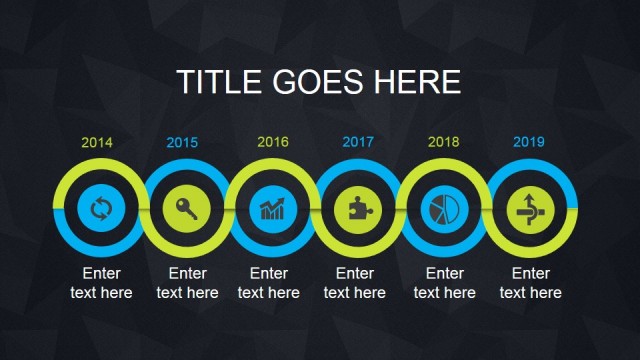
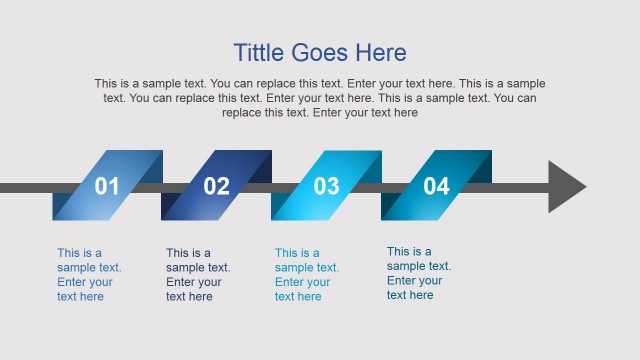
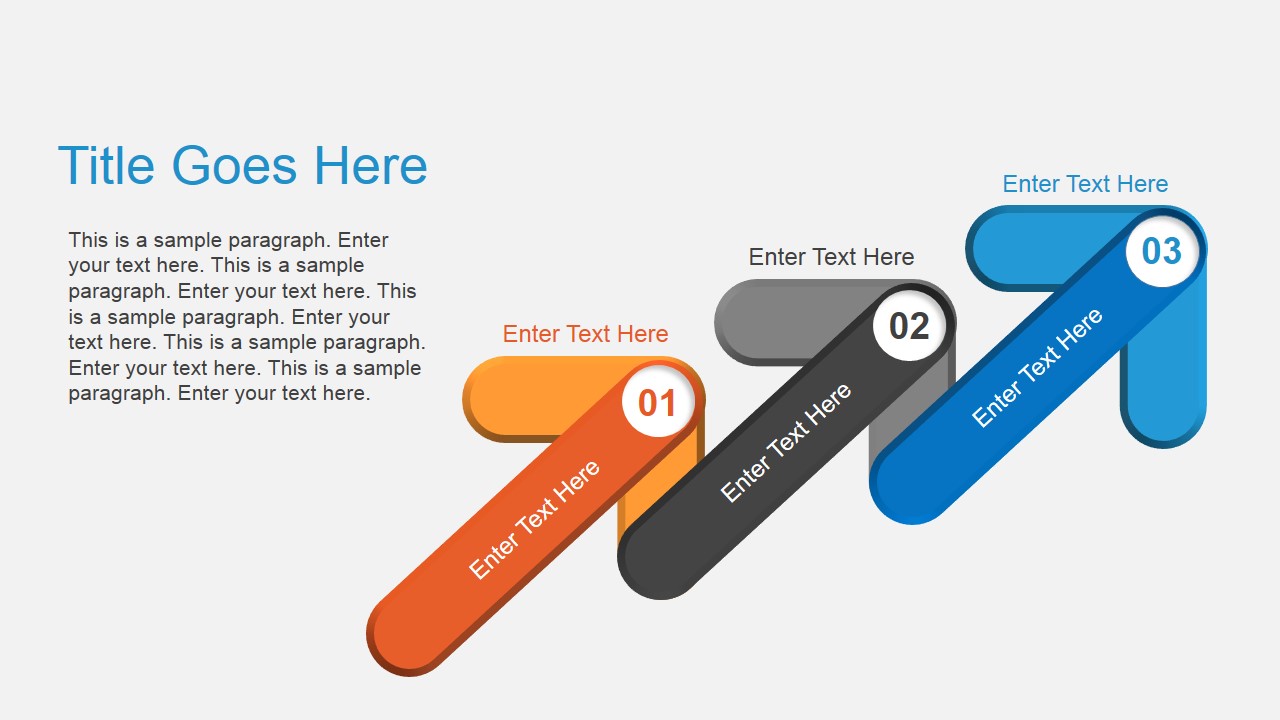
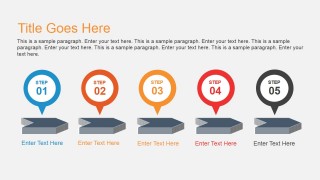
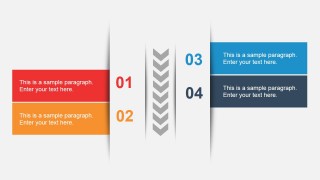
- A project manager can present a phased rollout by using the diagonal arrow steps to show three major stages and the five-step milestone row to break down execution checkpoints.
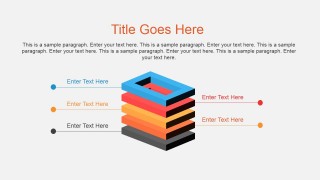
- A consultant can explain a layered operating model by replacing the stacked square diagram labels with strategy, process, technology, and governance levels.
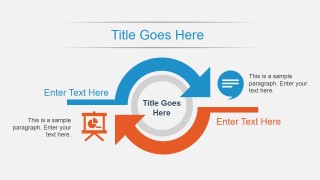
- A trainer can introduce a repeatable workflow by using the circular cycle slide to show how a task moves from instruction to action, feedback, and revision.
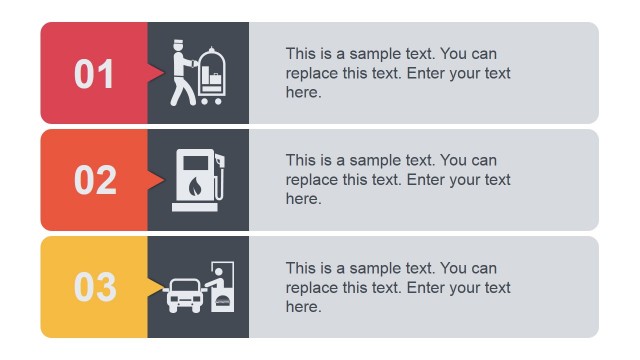
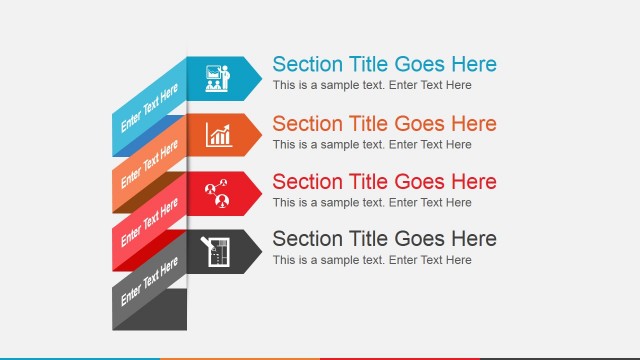
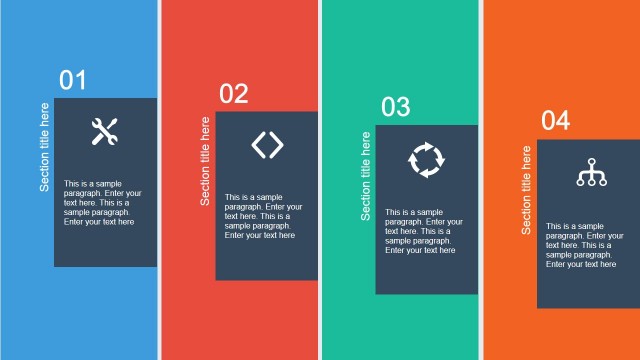
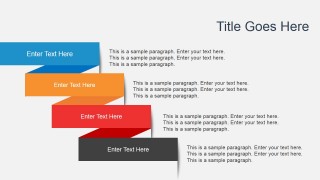
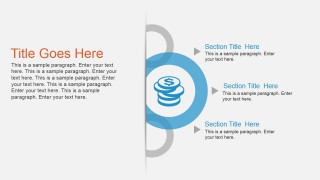
- A sales presenter can organize service packages or value points with the staggered ribbon strips and the section list slide to keep benefits grouped and easy to scan.
Features
- 100% editable presentation template
- Compatible with Microsoft PowerPoint and Google Slides
- 16:9 aspect ratio slides
- Scalable vector shapes, icons and illustrations
- Ready with Animations & Transitions in PowerPoint
- AI-Ready for Microsoft Copilot and Claude
- Instant access and download
Frequently asked questions
Q: How should a presenter turn these flat diagrams into a clear process explanation?
A: Use one diagram for one communication job. Put the main process claim in the title, keep each arrow or milestone label to a short action phrase, and place supporting detail in the paragraph areas. For example, the five-step milestone row should read like a sequence, while the stacked layer slide should describe dependencies from bottom to top.
Q: Who is this template best suited for in a business presentation?
A: This template fits presenters who need to explain how something works without building a long narrative deck. Project managers, trainers, consultants, and sales teams can use the arrow steps, circular cycle, and section list to show procedures, service models, implementation paths, or grouped recommendations in a compact visual format.
Q: Why do the arrows, layers, cycles, and ribbons improve the message?
A: Each metaphor guides a different type of thinking. Arrows imply forward movement, the stacked square suggests hierarchy or dependency, the cycle shows repetition, and the ribbons separate parallel content blocks. Matching the metaphor to the idea helps the audience understand whether the message is sequential, structural, recurring, or grouped.


Animated Flat Diagrams PowerPoint Template
7-slide flat diagram presentation template with arrow steps, timeline markers, and cycle graphics
Animated Flat Diagrams PowerPoint Template is a 7-slide, 16:9 presentation template for process and concept explanations. It includes diagonal arrow steps, a stacked layer diagram, a five-step milestone row, a circular cycle, and ribbon-style content blocks for business presenters building in Microsoft PowerPoint or Google Slides.
- Category
- Template Backgrounds
- Rating

 Loading...
- Aspect ratio
- 16:9
- Item ID
- 4011-01
- Colors
 Microsoft PowerPoint
  Microsoft Copilot
  Claude for PowerPoint
 Other formats supported
Subscribe today and get immediate
access to download our PowerPoint templates.