Animated 4 Steps Bubbles PowerPoint Diagram
Discuss the four steps of the marketing campaign in your team presentations using our Animated 4 Steps Bubbles PowerPoint Diagram. The bubbles diagram creates a 3D effect, making the information on the slide stand out clearly. Market analysts can review the four stages of the full competitive analysis in their training presentations using the animated bubbles diagram. Strategy consultants present the four-phase digital transformation implementation plan in executive presentations using a bubble diagram. The bubbles layout grabs the audience’s attention and keeps them engaged throughout the presentation. During change management meetings, the operations managers highlight the four steps in the workflow distinctly with the diagram. SEO consultants use this design in client meetings to easily demonstrate the four-step site optimization process.
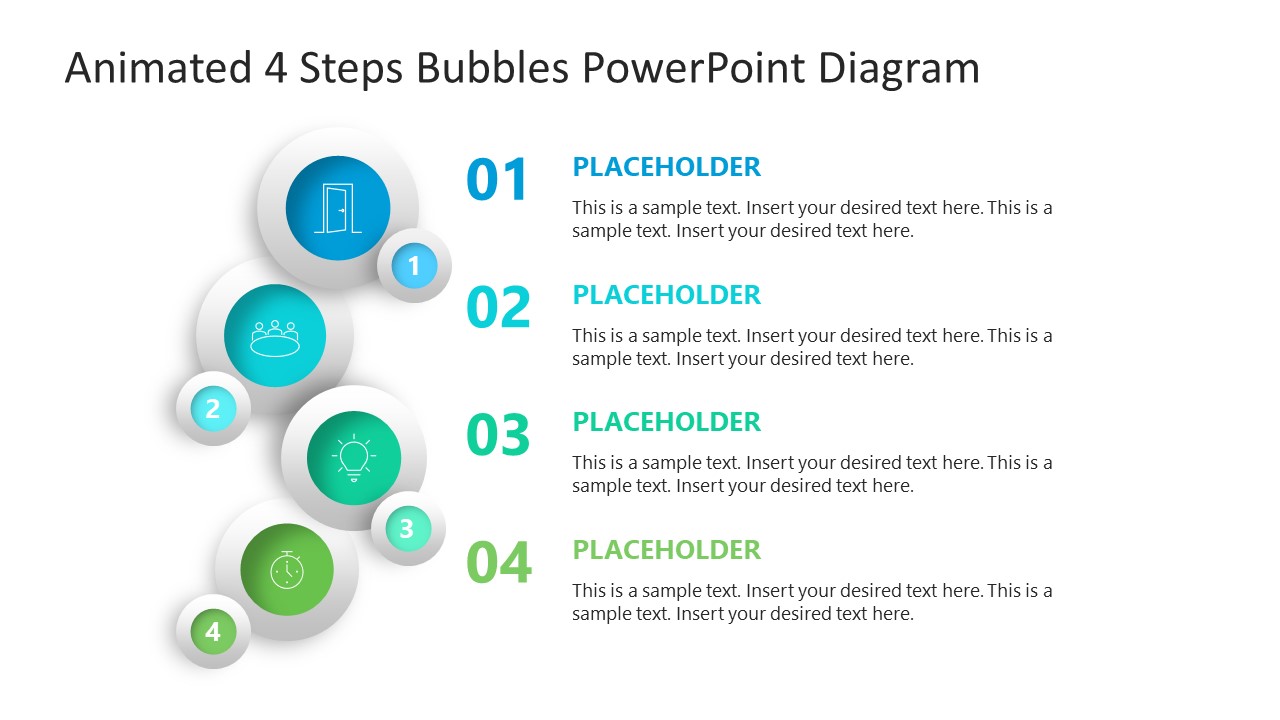
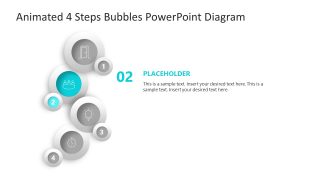
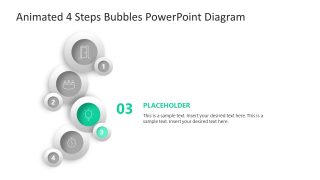
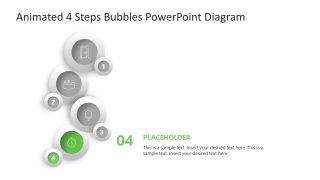
Our PPT template shows four pairs of bubbles. Each pair features a larger bubble with an icon and a smaller one with the step number. On the right side, project managers can edit the large bold digits and placeholder sections to describe the steps in detail. They can display the title and description with clarity. The Animated 4-Step Bubbles PowerPoint Diagram features spotlight-effect slides that individually explain the content for stakeholder presentations. The template cover slide elements appear from the bottom of the slide with subtle movement. During the presentation, the slides transition smoothly, enabling professionals to present their viewpoints, opinions, plans, or suggestions in a continuous flow without interruption.
Additionally, you have the option to change the effects, fonts, animations, or colors used in the diagram template. Download the animated 4-step bubbles infographic diagram PPT template to present the four-step prioritization model in the product development presentations.


You must have an active subscription to download this file.
- Category
- Diagrams
- Rating
-

 Loading...
 - Size
- 16x9
- Item ID
- 23680-02
- Colors
Subscribe today and get immediate
access to download our PowerPoint templates.