Slide 7 of 8 from Animated 3D Target PowerPoint Template
Target Customer and Market PPT
3D Target PowerPoint Slide for Presentations
- Diagram
- Other
- Goal Setting Slide
- 16:9
- 100% Editable
What’s on This Slide
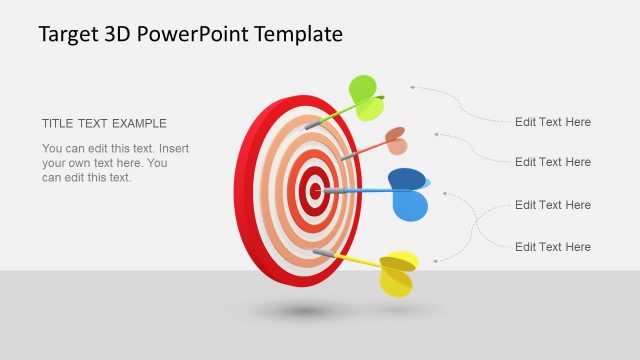
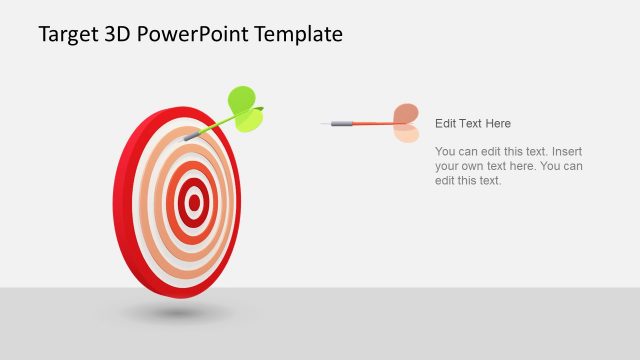
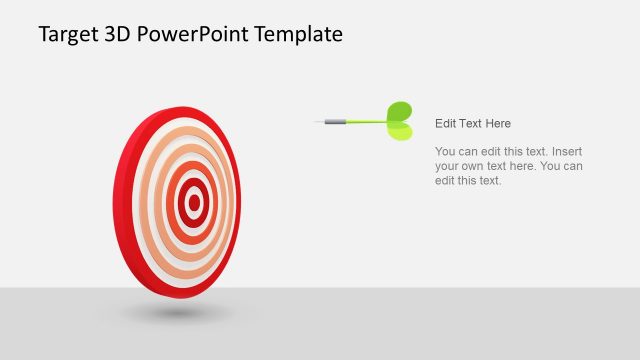
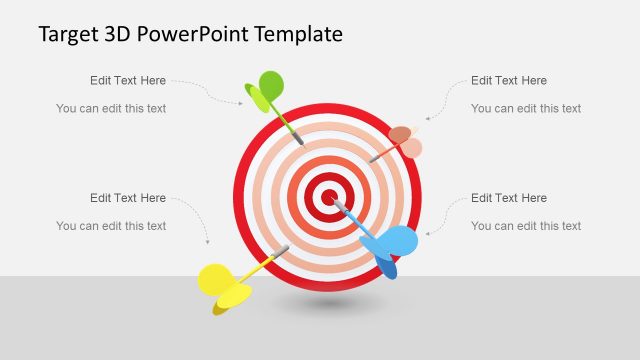
The slide features a 3D target graphic positioned centrally, with multiple darts embedded in it. The target consists of concentric circles in red and orange hues, creating a layered effect. To the right, there are two text placeholders: one at the top for a title and another below for body text. The title placeholder is larger and bold, while the body text placeholder is smaller and allows for more detailed content. The background is light gray, providing contrast to the vibrant target graphic. The overall composition emphasizes the target and allows for clear text placement.
How to Use It
This layout serves to illustrate goals or objectives visually, making it suitable for presentations focused on target audiences or strategic aims. It fits well after problem identification slides, transitioning into discussions about solutions or strategies. Real-world applications include marketing presentations, project goal settings, or performance reviews where targets are highlighted. The design allows for easy customization of text, making it practical for various business contexts.
Text Placeholders & Capacity
Keep your copy within these limits so it fits without resizing. Body slots can hold about 20-25 words each.
| Placeholder | Count | Max characters (approx.) |
|---|---|---|
| Slide title | 1 | 30 |
| Body paragraph | 1 | 150 |
Slide Keywords
Download unlimited PowerPoint templates, charts and graphics for your presentations with our annual plan.
DOWNLOADReturn to Animated 3D Target PowerPoint Template.