Slide 5 of 8 from Animated 3D Target PowerPoint Template
Presentation of Target Business Goals
3D Target PowerPoint Slide for Presentations
- Diagram
- Other
- Strategy Slide
- 16:9
- 100% Editable
What’s on This Slide
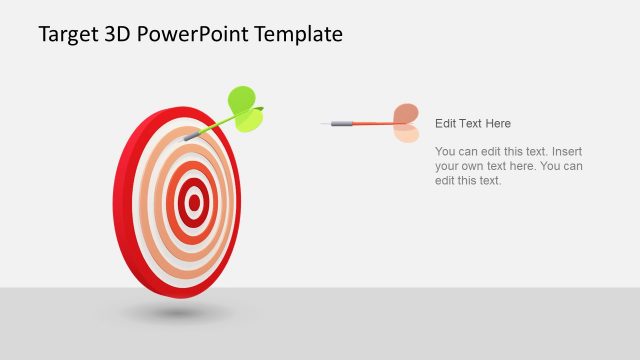
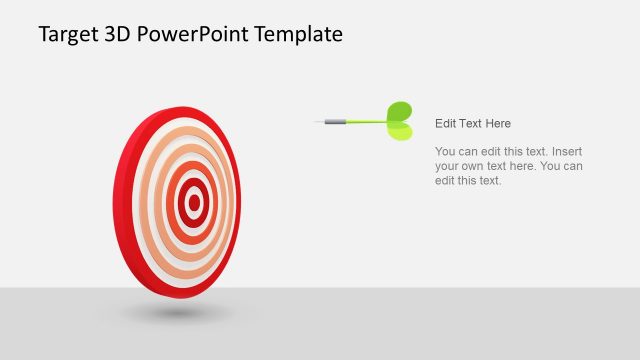
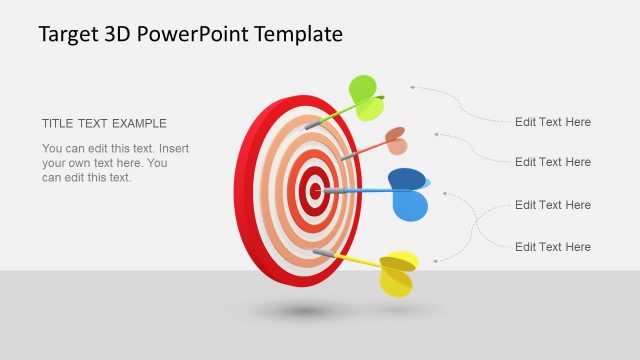
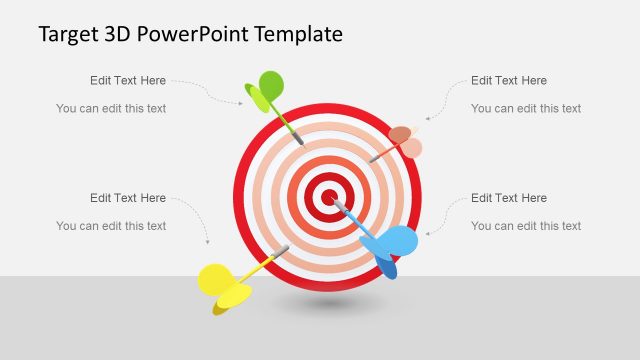
The slide features a 3D target with concentric rings positioned centrally, colored in red and orange. Three darts, in green, yellow, and red, are shown striking the target, emphasizing the concept of goals. To the right, there are two text placeholders; one is aligned vertically for a title, while the other is a body text placeholder below it. The background is a light gray, providing contrast to the vibrant target. The overall layout is balanced, with the target as the focal point and text elements clearly defined.
How to Use It
This layout serves as a visual representation of goals or objectives, making it suitable for presentations on target setting, performance metrics, or strategic planning. It fits well after problem identification slides, transitioning into solutions or action plans. This slide is useful in business contexts where illustrating targets or key performance indicators is essential, such as sales goals or project milestones.
Text Placeholders & Capacity
Keep your copy within these limits so it fits without resizing. Body text slots can accommodate roughly 25-30 words each.
| Placeholder | Count | Max characters (approx.) |
|---|---|---|
| Slide title | 1 | 30 |
| Body paragraph | 1 | 150 |
Slide Keywords
Download unlimited PowerPoint templates, charts and graphics for your presentations with our annual plan.
DOWNLOADReturn to Animated 3D Target PowerPoint Template.