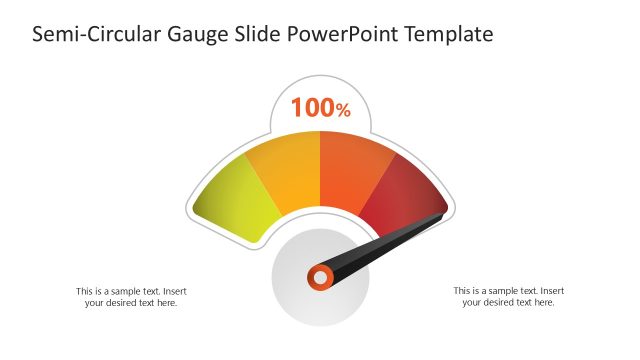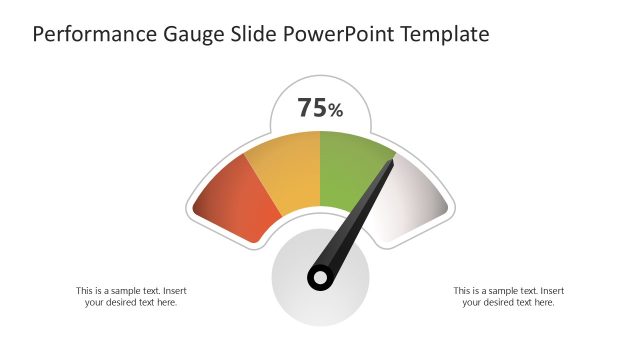
Slide 1 of 3 from Animated 0 to 100 Gauge PowerPoint Template
Animated 0 to 100 Gauge Template Cover Slide
Animated Gauge Display for Presentations
- Diagram
- Gauge
- Evaluation Slide
- 16:9
- 100% Editable
The Animated Gauge Display slide from the Animated 0 to 100 Gauge PowerPoint Template offers a clear visual tool for tracking performance metrics and KPIs. This slide layout features editable shapes and vector icons to create a balanced gauge diagram that supports business presentations and pitch decks. Its design enhances data communication in corporate presentations by visually emphasizing progress and evaluation.
What’s on This Slide
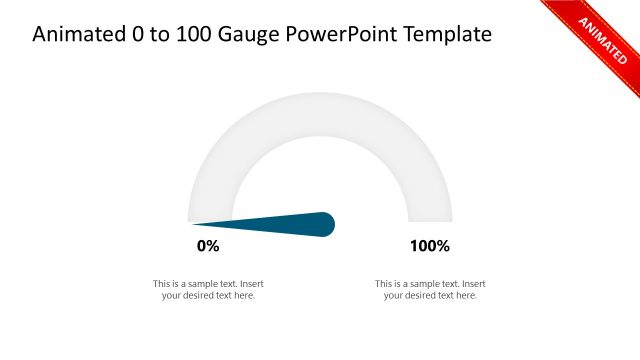
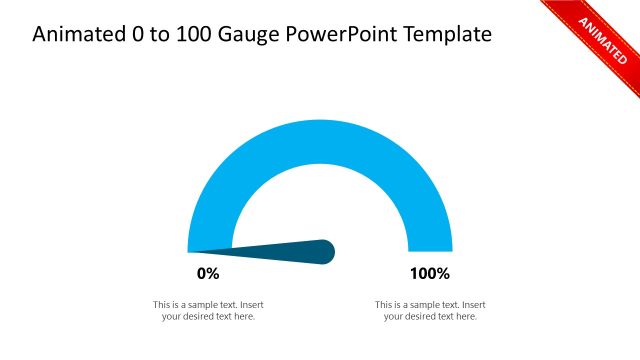
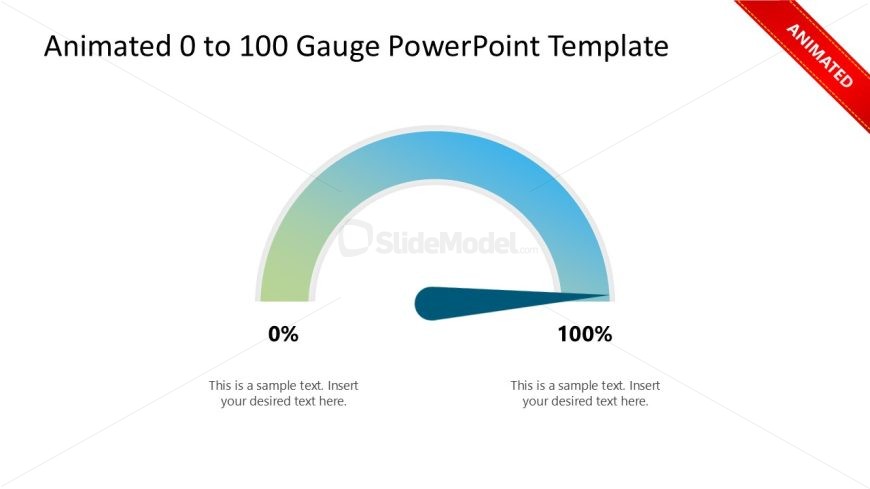
The layout features a semi-circular gauge positioned centrally at the top, with a gradient color scheme transitioning from green to blue. Below the gauge, there are two text placeholders aligned left and right, each containing sample text. The gauge displays 0% on the left and 100% on the right, with a needle indicating the current value. The overall composition is balanced, with the gauge as the focal point and the text placeholders providing context. The background is plain, enhancing the visibility of the gauge and text.
How to Use It
This layout serves as a performance meter, ideal for showcasing metrics or progress in a presentation. It fits well after problem identification slides, transitioning to performance evaluation or goal tracking. Suitable for business scenarios such as employee performance reviews, project status updates, or sales achievements, it visually communicates data effectively. Use it to highlight key performance indicators or progress towards objectives, making it a valuable tool in any data-driven presentation.
Text Placeholders & Capacity
Keep your copy within these limits so it fits without resizing. Text slots can accommodate brief phrases, roughly 5-10 words each.
| Placeholder | Count | Max characters (approx.) |
|---|---|---|
| Slide title | 1 | 40 |
| Item heading | 2 | 10 |
| Item body | 2 | 50 |
Slide Keywords
Download unlimited PowerPoint templates, charts and graphics for your presentations with our annual plan.
DOWNLOADReturn to Animated 0 to 100 Gauge PowerPoint Template.