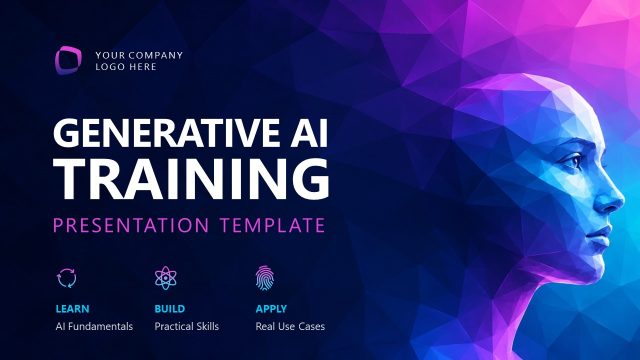
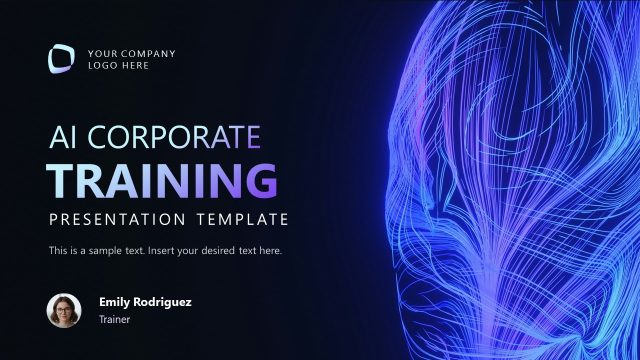
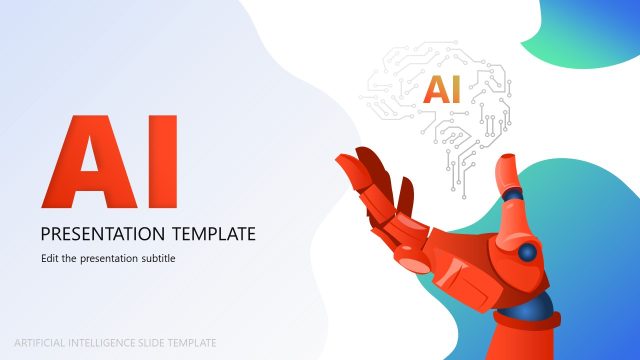
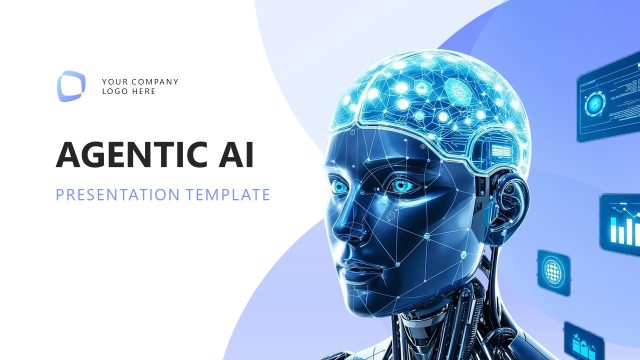
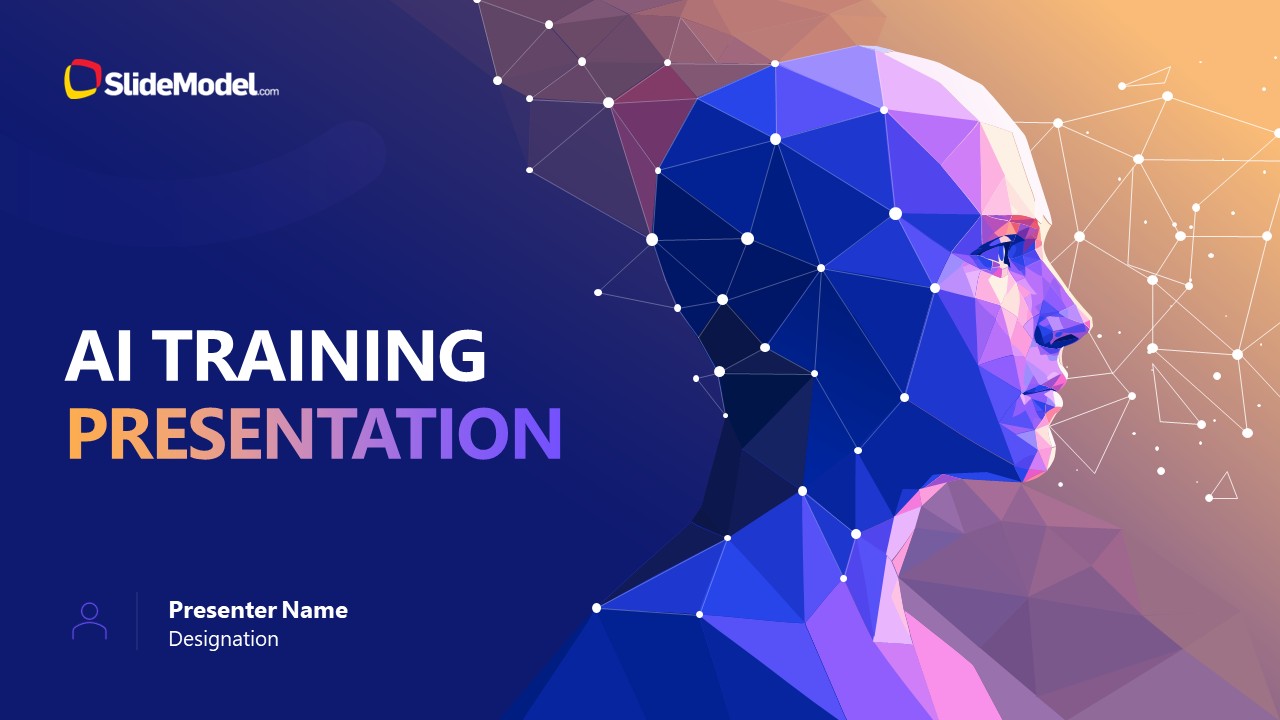
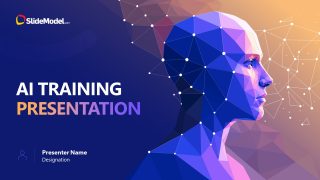
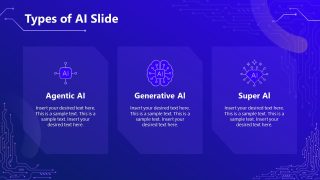
Train teams on how AI actually functions in business operations with the AI Training Presentation Template. The cover slide pairs a geometric robotic body with a human head illustration, visual shorthand for artificial intelligence built to mimic human thought, and neuron and circuit motifs carry that idea through the rest of the deck. After a table of contents slide and a short AI introduction, one overview slide splits the topic into three categories, followed by a dedicated deep-dive slide for each:
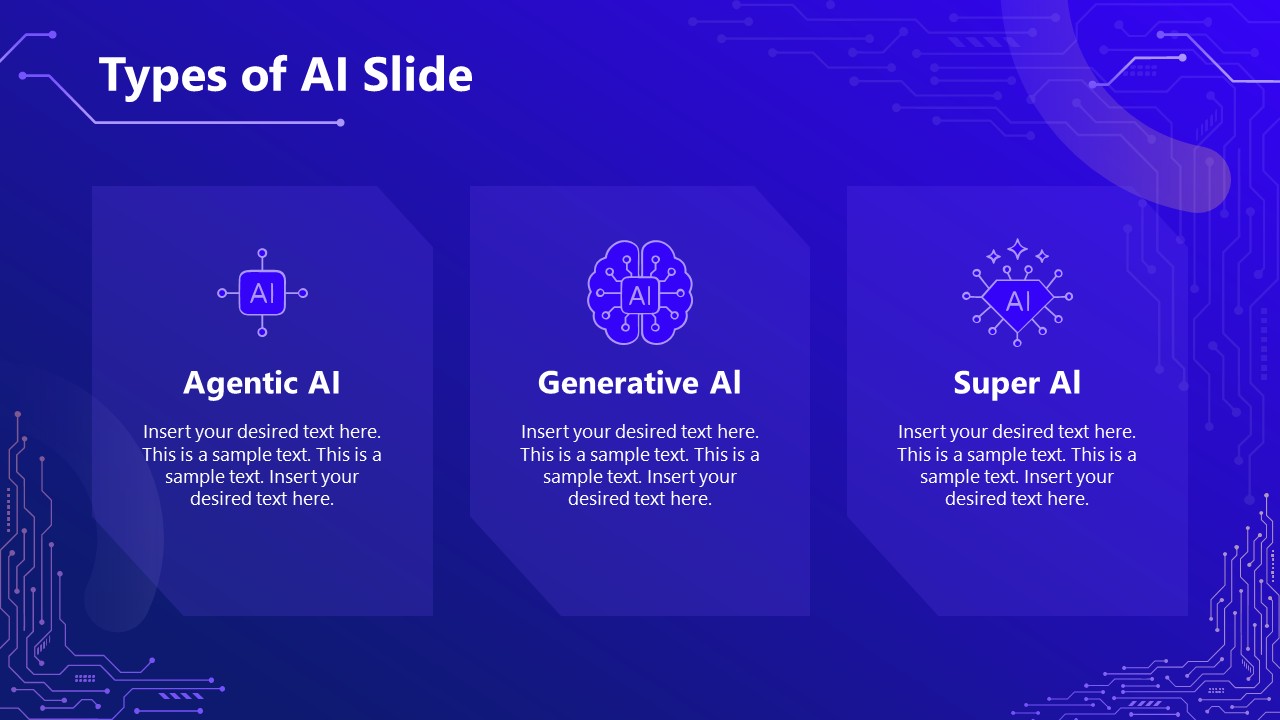
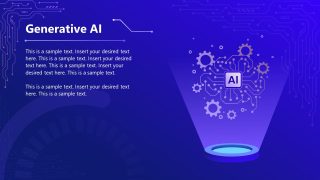
- Generative AI: takes a prompt and returns an output, summaries, files, images, video, or other generated content.
- Agentic AI: connects internally and externally with other applications through APIs, then carries out workflows and makes decisions based on the scenario in front of it.
- Super AI: the theoretical stage beyond either, artificial intelligence with cognitive capabilities exceeding human limits and the capacity to self-improve. Also known as artificial superintelligence.
SaaS product developers can pull the deck out to show stakeholders why AI matters for building smarter products and devices. AI consultants use the three-category structure as the backbone of employee training sessions on applying AI across day-to-day operations, then move into workflow-specific examples slide by slide. In quarterly coaching sessions, marketing managers use the same categories to explain how AI supports brand development and growth, extending any slide with points specific to their own team.
Available for PowerPoint and Google Slides download, this PPT template is built to carry a room from what AI is today to what it becomes next, using the Generative, Agentic, and Super AI distinction as the throughline instead of a single generic “AI overview” slide.
What’s inside this template
Example presentation scenarios
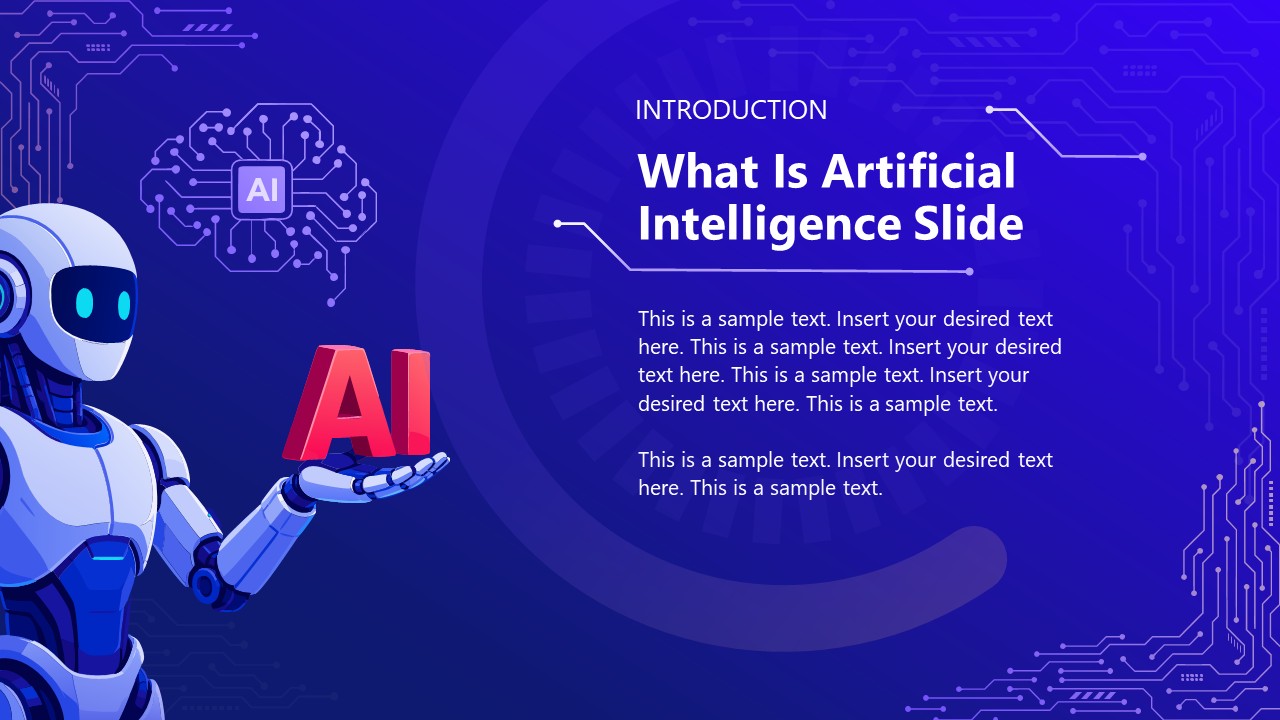
- An AI consultant can use the AI definition slide and three-card AI types overview to teach nontechnical employees how Agentic AI, Generative AI, and Super AI differ.
- A product manager can use the category deep-dive slides to brief stakeholders on how AI capabilities may affect product planning, workflow design, and customer experience.
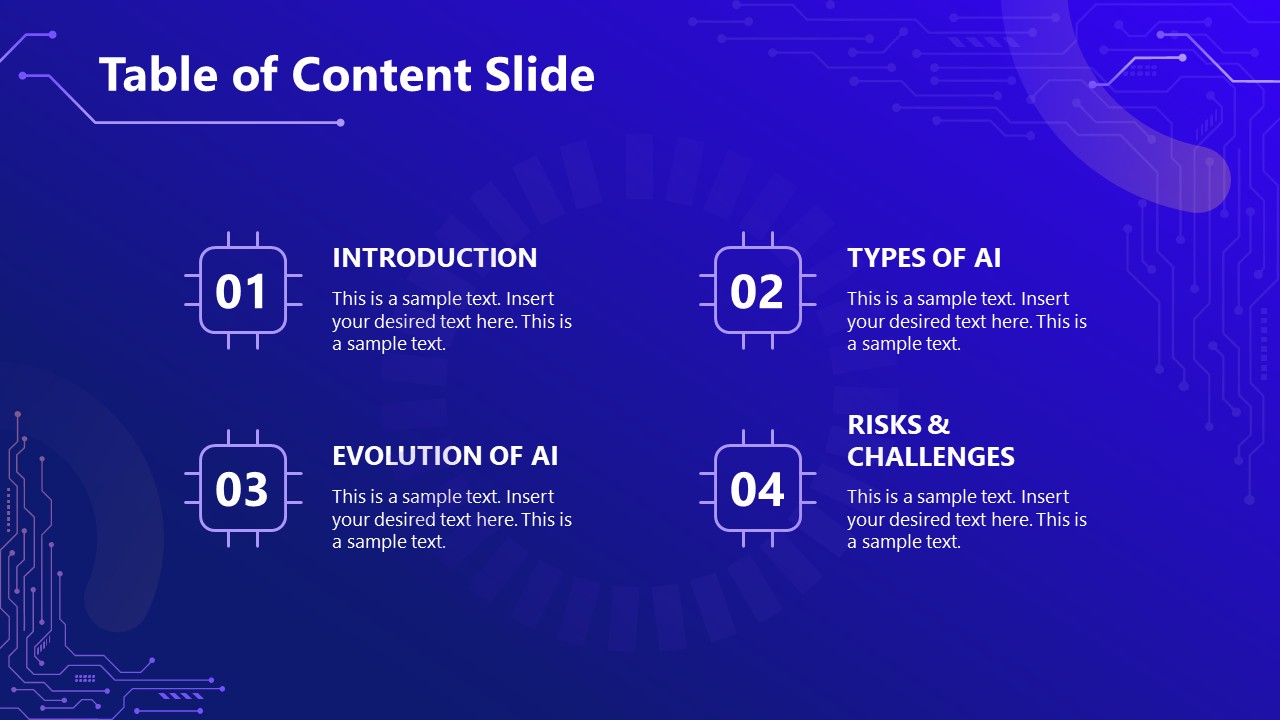
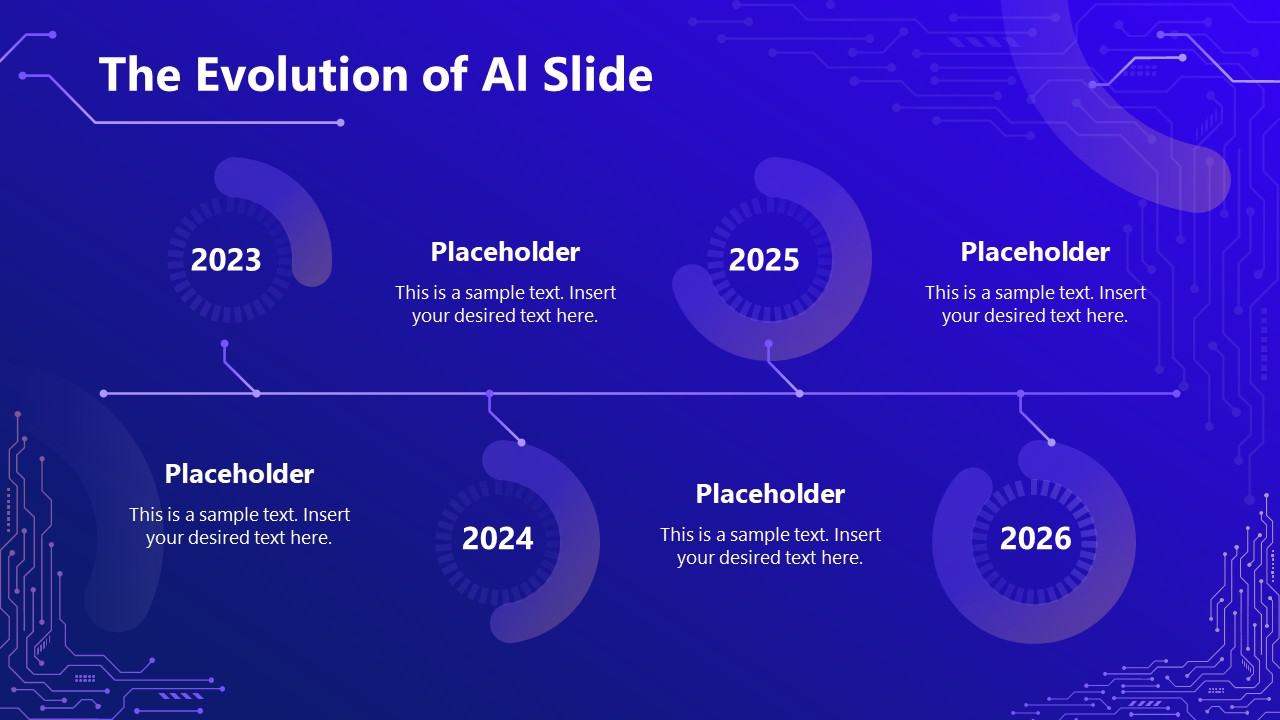
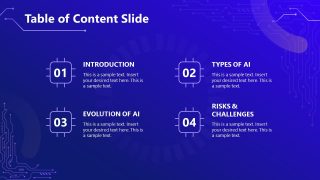
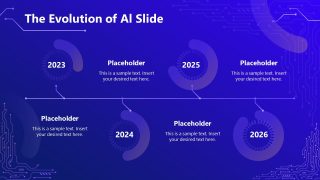
- A corporate trainer can use the table of contents and evolution timeline to frame a short learning session that starts with definitions and ends with future-facing AI context.
- A marketing leader can use the Generative AI slide and closing action slide to explain how AI can support content operations while prompting the team to define next steps.
Features
- 100% editable presentation template
- Compatible with Microsoft PowerPoint and Google Slides
- 16:9 aspect ratio slides
- Scalable vector shapes, icons and illustrations
- AI-Ready for Microsoft Copilot and Claude
- Instant access and download
Frequently asked questions
Q: How should a presenter explain the three AI categories without overwhelming the audience?
A: Start with the definition slide to establish a shared meaning for artificial intelligence, then use the three-card overview as a simple mental model. Treat Agentic, Generative, and Super AI as separate learning blocks. The following deep-dive slides should add examples and implications one category at a time instead of mixing capabilities.
Q: Who is this template best suited for in a business setting?
A: This deck fits presenters who need to teach AI at an introductory business level, such as consultants, trainers, product managers, and department leaders. It is strongest when the audience needs a clear distinction between AI types, a basic explanation of how AI is discussed today, and a short timeline for future context.
Q: Why do the robot, circuit, and spotlight visuals help the training message?
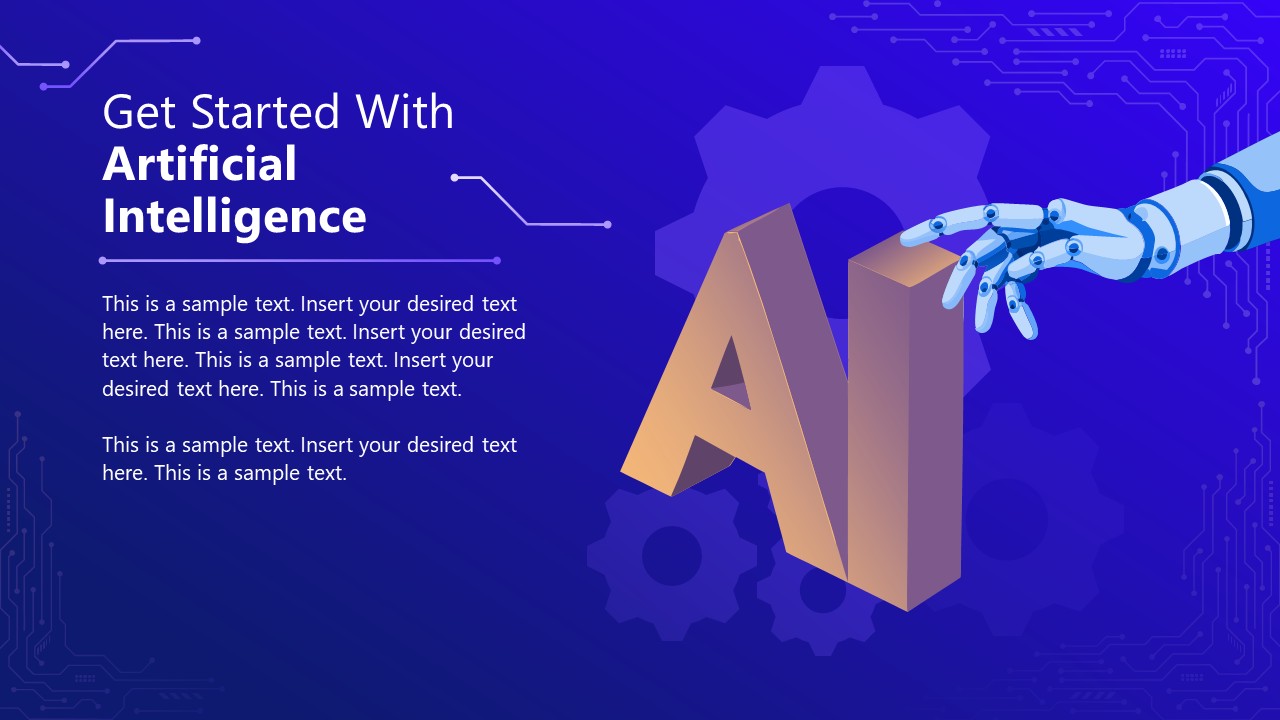
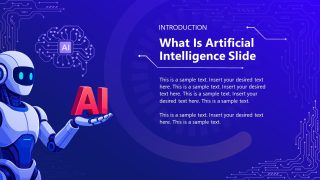
A: The visual system turns an abstract topic into recognizable metaphors. The human-head geometry suggests machine reasoning, the robot on the introduction slide makes the concept tangible, and the spotlight diagrams help each AI category feel like a focused lesson. This reduces cognitive load while keeping the technology theme consistent.




AI Training Presentation Template
9-slide AI training presentation template with contents, AI types, and evolution timeline
AI Training Presentation Template is a 9-slide business training deck for explaining artificial intelligence concepts in Microsoft PowerPoint and Google Slides. It includes a cover, table of contents, AI definition slide, three-card AI types overview, category deep dives for Agentic, Generative, and Super AI, plus an evolution timeline.
- Category
- Business PowerPoint Templates
- Rating

 Loading...
- Aspect ratio
- 16:9
- Item ID
- 23743-01
- Colors
 Microsoft PowerPoint
 Microsoft Copilot
 Claude for PowerPoint
Other formats supported
Subscribe today and get immediate
access to download our PowerPoint templates.