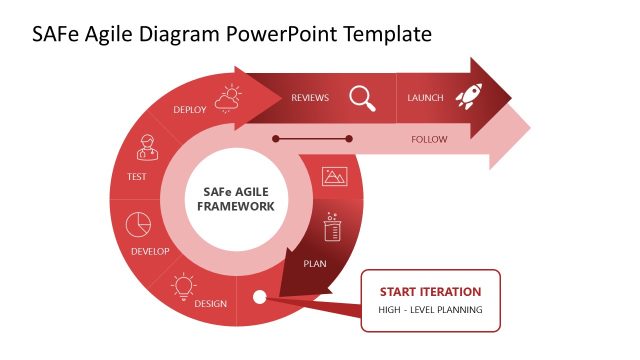
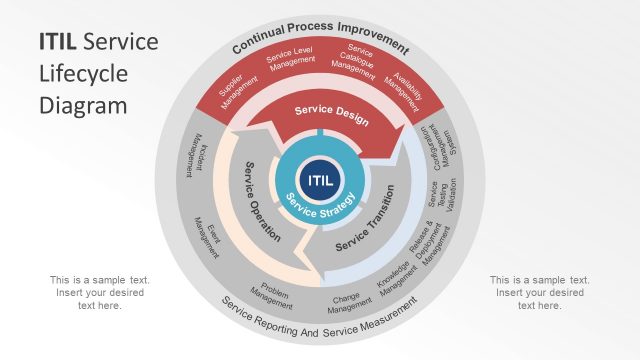
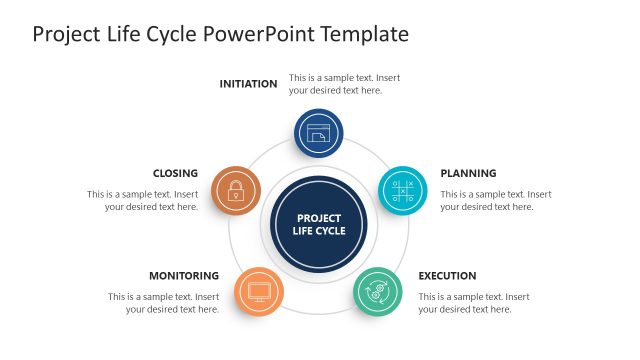
Slide 2 of 2 from Agile Process Lifecycle Diagram for PowerPoint
Lifecycle Process Diagram Agile Presentation
Agile Lifecycle Diagram for PowerPoint
- Diagram
- Circular Cycle
- Process Slide
- 16:9
- 100% Editable
What’s on This Slide
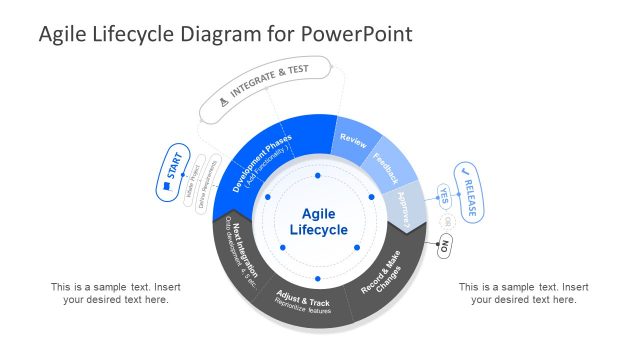
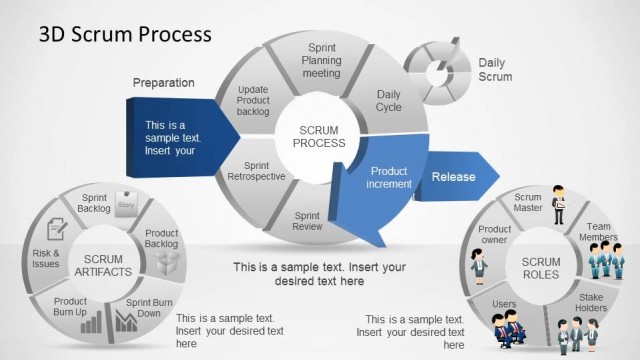
The slide features a circular diagram representing the Agile lifecycle. At the top, a title reads 'Agile Lifecycle Diagram for PowerPoint.' The diagram is divided into segments, with the outer ring labeled 'Development Phases' and inner circles labeled with actions like 'Adjust & Track' and 'Integrate & Test.' There are arrows indicating flow between segments, and decision points labeled 'YES' and 'NO' for the release process. Text placeholders are positioned at the bottom left and right for additional content. The background is dark gray, enhancing the visibility of the blue and white elements.
How to Use It
This layout serves as a visual representation of the Agile process, illustrating key phases and decision points. It fits well in presentations discussing software development methodologies, particularly Agile and Scrum frameworks. Use this slide to explain the iterative nature of Agile, showing how feedback and adjustments are integral to the process. It is suitable for training sessions, project kick-offs, or stakeholder meetings where Agile practices are being introduced or reviewed.
Text Placeholders & Capacity
Keep your copy within these limits so it fits without resizing. Node labels can accommodate roughly 30 characters each.
| Placeholder | Count | Max characters (approx.) |
|---|---|---|
| Slide title | 1 | 40 |
| Item heading | 6 | 30 |
| Body paragraph | 2 | 100 |
Slide Keywords
Download unlimited PowerPoint templates, charts and graphics for your presentations with our annual plan.
DOWNLOAD