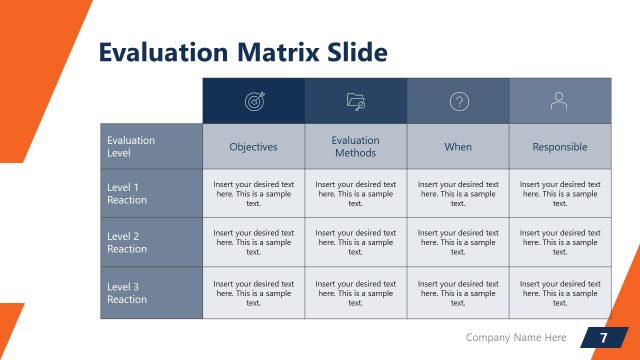
Slide 6 of 7 from Action Evaluation Matrix PowerPoint Templates
Action Evaluation Matric Solution Option PowerPoint
Action Evaluation Matrix Slide Overview
- Text Layout
- Other
- Evaluation Slide
- 16:9
- 100% Editable
What’s on This Slide
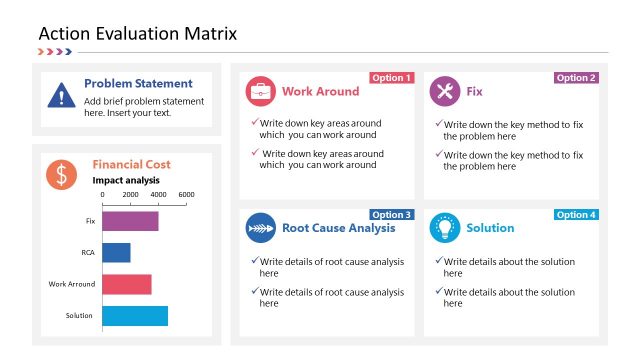
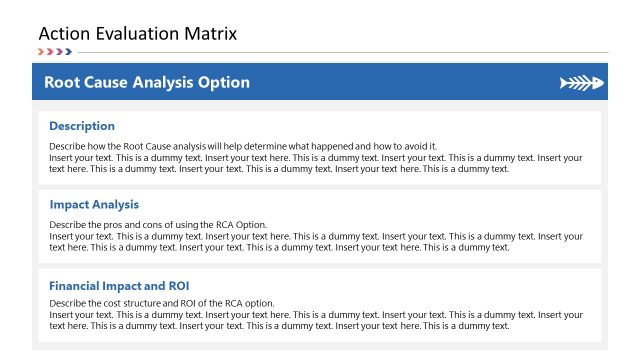
The layout features a title at the top center, labeled 'Solution Option.' Below, three sections are arranged vertically, each with a header and placeholder text. The first section is 'Description,' followed by 'Impact Analysis,' and 'Financial Impact and ROI.' Each section has a rectangular container with a light gray background. The text placeholders are aligned left within these containers. A light blue band runs across the top of the slide, providing a visual separation. An icon representing a light bulb is positioned at the top right, indicating a solution-oriented focus.
How to Use It
This layout serves as a structured approach to evaluate a specific solution option within a decision-making context. It fits well after problem identification slides, guiding the audience through the analysis of potential solutions. This format is useful in business scenarios such as project proposals, strategic planning sessions, or evaluations of alternative solutions. It allows for a clear presentation of descriptions, impacts, and financial considerations, facilitating informed decision-making.
Text Placeholders & Capacity
Keep your copy within these limits so it fits without resizing. Node body slots can accommodate roughly 30-40 words each.
| Placeholder | Count | Max characters (approx.) |
|---|---|---|
| Slide title | 1 | 30 |
| Item heading | 3 | 50 |
| Item body | 3 | 200 |
Slide Keywords
Download unlimited PowerPoint templates, charts and graphics for your presentations with our annual plan.
DOWNLOAD