Slide 4 of 7 from Action Evaluation Matrix PowerPoint Templates
Action Evaluation Matric Fix Option PowerPoint
Action Evaluation Matrix Slide Overview
- Text Layout
- Other
- Evaluation Slide
- 16:9
- 100% Editable
What’s on This Slide
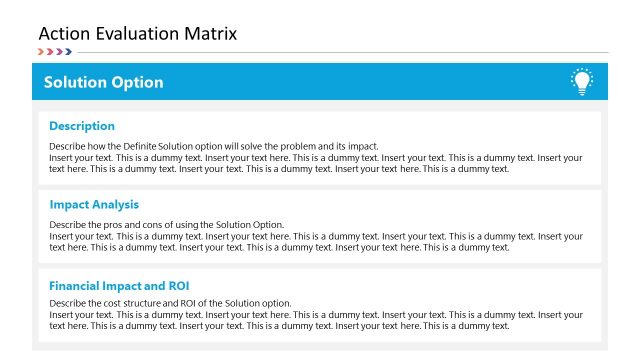
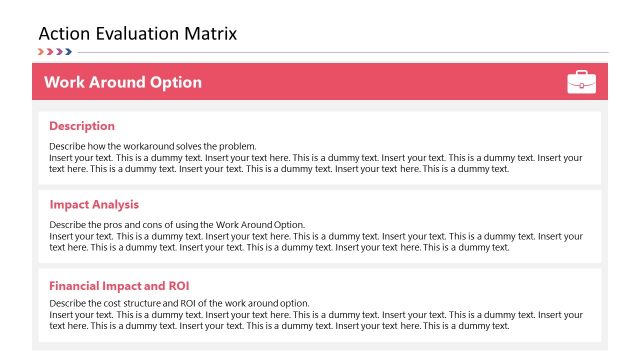
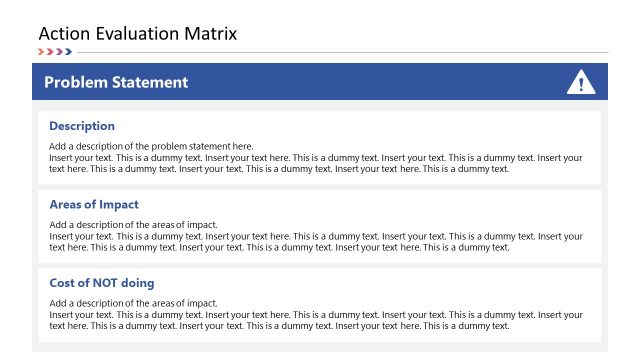
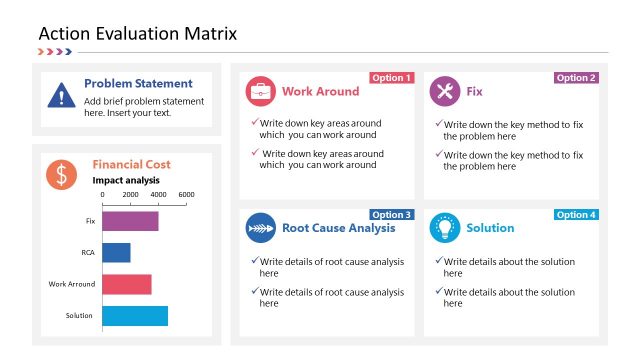
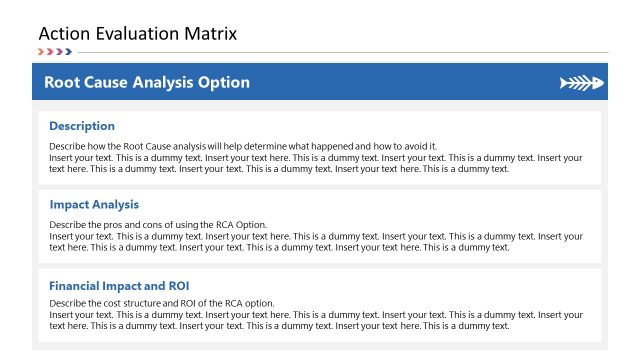
The layout features three distinct sections stacked vertically. At the top, a title box labeled 'Fix Option' is centered, with a purple background. Below, three rectangular containers are arranged in a column, each containing a heading and a placeholder for text. The first section is labeled 'Description,' the second 'Impact Analysis,' and the third 'Financial Impact and ROI.' Each section has aligned text placeholders for content, maintaining a uniform width. The overall composition is clean, with ample white space surrounding the text areas, enhancing readability.
How to Use It
This layout serves as a structured approach to evaluate different options within a decision-making context. It fits well in a presentation sequence following a problem statement slide, allowing for detailed analysis of proposed solutions. It is useful in business scenarios where options need to be compared based on their descriptions, impacts, and financial implications. This format aids in clear communication of critical information to stakeholders, facilitating informed decision-making.
Text Placeholders & Capacity
Keep your copy within these limits so it fits without resizing. Node body slots can accommodate roughly 50-60 words each.
| Placeholder | Count | Max characters (approx.) |
|---|---|---|
| Slide title | 1 | 30 |
| Item heading | 3 | 20 |
| Item body | 3 | 300 |
Slide Keywords
Download unlimited PowerPoint templates, charts and graphics for your presentations with our annual plan.
DOWNLOAD