Slide 6 of 15 from A3 Thinking PowerPoint Template
Current Condition Slide with Flowchart Diagram
Current Condition Flowchart Slide
- Diagram
- Flowchart
- Process Slide
- 16:9
- 100% Editable
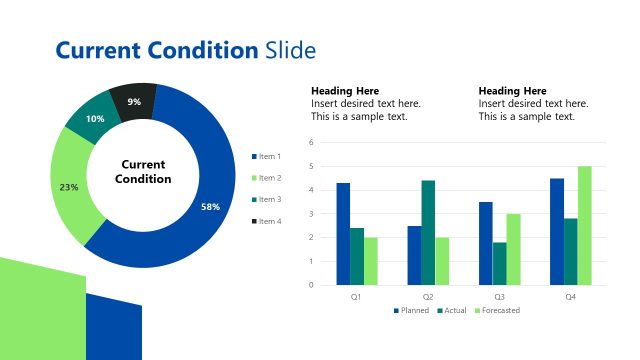
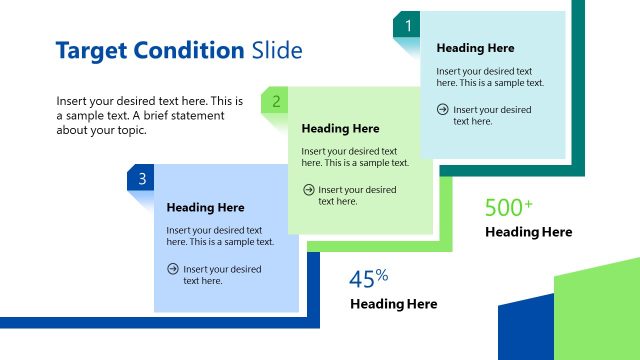
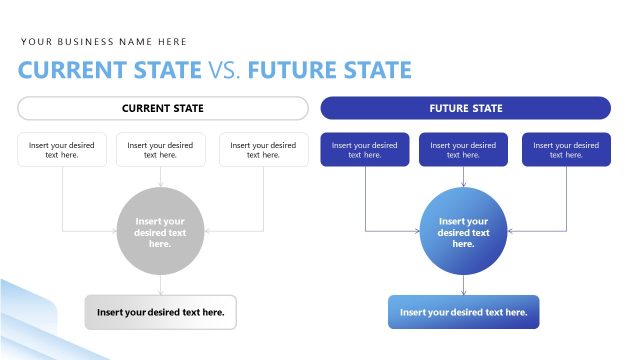
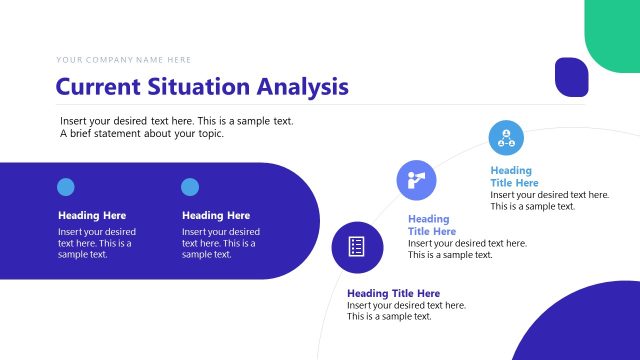
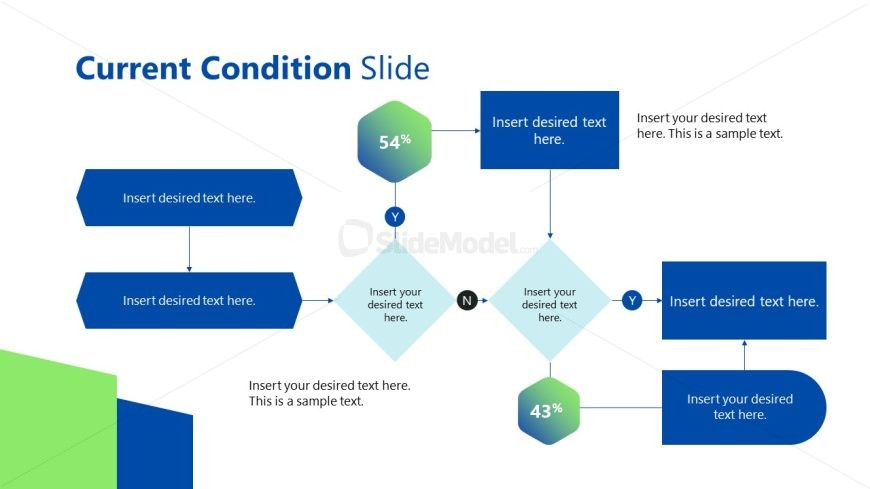
The Current Condition Flowchart slide from the A3 Thinking PowerPoint Template offers a clear visual process for decision-making and project evaluations. This slide layout utilizes editable shapes and vector icons to map out current conditions, making it suitable for business presentations and strategic planning. Its structured flowchart design supports effective communication of complex decision paths within a corporate presentation or pitch deck template.
What’s on This Slide
The layout features a flowchart with a central diamond shape indicating decision points. Two hexagonal nodes display percentages, positioned above and below the diamond. Text placeholders are aligned within rectangular shapes on the left and right, with arrows connecting the elements to indicate flow direction. The top section includes a title placeholder, while the bottom left has a larger text area for additional information. The background features a gradient with green and blue sections, creating a visually distinct boundary for the flowchart elements.
How to Use It
This layout serves as a decision-making flowchart, suitable for illustrating current conditions or processes. It fits well after problem identification slides, guiding the audience through potential outcomes based on specific conditions. This structure is useful in business contexts such as project evaluations, risk assessments, or strategic planning discussions, where clear visual representation of decision paths is essential.
Text Placeholders & Capacity
Keep your copy within these limits so it fits without resizing. Node slots can accommodate concise text, roughly 10-15 words each.
| Placeholder | Count | Max characters (approx.) |
|---|---|---|
| Slide title | 1 | 30 |
| Item body | 5 | 50 |
| Body paragraph | 2 | 100 |
Slide Keywords
Download unlimited PowerPoint templates, charts and graphics for your presentations with our annual plan.
DOWNLOADReturn to A3 Thinking PowerPoint Template.